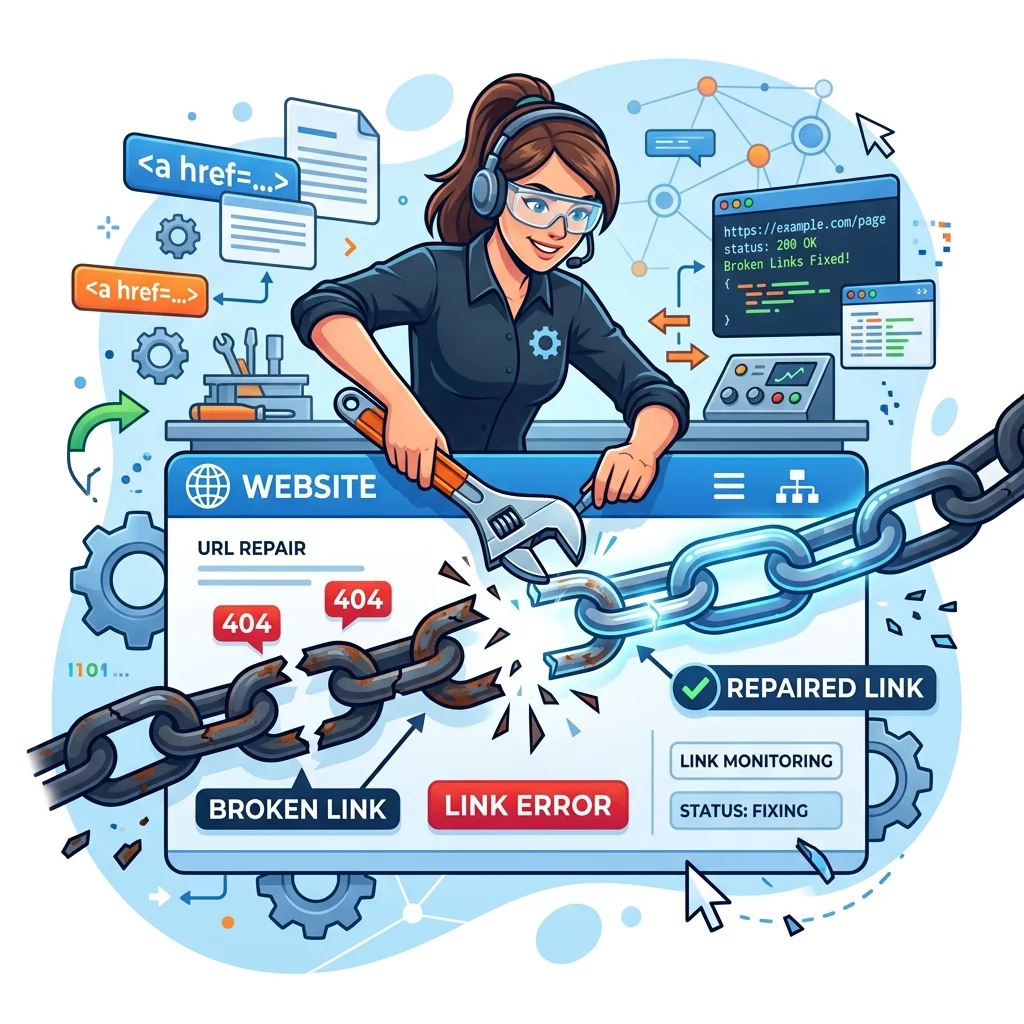
Nothing frustrates website visitors more than clicking on a link and getting an error page. Broken links make your business look unprofessional and can drive potential customers away. The good news is that finding and fixing broken links is something you can do yourself without any technical background.
In this guide, we will show you how to find broken links on your website and fix them step by step. You will learn about free tools that scan your entire website automatically and simple fixes for common link issues.
Step 1: Understand Common Types of Broken Links
Before you start fixing, it helps to know what you are looking for. The most common types of broken links are 404 errors where the page no longer exists, connection timeouts when the server is too slow to respond, and invalid URLs where the web address was typed incorrectly.
A 404 error is the most common issue. This happens when you delete a page but still have links pointing to it. Connection timeouts usually indicate a problem with your web hosting server. Invalid URLs often come from copy-paste errors when someone typed a web address manually.
Step 2: Scan Your Website for Broken Links
There are free tools that can scan your entire website and find every broken link within minutes. One of the best is Google Search Console, which is free for all website owners. Sign up at search.google.com/search-console, verify your website ownership, then look at the Index coverage report for any crawl errors.
Another excellent free tool is W3C Link Checker. Simply enter your website URL and it will crawl through every page and report all broken links it finds. For WordPress websites, plugins like WP Broken Link Status Checker can do this automatically and even help you fix links without leaving your dashboard.
Step 3: Fix 404 Errors by Redirecting Old Pages
When a page has been deleted but other pages still link to it, the best solution is to set up a redirect. This automatically sends visitors from the old broken URL to a working page on your website.
If you use WordPress, plugins like Redirection make this easy. Just enter the old broken URL and the new working URL, and the plugin handles the rest automatically. For non-WordPress websites, you can usually set up redirects in your .htaccess file or through your web hosting control panel.
Step 4: Fix Links Pointing to the Wrong Destination
Sometimes a link works but goes to the wrong page. This often happens when you reorganize your website and forget to update all the links that pointed to old page locations. Use your link scanner to find these misleading links and update them to point to the correct pages.
Create a list of all the incorrect links found by your scanner, then go through each one and update the URL to the correct destination. This is tedious but important for providing a good user experience.
Step 5: Replace Dead External Links
External links can break when the other website goes offline or changes their page structure. If your scanner finds links to external websites that no longer exist, you have a few options. First, check if the website has moved to a new address by searching for the company or organization name.
If the external website no longer exists, look for an archived version using the Internet Archive at archive.org. If you cannot find any replacement, consider finding a similar resource that provides the same useful information for your visitors, then update the link to point to that instead.
Step 6: Set Up Regular Link Checking
Broken links tend to accumulate over time as you update your website, delete pages, or link to external resources that change. Rather than doing a big fix every few months, set up automatic link checking to catch problems early.
Schedule a monthly scan of your website using your preferred link checker tool. Many tools can send you email alerts when new broken links are detected. This way you can fix issues promptly and never let broken links stay on your website for long.
Conclusion
Broken links harm your website in multiple ways. They frustrate visitors, damage your professional image, and can even affect your search engine rankings. The good news is that with regular maintenance and the free tools available, you can keep your website free of broken links without spending money on expensive services.
Make link checking a regular habit - ideally once per month. This small maintenance task goes a long way in keeping your website professional and user-friendly. Your visitors will appreciate being able to find the information they need without hitting dead ends.