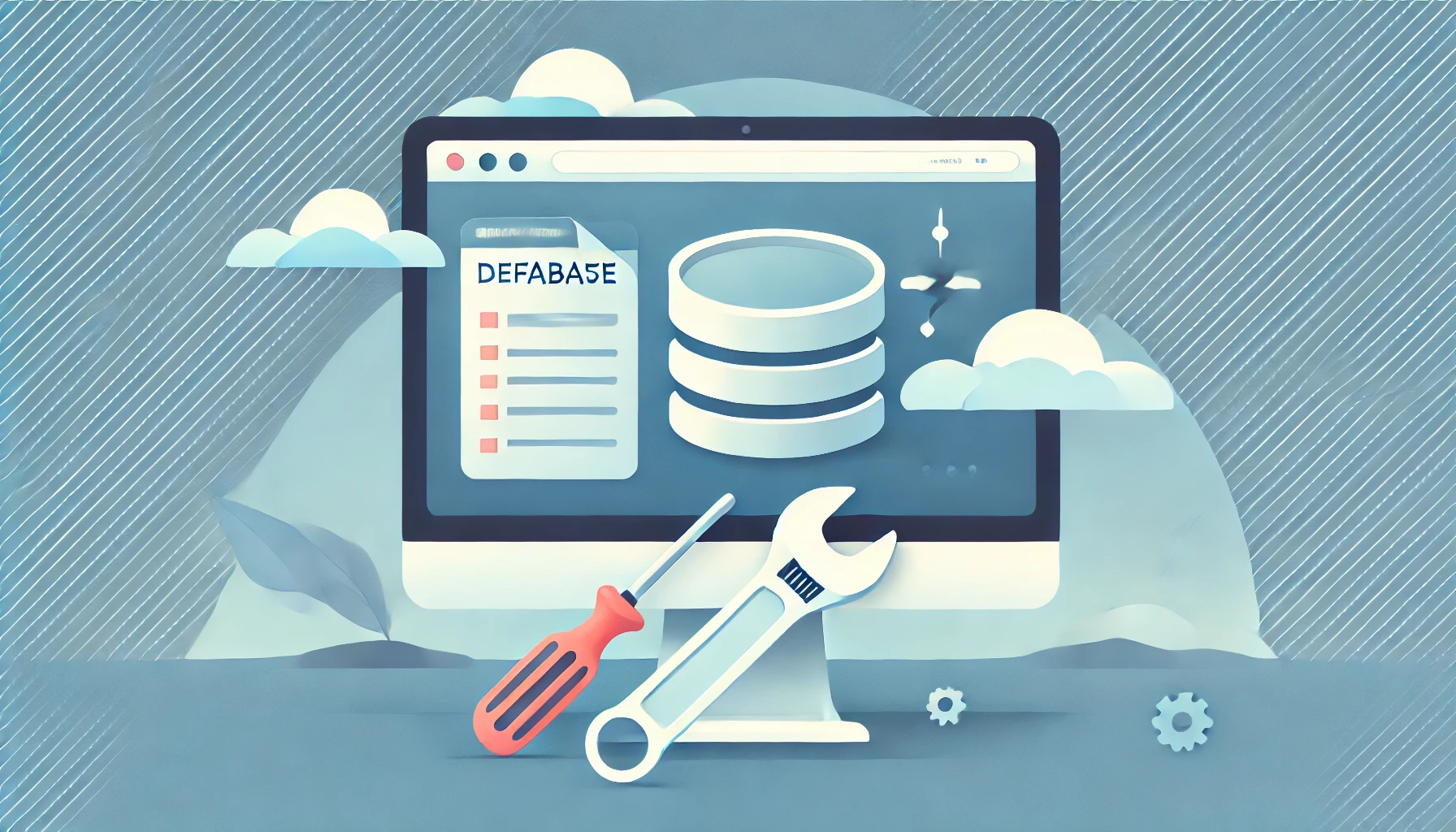
Database connection errors can cause major disruptions to your website's functionality. This guide will help you understand what causes these errors and provide actionable steps to resolve them effectively.
Common Causes of Database Connection Errors
- Incorrect Database Credentials: A mismatch in your database username, password, or hostname can block access.
- Server Issues: Overloaded or unresponsive servers can lead to connection problems.
- Corrupt Database: Tables in your database may become corrupt due to failed updates or software glitches.
- Exceeding Database Limits: Shared hosting plans often have resource limits that, when exceeded, can trigger connection errors.
Steps to Fix Database Connection Errors
1. Verify Your Database Credentials
Check the database configuration file (e.g., wp-config.php for WordPress) to ensure the credentials match those provided by your hosting provider. Update them if needed.
2. Test Database Connectivity
Use a database management tool like phpMyAdmin or a command-line interface to test whether the database can be accessed with the current credentials.
3. Repair Corrupt Database Tables
Many CMS platforms, including WordPress, offer tools to repair database tables. For example, add define('WP_ALLOW_REPAIR', true); to your wp-config.php file and navigate to yourwebsite.com/wp-admin/maint/repair.php.
4. Check Server Status
Ensure your web server is running smoothly. Restart it if necessary and check for any error logs that might point to the issue.
5. Optimize and Backup Your Database
Regularly optimize your database to prevent future errors. Tools like phpMyAdmin or hosting dashboards can assist with this. Always create backups before making major changes.
Conclusion
Database connection errors can be daunting, but with the right approach, they can be resolved quickly. If you need expert assistance, WebCareSG is here to help. Contact us today to ensure your website runs flawlessly!