Introduction
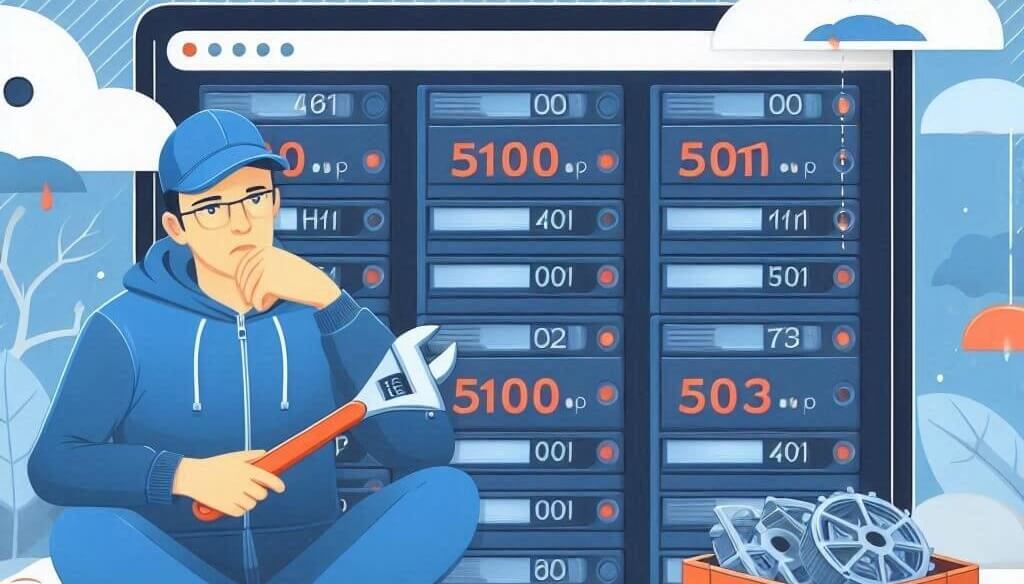
When your website shows a 500, 502, or 503 error, it can be frustrating for both you and your visitors. These errors indicate server-side problems that may require troubleshooting at different levels.
Understanding Each Error Code
- 500 Internal Server Error: A general server issue, often caused by misconfigurations, corrupt files, or script errors.
- 502 Bad Gateway: Occurs when the server acts as a gateway and receives an invalid response.
- 503 Service Unavailable: Happens when the server is overloaded or undergoing maintenance.
Step 1: Check Your Server Status
Ensure that your web hosting provider is operational. You can:
- Check your hosting provider’s status page.
- Use downforeveryoneorjustme.com to see if the issue is global.
- Use SSH or cPanel to check server uptime.
Step 2: Check Error Logs
Finding the root cause requires checking server logs:
- cPanel: Go to cPanel > Metrics > Errors to view error logs.
- SSH: Run:
tail -f /var/log/apache2/error.log(Apache) ortail -f /var/log/nginx/error.log(Nginx).
Step 3: Fix File and Permission Issues
Corrupt .htaccess files or incorrect permissions may cause 500 errors. To fix:
- Rename .htaccess:
mv .htaccess .htaccess_backup - Set correct file permissions:
find /yourwebsite -type f -exec chmod 644 {} \;
Step 4: Restart Server Services
If you have VPS or Dedicated Hosting, restart services:
- Apache restart:
systemctl restart apache2 - Nginx restart:
systemctl restart nginx
For cPanel:
- Go to cPanel > Restart Services and restart Apache.
Step 5: Fix High Server Load (For 503 Errors)
A 503 error often means your server is overloaded. Try:
- Reduce high PHP usage by disabling unnecessary plugins.
- Upgrade to a larger hosting plan if traffic spikes are common.
Step 6: Check CDN and Firewall Settings
CDN or firewall misconfigurations can cause 502 errors:
- Disable Cloudflare temporarily and check.
- Adjust firewall rules to allow legitimate traffic.
Conclusion
By following these steps, you can identify and resolve common server errors efficiently. If issues persist, consider contacting WebCareSG for further assistance.