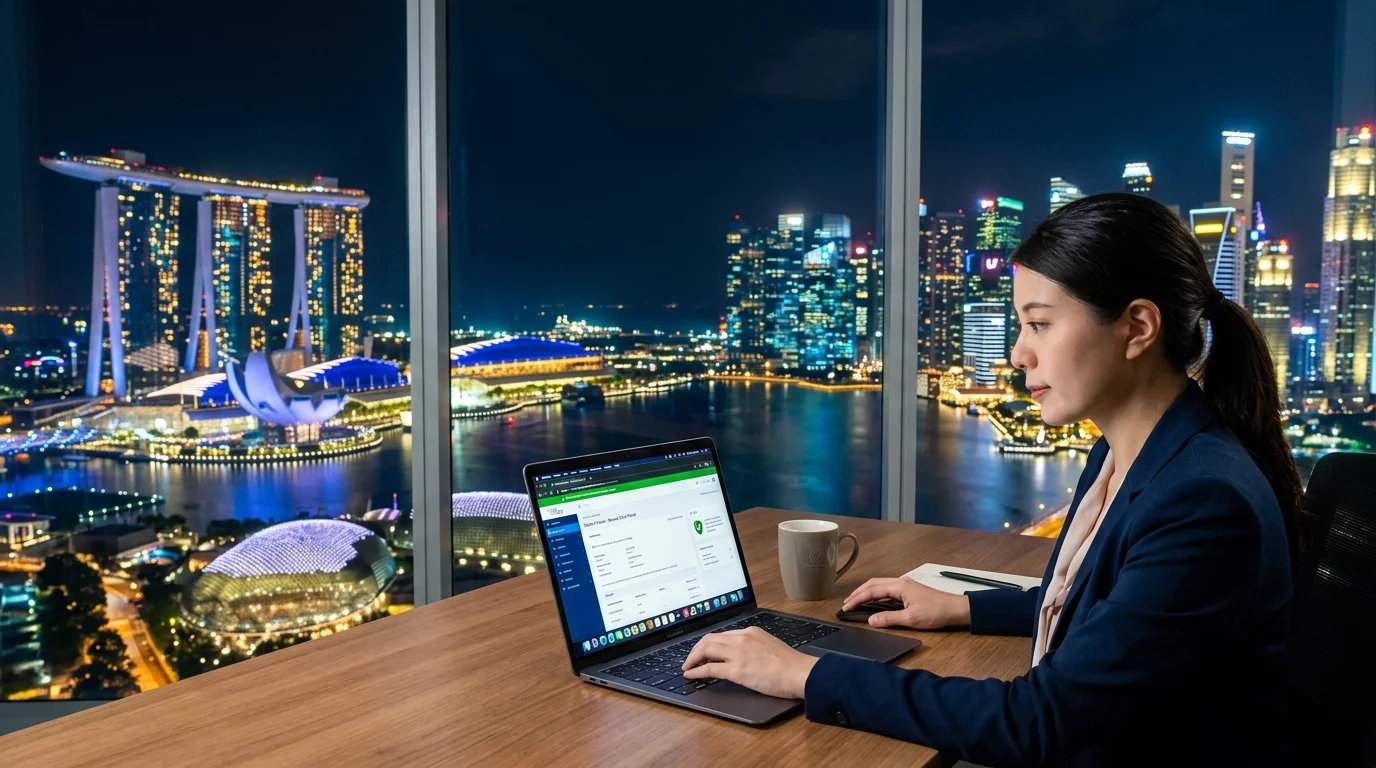
Imagine visiting a website and seeing a big red warning that says "Not Secure" — would you trust that business with your personal information? Probably not. That's exactly why SSL certificates matter, especially for Singapore websites where customers are increasingly savvy about online security.
What Is an SSL Certificate?
SSL (Secure Sockets Layer) is a security technology that creates an encrypted connection between your web browser and the website server. When a website has an SSL certificate, you'll see:
- A padlock icon in the browser address bar
- The letters "HTTPS" instead of "HTTP" at the start of the URL
- Sometimes a green address bar for extended validation certificates
This encryption protects sensitive information like passwords, credit card numbers, and personal data from being intercepted by hackers.
How to Check If Your Website Has an SSL Certificate
Step 1: Open your website in Chrome, Firefox, or any browser
Step 2: Look at the address bar — if you see a padlock icon and "HTTPS" at the beginning, your site is secure
Step 3: If you see "Not Secure" or a warning triangle, your site needs an SSL certificate immediately
How to Fix "Not Secure" Warning on Your Website
Step 1: Contact Your Web Hosting Provider
Most Singapore web hosts like Exabytes, Vodien, or StarHub Hosting offer free SSL certificates through Let's Encrypt. Log into your hosting account and look for "SSL/TLS" or "Security" settings.
Step 2: Enable Auto-SSL or Let's Encrypt
In your hosting control panel (cPanel, Plesk, or custom dashboard), find the SSL section and enable "AutoSSL" or "Let's Encrypt." This automatically provisions and renews certificates for free.
Step 3: Update Your Website URLs
After enabling SSL, go to your website settings and change all "http://" links to "https://". If you use WordPress, go to Settings → General and update your WordPress Address and Site Address to use HTTPS.
Step 4: Set Up a 301 Redirect (Important!)
You need to redirect all HTTP traffic to HTTPS so visitors automatically land on the secure version. In your .htaccess file (found in your website root folder), add these lines:
<IfModule mod_rewrite.c>
  RewriteEngine On
  RewriteCond %{HTTPS} off
  RewriteRule ^(.*)$ https://%{HTTP_HOST}%{REQUEST_URI} [L,R=301]
</IfModule>
Save the file and test by typing your old HTTP URL — it should automatically redirect to HTTPS.
Common SSL Certificate Errors and How to Fix Them
Error: "Certificate Expired"
Let's Encrypt certificates expire every 90 days. Most hosts auto-renew, but if yours doesn't, log into your hosting account and look for "SSL Certificates" or "AutoSSL" to renew manually.
Error: "Mixed Content Warning"
This happens when your page loads both secure (HTTPS) and non-secure (HTTP) elements like images or scripts. Open your website, right-click, select "Inspect," then click the "Console" tab. Look for warnings marked "Mixed Content." Update those URLs to HTTPS.
Error: "SSL Certificate Mismatch"
This means the certificate doesn't match your domain name. Make sure you installed the certificate for the correct domain (www and non-www versions). You may need to request a re-issue of your certificate with both domain variations.
Types of SSL Certificates Available
For most Singapore business websites, you have three options:
1. Free SSL (Let's Encrypt) — Good for blogs, portfolio sites, and small businesses. Provides basic encryption.
2. Paid SSL (Comodo, Thawte, GeoTrust) — S$100-S$500/year. Includes warranty protection and better trust indicators. Recommended for e-commerce sites.
3. Extended Validation (EV) SSL — S$800-S$2000/year. Turns your address bar green and shows your company name. Best for large e-commerce platforms handling sensitive transactions.
Why Singapore Websites Must Have SSL in 2026
Google Chrome marks all HTTP sites as "Not Secure" by default, which kills visitor trust instantly. Beyond that:
- Singapore's Personal Data Protection Act (PDPA) requires reasonable security measures — SSL helps compliance
- Google gives ranking preference to HTTPS websites in search results
- E-commerce platforms on Shopify, WooCommerce, or similar need SSL to accept payments
- Singapore visitors are increasingly security-aware and will leave non-secure sites
If you're running an online store, corporate website, or any site collecting visitor data, SSL isn't optional — it's essential. Your web host can typically set this up within an hour, and for most sites, it's completely free.
If you encounter SSL certificate errors that you can't resolve on your own, or if your hosting provider isn't responsive, the team at WebCare can help diagnose and fix these issues. They specialise in troubleshooting website problems for Singapore business owners and can typically resolve SSL issues within the same business day.