Running an online store in Singapore is exciting, but it comes with serious responsibilities. When customers trust you with their personal information, payment details, and hard-earned money, they expect you to keep that data safe. Unfortunately, e-commerce websites are constant targets for hackers, scammers, and cybercriminals who are always looking for weaknesses to exploit. A single security breach can destroy your reputation, cost you thousands of dollars, and even lead to legal trouble under Singapore's PDPA laws. The good news is that you do not need to be a technical expert to lock down your online store. This guide gives you a complete, step-by-step security checklist that any Singapore business owner can follow right now.
Why E-Commerce Security Matters More Than Ever in Singapore
Singapore has one of the highest internet penetration rates in Asia, and online shopping has grown dramatically over the past few years. This growth has attracted cybercriminals who target online stores because they know that many small business owners do not have dedicated IT teams or security expertise. According to the Cyber Security Agency of Singapore, local businesses are increasingly targeted by phishing attacks, ransomware, and payment fraud. Beyond external threats, Singapore's Personal Data Protection Act (PDPA) requires all businesses that collect customer information to maintain reasonable security measures. If your e-commerce site gets hacked and customer data is compromised, you could face fines of up to S$1 million under PDPA. Beyond legal penalties, the damage to your brand reputation can be irreversible. Customers who have bad experiences with security breaches rarely return, and they often tell others about their negative experiences. The cost of recovering from a security incident far outweighs the cost of preventing one in the first place.
Step 1: Use Strong and Unique Passwords for Everything
The most basic security measure is also the one most often neglected. Weak passwords are the entry point for the majority of account compromises. Every account associated with your e-commerce business should have a strong, unique password. This includes your store admin panel, hosting control panel, email accounts, payment processor logins, and any third-party integrations. A strong password should be at least 12 characters long and include a mix of uppercase letters, lowercase letters, numbers, and special characters. Avoid using dictionary words, personal information like your birthday or business name, and especially avoid using the same password across multiple accounts. If one account gets compromised and you have reused passwords, every other account using that same password becomes vulnerable. Use a password manager like 1Password, Bitwarden, or LastPass to generate and store unique passwords for each account. These tools can also alert you if any of your accounts appear in known data breaches. Enable two-factor authentication (2FA) wherever possible, especially for your admin panel and email accounts. Even if someone manages to guess your password, 2FA creates an additional barrier that blocks unauthorized access.
Step 2: Keep Your Platform, Plugins, and Themes Updated
Outdated software is one of the most common ways hackers gain access to websites. E-commerce platforms like Shopify, WooCommerce, and Magento regularly release updates that patch security vulnerabilities. Hackers actively scan for websites running older versions because they know exactly which vulnerabilities those versions have. Every time you delay an update, you are leaving a known door open for attackers. Set up automatic updates for your platform and any third-party plugins or themes you use. If you are using a self-hosted solution like WooCommerce on WordPress, enable automatic updates for both WordPress core and all plugins. Check weekly for new updates and apply them as soon as possible. Before updating plugins or themes on a live site, test them in a staging environment first to ensure they do not break your store functionality. Keep an inventory of all plugins and themes you use, and remove any that are no longer actively maintained or updated by their developers. Abandoned plugins are a significant security risk because their vulnerabilities never get patched.
Step 3: Install an SSL Certificate and Enforce HTTPS
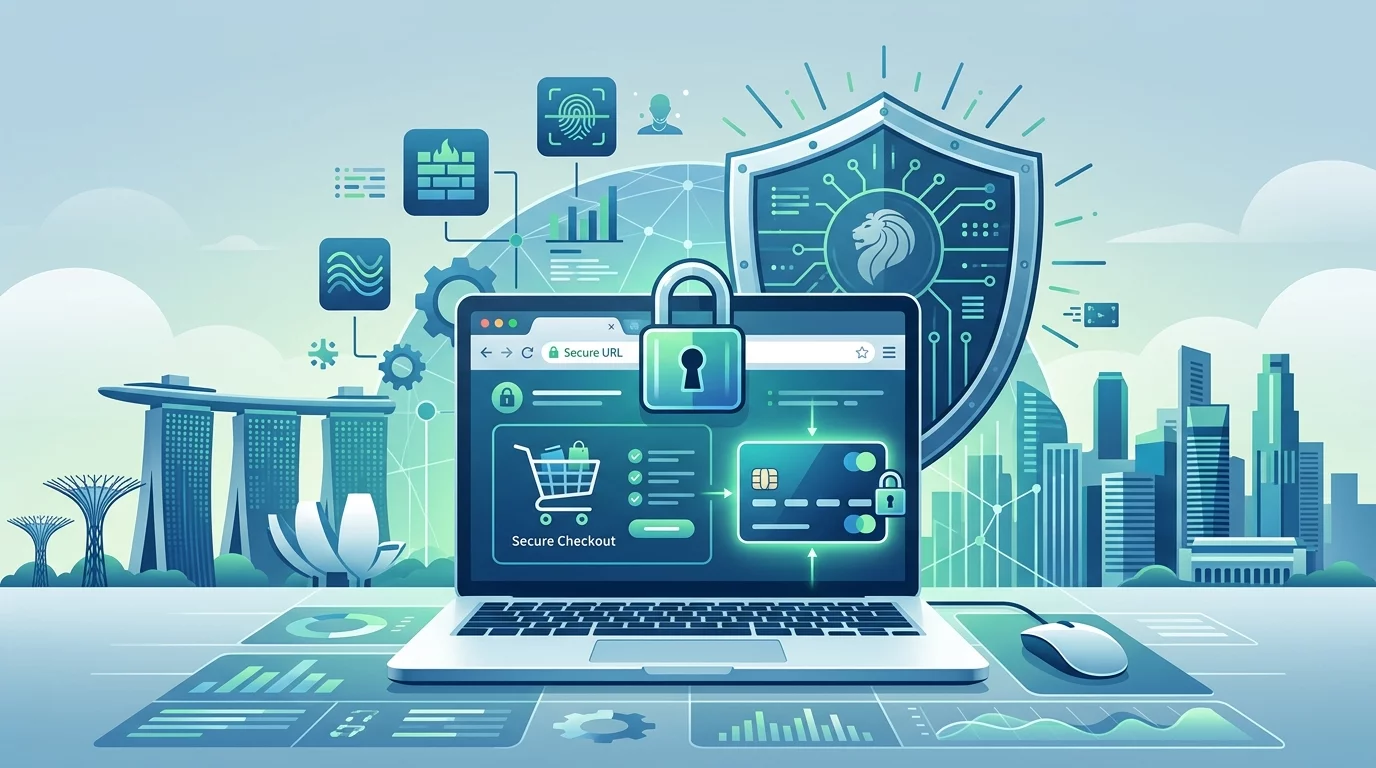
SSL (Secure Sockets Layer) encrypts the data passing between your website and your customers, preventing eavesdroppers from intercepting sensitive information like passwords and credit card numbers. Every e-commerce site absolutely must have SSL encryption enabled. You can tell if SSL is active by looking for the padlock icon in the browser address bar and the "https://" prefix in your website URL. Most hosting providers offer free SSL certificates through Let's Encrypt, and many Singapore web hosts include this as a standard feature. Once SSL is installed, configure your site to automatically redirect all HTTP requests to HTTPS. This ensures that visitors always land on the secure version of your site, even if they type the address manually. In your hosting control panel or via your e-commerce platform settings, look for the option to force HTTPS or enable HSTS (HTTP Strict Transport Security). HSTS tells browsers to only connect to your site using HTTPS, providing additional protection against downgrade attacks and cookie theft.
Step 4: Use Reputable Payment Gateways
Never store credit card details on your own servers. This is both a security best practice and a requirement for PCI DSS (Payment Card Industry Data Security Standard) compliance. Use established payment gateways like Stripe, PayPal, or the payment processors supported by your e-commerce platform. These providers handle the heavy lifting of securing payment data, and they have already undergone rigorous security audits to meet PCI compliance standards. When customers make a purchase, they are redirected to the payment processor's secure page to enter their card details. Your site never sees or stores the actual credit card numbers, dramatically reducing your liability and security risk. For Singapore businesses, consider local payment options like PayNow integration or GrabPay if your target customers prefer these methods. Review your payment processor settings regularly and enable fraud detection features they offer. Most payment gateways provide dashboards where you can monitor transactions and flag suspicious activity in real time.
Step 5: Limit Login Attempts and Use Brute Force Protection
Automated brute force attacks are one of the most common ways hackers try to break into e-commerce admin panels. These attacks use software that systematically tries thousands of username and password combinations until it finds one that works. By default, many platforms allow unlimited login attempts, making them highly vulnerable to these attacks. Configure your e-commerce platform to limit login attempts to 3 to 5 failed attempts before the account is temporarily locked. Add CAPTCHA challenges after failed login attempts to further slow down automated attacks. Implement two-factor authentication as an additional layer of protection for all admin accounts. Consider using security plugins or services that automatically block IP addresses showing suspicious login patterns. Many Singapore hosting providers offer built-in firewall protection that can detect and block brute force attacks before they reach your website. If you self-host your store, consider using a service like Cloudflare to add an additional layer of protection at the network edge.
Step 6: Regular Backups Are Non-Negotiable
No matter how careful you are with security, things can still go wrong. Regular backups are your safety net that allows you to quickly recover from attacks, technical failures, or even accidental data loss. Configure your e-commerce platform or hosting environment to automatically back up your entire site at least once daily, and ideally more frequently for high-volume stores. Your backups should include your database, files, images, and all site content. Store backups in multiple locations for redundancy. Keep daily backups for the past week, weekly backups for the past month, and monthly backups for the past several months. One backup should be stored completely offline or in a different cloud service that is not connected to your main hosting account. This protects your backups even if your main hosting account is compromised. Test your backup restoration process regularly. A backup that cannot be restored is useless, so schedule quarterly tests where you actually go through the restoration process in a staging environment to make sure everything works correctly.
Step 7: Monitor Your Site for Suspicious Activity
Early detection is critical for minimizing the impact of a security breach. Set up monitoring tools that alert you to suspicious activity on your e-commerce site. Most hosting providers offer some form of server monitoring, but for your e-commerce store specifically, consider using services like Sucuri, Wordfence, or Cloudflare that provide website-level security monitoring. Monitor your access logs regularly for unfamiliar IP addresses, unusual admin behavior, or patterns that suggest automated attacks. Set up alerts for multiple failed login attempts, modifications to admin accounts, changes to critical files, and new file installations. For WooCommerce or Shopify stores, enable order anomaly alerts that flag unusual purchasing patterns that might indicate fraud. Review your error logs to identify potential attack attempts. Many hacking attempts leave traces in error logs as attackers probe for vulnerabilities. Set up email or SMS alerts for critical security events so you can respond immediately, even when you are not actively monitoring your dashboard.
Step 8: Secure Your Admin Panel and Admin Accounts
Your e-commerce admin panel is the most valuable target for hackers. Protecting it starts with changing the default admin URL if your platform uses one. For example, WordPress websites default to using "/wp-admin" as the login URL, which hackers know and target directly. Change this to a custom URL that only you know. Rename the default administrator account from "admin" to something unique. Create a separate admin account for everyday content management tasks, and only use the highest-privilege admin account when absolutely necessary for system changes. Use role-based access control to give your team members only the permissions they actually need to do their jobs. If someone only needs to update product descriptions, they do not need access to payment settings or customer data. Review admin accounts quarterly and remove access for any team members who have left or changed roles. Implement IP address restrictions for your admin panel if your team members consistently access the site from fixed locations. Many security plugins and hosting providers offer options to restrict admin access to specific IP addresses or ranges.
Step 9: Protect Against Malware and Injection Attacks
Malware and injection attacks are techniques hackers use to inject malicious code into your website. This code can steal customer data, redirect visitors to fake websites, or use your site as a launchpad for attacking other sites. Prevent these attacks by validating and sanitizing all user input on your site. Any form field, URL parameter, or data that users can control should be validated before processing. Use prepared statements or parameterized queries for all database operations to prevent SQL injection attacks. For WordPress sites, use security plugins like Wordfence or Sucuri that include malware scanning and firewall protection. These plugins can detect known malware signatures, suspicious file modifications, and actively block injection attack attempts. Keep your firewall rules updated. Many security services automatically update their threat intelligence to protect against newly discovered attack patterns. If your security plugin offers a web application firewall (WAF), enable it. A WAF sits in front of your website and filters out malicious traffic before it even reaches your server.
Step 10: Document Your Security Procedures
Creating documented security procedures ensures that security best practices are followed consistently, even when you are busy or when team members change. Write down your login procedures, including how passwords are generated and where they are stored. Document your update process, including how and when to apply updates to the platform, plugins, and themes. Create an incident response plan that outlines exactly what to do if you discover a breach. This should include steps for isolating affected systems, assessing the scope of the breach, notifying affected customers, and reporting to authorities if required under PDPA. Include contact information for your hosting provider, payment processor, and any security service providers in your documentation. Make this documentation accessible to all team members who have any administrative responsibilities. Review and update your security documentation at least twice per year, or immediately after any security incident or significant change to your e-commerce setup.
Securing your e-commerce website is not a one-time task. It is an ongoing process that requires regular attention and maintenance. By following this checklist and making security a consistent part of your business operations, you dramatically reduce the risk of a devastating breach. Your customers trust you with their most sensitive information. That trust is your most valuable business asset, and protecting it should be a top priority every single day. If you still need help, feel free to contact us at https://webcare.sg/contact for a free website health check.