The Power of "Micro-Copy": Small Words That Make a Big Difference
What is Micro-Copy?
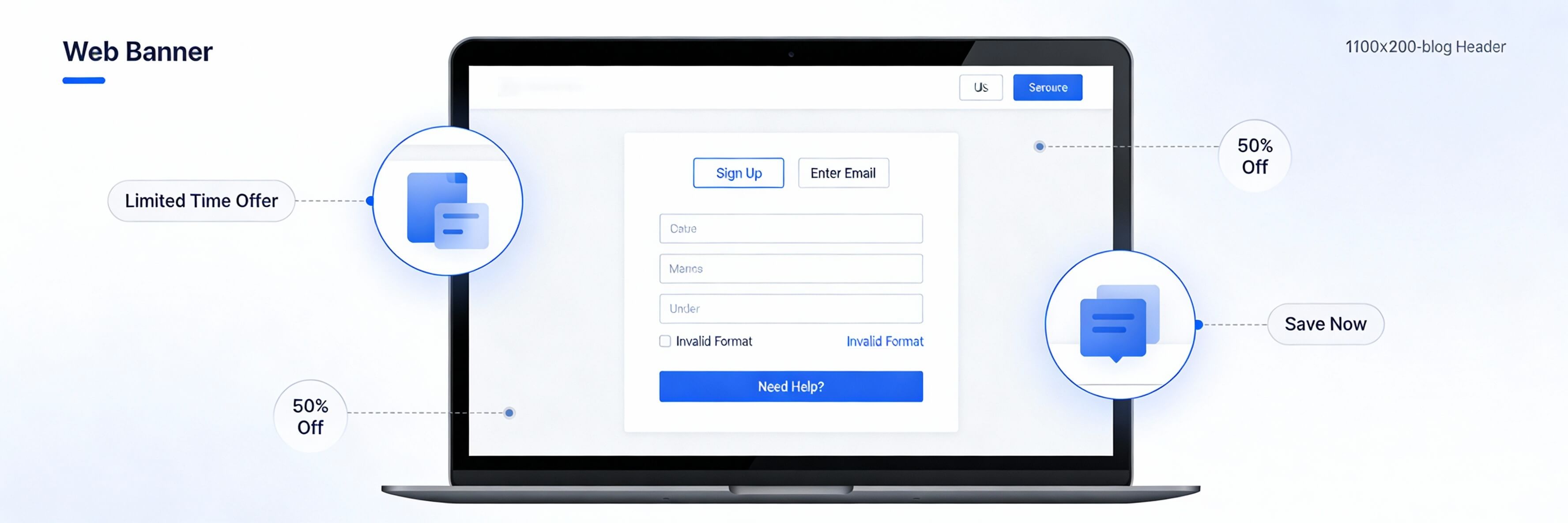
Micro-copy refers to the tiny snippets of text found on websites: button labels, form field placeholders, error messages, and even the small "disclaimer" text under a signup box. While they may seem insignificant, these small words do the heavy lifting when it comes to guiding a user through a transaction. Poor micro-copy can lead to confusion and high abandonment rates, often mistaken for poor seo optimization issues. This guide explains how to master the art of small talk on your website.
Step 1: Transforming Generic Buttons into Actionable CTAs
Buttons like "Submit" or "Click Here" are cold and uninspiring. Effective micro-copy tells the user exactly what happens next, reducing the "click anxiety" that prevents conversions.
- Focus on the Value: Instead of "Download," use "Get My Free Ebook."
- Use First-Person Language: Phrases like "Start My Free Trial" often perform better than "Start Your Free Trial."
- Check for Mobile Clarity: Ensure buttons are large enough and text is clear on small screens. If buttons are overlapping, you must how to fix poor mobile responsiveness.
Step 2: Reducing Friction in Contact Forms
Forms are often the highest point of friction on a website. Micro-copy can act as a digital hand-hold, encouraging the user to finish the process.
- Placeholder Text: Use placeholders to show the expected format (e.g., "e.g., [email protected]").
- Reassurance Labels: Adding a small note like "We promise not to spam you" under an email field can drastically increase sign-ups.
- Error Prevention: If a user hits an error, make sure the message is helpful, not robotic. If your forms are failing technically, you may need to fix wordpress publishing errors.
Step 3: Turning 404 Pages into Opportunities
A standard 404 "Page Not Found" error is a dead end that causes users to leave your site. Creative micro-copy can turn this frustration into a positive brand moment.
- Inject Personality: Use a lighthearted message to apologize for the broken link.
- Provide a Way Out: Include a search bar or links to your most popular content. This helps reduce bounce rate even when something goes wrong.
- Maintenance Check: If you have too many 404s, you need to identify and fix broken internal links to protect your SEO.
Step 4: Micro-Copy and Brand Trust
Consistency in your micro-copy builds a cohesive brand voice. Whether you are professional or playful, that voice should be present in every corner of the site. This is a subtle but powerful part of building brand authority.
- Tooltips: Use small "?" icons with hover text to explain technical terms.
- Confirmation Messages: After a purchase or sign-up, use a warm "Success! You''re in!" instead of "Transaction Complete."
- Author Citations: Even the way you phrase "Written by [Name]" contributes to your site''s E-E-A-T. Review how this impacts Google AI Overviews.
Step 5: Testing and Iterating
Micro-copy is the perfect candidate for A/B testing. Sometimes changing a single word on a button can increase conversions by 20% or more.
- Check Your Analytics: If users are dropping off at a specific form field, the label might be confusing.
- Speed Impact: While text is light, the plugins used to manage CTAs shouldn''t slow you down. Always speed up your site for the best results.
- Regular Audits: Make micro-copy review a part of your weekly website health check.
Micro-copy may be small, but its impact on your bottom line is massive. It is the difference between a user feeling confused and a user feeling confident. If your website is technically sound but failing to convert, the problem might be in the small details. WebCare SG can help you with a full UX and copy audit to find those hidden friction points. Contact us today to turn your small words into big results.
Related WebCare Solutions
Why Your Website Needs to be Accessible (It's More Than Just a Trend)
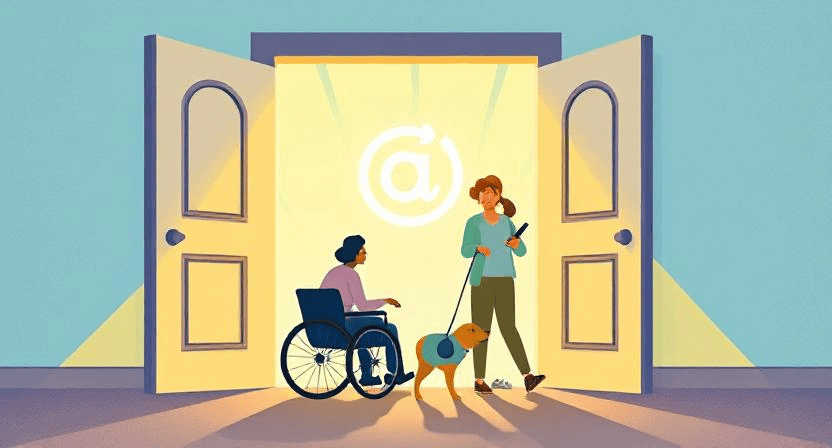
Web accessibility is no longer optional. Learn why making your website usable for people with disabilities expands your audience, enhances your brand's reputation, and even boosts your SEO. Get a simple checklist to start making your site inclusive today.
How to Properly Install Facebook Pixel on WordPress
Learn the best ways to install the Facebook (Meta) Pixel on your WordPress site in 2024, covering both manual code insertion and popular plugin methods. Crucially, discover how to avoid common pitfalls like duplicate pixel fires for accurate data.

Understanding SSL Certificates: How to Choose the Right One for Your Website
Learn about SSL certificates, their importance for website security and SEO, and how to choose the right type for your website needs.
Ready to get started?
Focus on your business while we fix your website. Contact WebCareSG today for fast, reliable solutions!
Whatsapp us on