Managing a business website can feel like a full-time job. Between updating content, monitoring performance, and fixing technical issues, many Singapore business owners find themselves spending more time on website maintenance than actually running their business. The good news? AI automation tools can handle most of this work for you, freeing up your time to focus on what matters most.
What Is AI Website Automation?
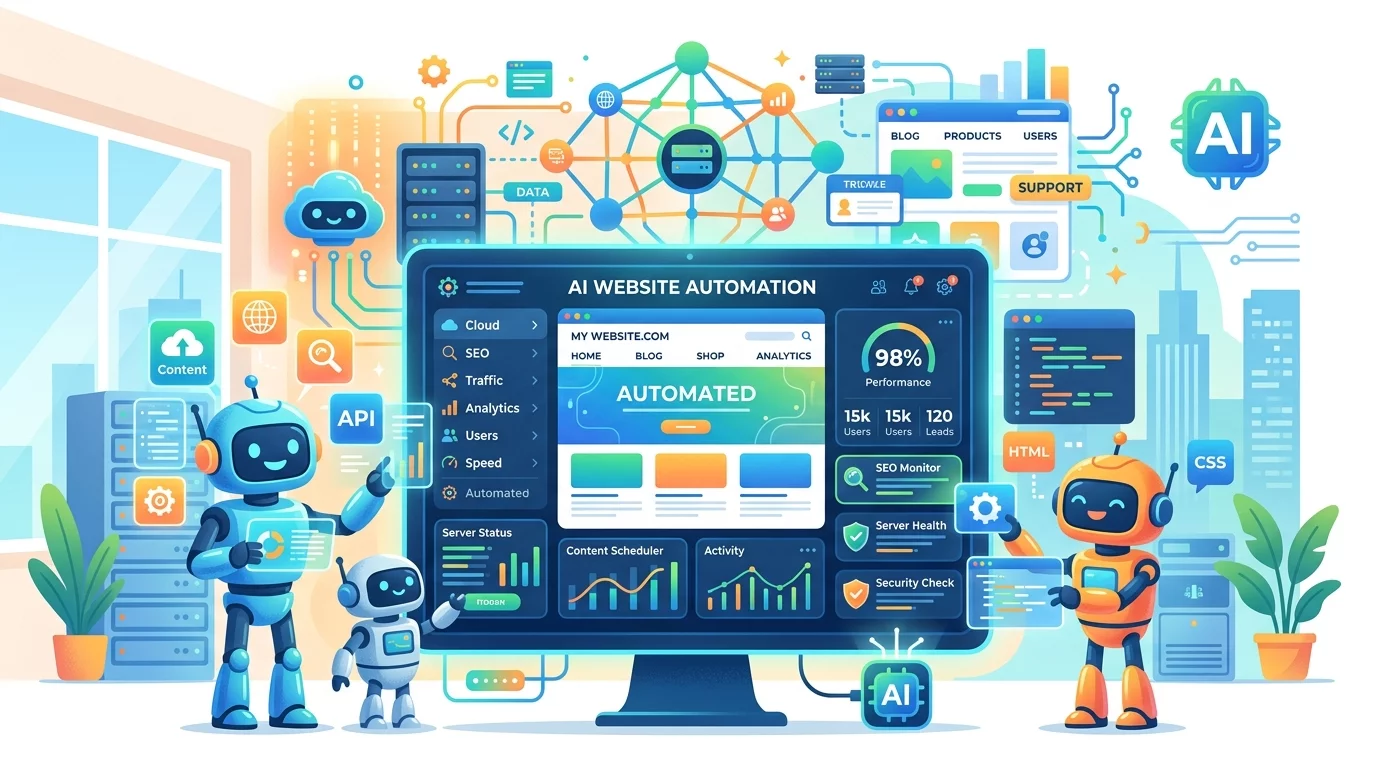
AI website automation uses artificial intelligence tools to handle repetitive tasks that would normally require manual effort. These tools can monitor your website, fix common problems, update content, and even generate reports — all without you lifting a finger. For busy business owners, this means fewer headaches and more time to serve customers.
Step 1: Set Up AI Monitoring Tools
The first thing you want to do is let AI watch your website 24/7. Tools like UptimeRobot or Pingdom can automatically check your site every minute and alert you the moment something goes wrong. Simply create a free account, add your website URL, and set your notification preferences. You will receive an email or SMS if your site goes down, so you can fix issues before customers notice.
For more advanced monitoring, consider using Google Analytics with AI-powered insights. It can detect unusual traffic patterns, identify which pages are performing well, and suggest improvements. The setup takes less than 10 minutes — just install the tracking code on your site and let the AI learn your traffic patterns over a week or two.
Step 2: Automate Content Updates with AI Writers
If you struggle to keep your blog or news section fresh, AI writing tools can help. Platforms like Copy.ai or Jasper can generate product descriptions, blog post outlines, and social media captions based on simple prompts. You do not need to be a tech expert — just describe what you need in plain English.
For example, if you run a bakery and want to promote a new cake, you can ask the AI to write three social media posts announcing the launch. The tool will generate options in seconds, and you just pick the one you like best, make any tweaks needed, and post it directly to your site or social channels.
Step 3: Use Chatbots for Customer Service
One of the biggest time sinks for business owners is answering the same questions over and over. AI chatbots like Tidio, Intercom, or even WhatsApp Business can handle this for you. They can answer common questions, guide customers through your product catalog, and collect contact information for follow-ups — all automatically.
Setting up a basic chatbot is simpler than you might think. Most platforms offer drag-and-drop builders where you can create conversation flows without writing any code. Start with five to ten common questions and answers, then let the chatbot learn from interactions over time. Customers get instant responses, and you only get involved when the chatbot cannot handle something.
Step 4: Automate Security Scans
Website security is not something you want to ignore. AI-powered security tools like Sucuri or Wordfence can scan your site daily for malware, suspicious code, and vulnerabilities. They automatically quarantine threats and notify you of any actions taken.
Most security plugins offer one-click installation. Once installed, enable scheduled scans (daily is ideal) and set up email alerts. The AI will handle the rest, keeping your site protected from hackers and malware without requiring any technical knowledge from you.
Step 5: Generate Reports Automatically
Understanding how your website performs does not have to involve wrestling with complex analytics dashboards. AI reporting tools like Google Data Studio or Databox can automatically compile your key metrics into simple, visual reports delivered to your inbox every week.
You choose which metrics matter most to your business — maybe it is page views, bounce rate, form submissions, or sales conversions. The AI pulls this data from your analytics, formats it into easy-to-read charts, and sends you a weekly summary. This keeps you informed without spending hours digging through data.
Step 6: Automate Image Optimization
Large, unoptimized images are one of the most common causes of slow website speed. AI image optimization tools like ShortPixel or TinyPNG can automatically compress every image you upload without reducing quality. This keeps your site fast without you having to manually resize anything.
If your site is built on WordPress, simply install the ShortPixel plugin and activate automatic optimization. Every image you upload going forward will be compressed automatically. For other platforms, you can use their API or batch upload images through their website interface.
Step 7: Schedule Social Media Posts Automatically
Keeping your social media active takes consistent effort. Tools like Buffer, Later, or Hootsuite let you schedule posts weeks in advance, and their AI features can suggest the best times to post for maximum engagement. You create or approve content once, and the tool distributes it across all your channels on schedule.
Most platforms offer a free tier suitable for small businesses. Start by planning one week's worth of posts, scheduling them across Facebook, Instagram, and LinkedIn. As you get comfortable, scale up to two to three weeks of pre-scheduled content. This removes the daily pressure of wondering what to post.
Step 8: Set Up Automated Backups
Imagine your website crashes and you lose weeks of work. Devastating, right? AI backup tools like BlogVault or CodeGuard can automatically back up your entire site daily, storing copies in secure cloud servers. If anything goes wrong, you can restore your site to a previous version with one click.
Look for a backup service that offers automated daily backups and one-click restore. Most WordPress hosts also offer built-in backup solutions — check your hosting control panel for options. Set it and forget it, knowing your website data is safe no matter what happens.
If you still need help, feel free to contact us at https://webcare.sg/contact for a free website health check.