You built a beautiful website. You launched it, shared the link on WhatsApp and Instagram, and spent good money on Google Ads. But something strange is happening: visitors land on your site, browse for a few seconds, and then vanish. Your bounce rate keeps climbing. Your sales enquiries have dried up. Sound familiar?
You are not alone. Across Singapore, small business owners pour traffic to their websites only to watch potential customers leave within seconds. The culprit is often hidden in plain sight: your website navigation. When visitors cannot find what they need quickly, they do not give your business a second chance. They move on to the next search result, your competitor website, or simply close the tab.
The cost of this quiet leakage is real. Even a modest 5% increase in bounce rate can translate to thousands of dollars in lost revenue every month. In this guide, we will walk you through what navigation usability really means, how to diagnose your own site, and exactly what steps to take to fix it. No technical background required.
What Is Navigation Usability, Really?
Navigation usability is simply how easy it is for someone to find what they are looking for on your website. Think of it like the layout of a shopping mall. In a well-designed mall, you see signs for Food Court, Electronics, and Toilets without having to ask anyone. Your website should work the same way.
When navigation is confusing, visitors feel lost. That feeling of being lost triggers an immediate exit. It is a gut reaction, not a considered decision. This is why even the best products and services on poorly navigated websites struggle to convert visitors into customers.
Why Singapore Business Owners Should Care About Navigation Right Now
Singapore has one of the highest internet penetration rates in the world. Your competitors are a click away. If a potential customer lands on your page and cannot figure out your menu within three seconds, they will not stick around to learn how great your service is.
Beyond losing individual sales, poor navigation hurts your search engine rankings. Google watches how people behave on your site. If visitors consistently leave quickly, the search engine takes that as a signal that your page might not match what people were looking for. Over time, this pushes your site lower in search results. More visitors leave. The cycle repeats.
Navigation issues also erode trust. A website that feels disorganized makes your business look small or unprofessional. Even if you run a legitimate operations company or established consultancy, a clunky website makes people wonder what else you might cut corners on.
Step 1: Audit Your Current Navigation Setup
Before you fix anything, you need to see what is broken. Walk through your own website as if you were a first-time visitor. Grab a pen and paper or open a notes app. Time yourself as you try to find these five things on your own site.
- Your contact information or a contact form
- Your main service or product category
- Your pricing (if you display it)
- Any client testimonials or social proof
- A link to your blog or resources section (if you have one)
If any of these took more than 10 seconds to locate, that is a navigation problem. Write down exactly which menu item you clicked and how you eventually found the information.
Next, ask three people around you to do the same test. Friends, family members, or colleagues who have never seen your website before. Watch where they hesitate, where they click by mistake, and what they say out loud. Pay special attention to anything they describe as confusing or hard to find.
You can also use free tools to supplement your audit. Google Analytics 4 lets you see which pages have the highest exit rates. These are your problem pages. Start by examining the navigation on those specific pages first.
Step 2: Simplify Your Menu Labels
One of the most common navigation mistakes is using language that makes sense to you but not to your visitors. Your menu items should use the words your customers actually search for and use to describe your business.
Open your website menu editor and list every single menu item. Next to each one, write the answer to this question: If someone has never been to my website before, will they know what they will find when they click this?
If your menu says Our Difference, a new visitor has no idea if that leads to a pricing page, a team page, or your values statement. Rename it to something specific like Pricing and Plans or Meet the Team.
If you run a language school and your menu says Programs, change it to Language Courses. If you run a law firm and it says Expertise, change it to Legal Services. The more specific and plain, the better.
Step 3: Fix Your Mobile Navigation First
More than half of web traffic in Singapore now comes from mobile phones. This means your mobile navigation deserves your full attention. If someone visits your site from their phone and cannot open your menu easily, you have already lost them.
Common mobile navigation problems include hamburger menus that do not open smoothly, dropdown menus that require precise tapping, and fonts that are too small to read on a small screen. These are often the biggest culprits behind high bounce rates.
Check your website on your own phone right now. Open Chrome or Safari, go to your website, and try to find your contact page using only your phone. If it takes more than two taps or requires zooming in, your mobile navigation needs work.
Step 4: Make Key Information Impossible to Miss
Every page on your website should make it obvious what the next step is. When a visitor lands on any page, they should be able to answer these two questions immediately: Where am I? and What should I do next?
This does not mean filling every page with flashing buttons. It means placing clear calls-to-action in logical spots. A visitor who reads your services page should see a clear option to contact you or request a quote at the bottom of that page. Do not make them hunt for a way to reach you.
The same logic applies to your contact information. Your phone number, email address, and physical location (if applicable) should be visible on every page. In the header, in the footer, or both. The goal is to make it impossible for a motivated visitor to leave without knowing how to reach you.
Step 5: Check for Broken Links and Fix Them
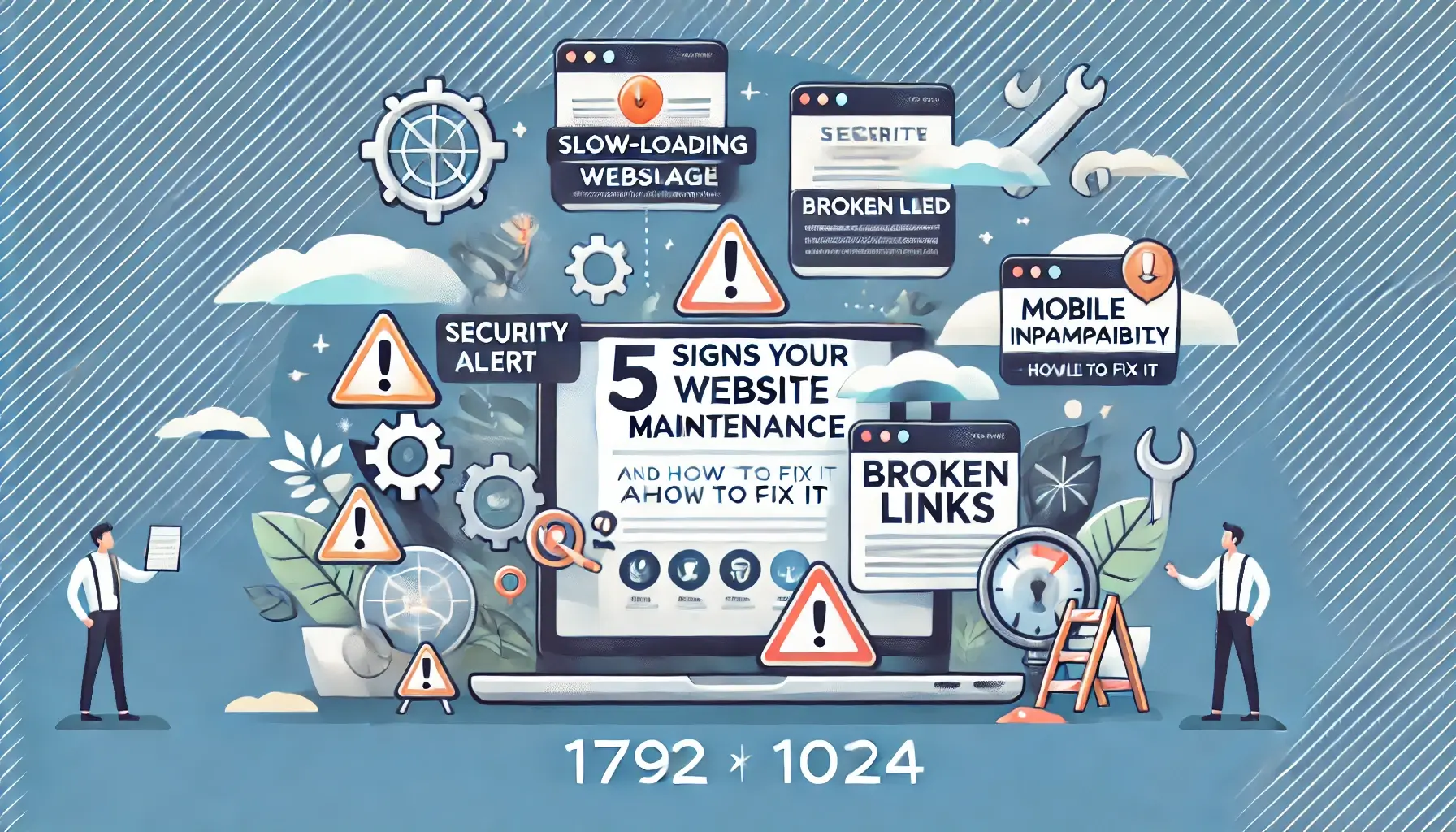
Broken links are one of the most damaging navigation problems because they actively mislead your visitors. A broken link sends someone to a dead page, often showing a generic error message that makes your site look broken or abandoned.
Run through your key pages and click every single link. Start with the links in your header menu, then your footer, and then any in-content links on your homepage and service pages. If you find a broken link, update it immediately or remove it if the page it pointed to no longer exists.
For a more thorough check, you can use free link checking tools online. These will crawl your site and flag any broken links in minutes. This is especially important if you have recently updated your site, changed your domain, or restructured your pages.
Regular link maintenance catches these issues before your visitors do. Making this a monthly habit is one of the simplest ways to keep your site trustworthy and navigable.
Step 6: Speed Up Your Site so Navigation Feels Instant
Even perfect navigation becomes frustrating if your pages load slowly. Research consistently shows that a one-second delay in page load time can cause roughly a 20% drop in conversions. For Singapore users on mobile data, a slow site is an abandoned site.
Image file sizes are the most common cause of slow load times. If your homepage header image is 5 megabytes or larger, it needs to be compressed. A good target is to keep total page size under 2 megabytes for most pages. Tools like TinyPNG or Squoosh can cut image file sizes significantly without visible quality loss.
Examine your page speed using your web host built-in speed test or a free tool like PageSpeed Insights. Aim for a load time of 3 seconds or less on mobile. If your site is slower, work through compressing images, removing unnecessary plugins, and asking your web host about browser caching options.
Step 7: Add Proper Breadcrumb Navigation
Breadcrumb navigation is the secondary menu you often see near the top of a page that looks something like: Home > Services > Website Design. It is called breadcrumbs because it traces the path from the homepage to the current page.
Breadcrumbs serve two purposes. First, they help visitors understand exactly where they are within your site structure. Second, they provide a quick shortcut to navigate back up the tree without using the browser back button.
If your site has more than two levels of pages, breadcrumbs are highly recommended. Most website builders and content management systems include breadcrumb options by default. Enabling them is usually a simple setting change.
Step 8: Test and Monitor With Real Data
Once you have made your navigation fixes, set up a way to track whether they are working. Google Analytics 4 is free and gives you everything you need. Set up a dashboard to monitor your bounce rate, average session duration, and conversion goals over time.
Schedule a navigation check every quarter. Set a recurring reminder in your calendar to spend 30 minutes testing your own site as a visitor would. Click every menu item. Fill out your own contact form. Make sure everything works the way it should.
Singapore business landscape is competitive. Every touchpoint a potential customer has with your brand either builds trust or erodes it. Your website navigation is one of the most powerful trust-building tools you have. Keep it clear, keep it simple, and keep it fast.
Common Navigation Mistakes to Avoid
As you review your site, watch out for these frequent pitfalls. Too many menu items overwhelm visitors and dilute attention. Generic labels like Services or Solutions give no hint about what lies behind them. Inconsistent navigation placement across pages confuses users who have learned where to look. Complex dropdown menus that require hovering on desktop but collapse on mobile create friction for touch users. Broken internal links that lead nowhere make your site feel abandoned. And slow-loading pages caused by oversized images turn even well-designed navigation into a frustrating experience.
If any of these sound familiar, tackle them one at a time. You do not need to fix everything at once. Start with the issues that affect your most-visited pages and your highest-value user journeys.
Need a hand? WebCareSG specializes in fixing navigation problems, speeding up slow sites, and making Singapore business websites actually work for their owners. Get in touch with WebCareSG and let us take a look at your site.