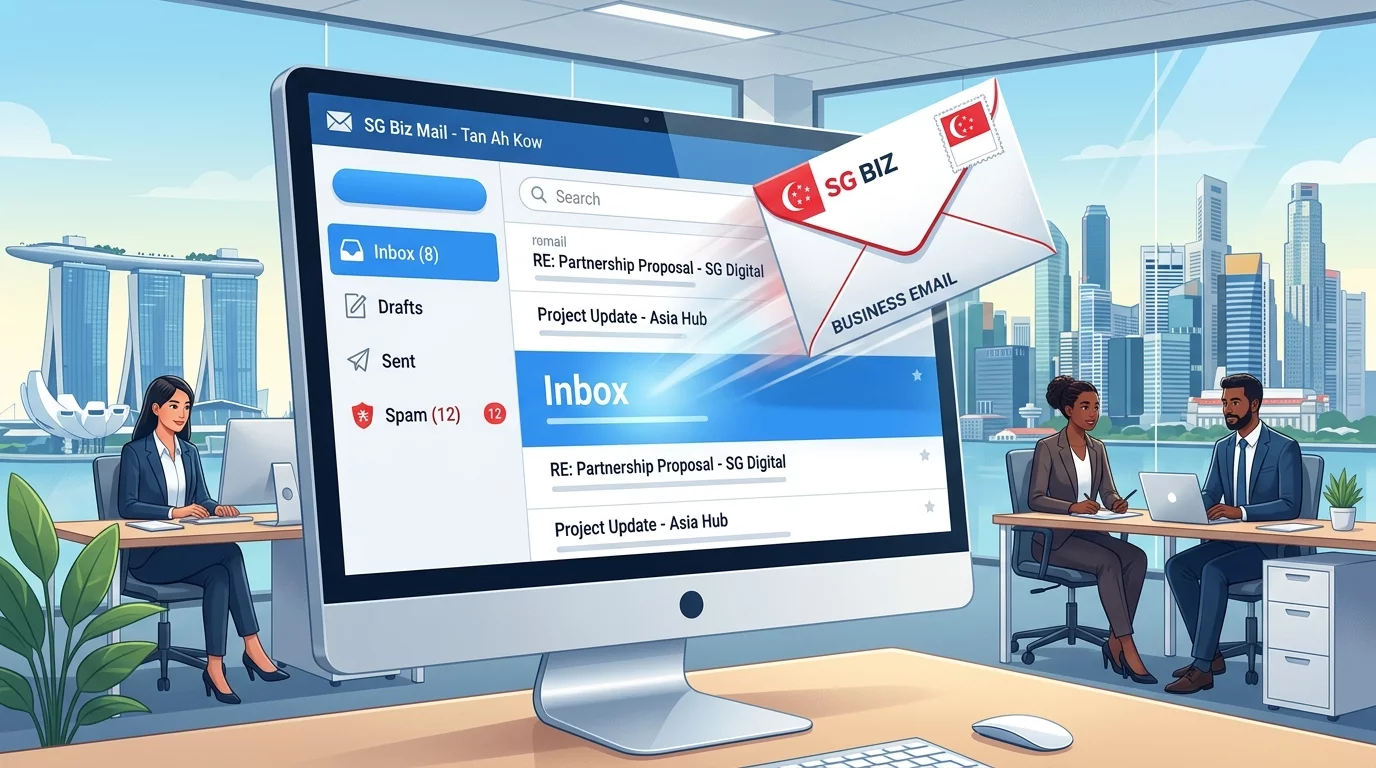
Having trouble getting your emails delivered to your customers? You're not alone. Many Singapore business owners discover their transactional emails — like order confirmations, password resets, or booking acknowledgments — are landing in spam folders instead of the customer's inbox.
In this guide, we'll walk you through exactly how to configure your business email the right way, so your messages actually reach the people who need them.
What is Transactional Email and Why Does It Matter?
Transactional emails are automated messages sent to a single recipient after a specific action — like making a purchase, requesting a password reset, or receiving a booking confirmation. Unlike marketing emails, they're expected by the customer and have much higher open rates.
For Singapore businesses, these emails represent critical touchpoints in your customer journey. A missing or spam-filtered confirmation can mean lost sales, frustrated customers, and unnecessary support tickets.
Step 1: Choose a Reliable Email Service Provider
Your web hosting provider's default email servers are often flagged as spam because they're shared among thousands of websites. Here's how to fix that:
- Sign up for a reputable email service provider (ESP) like SendGrid, Mailgun, or Postmark.
- Verify your sending domain in their dashboard.
- Update your website or application to send emails through the ESP's API instead of your web host.
Step 2: Configure Your Domain Authentication
Without proper authentication, email servers won't trust your messages. Here's what you need to set up:
- SPF (Sender Policy Framework): This tells receiving servers which mail servers are allowed to send emails on your behalf.
- DKIM (DomainKeys Identified Mail): This adds a digital signature to your emails, proving they haven't been tampered with during transit.
- DMARC (Domain-based Message Authentication): This tells servers what to do if your emails fail authentication checks.
Step 3: Set Up a Custom Tracking Domain
Using your main business domain for email tracking pixels can hurt deliverability. Instead:
- Create a subdomain like
mail.yourbusiness.sgspecifically for sending transactional emails. - Configure this subdomain as your tracking domain in your email service provider.
- Update your ESP settings to use this subdomain for all outgoing messages.
Step 4: Warm Up Your New Sending Infrastructure
If you're switching email providers or setting up new sending domains, start slowly. Send emails in batches and gradually increase volume over 2-4 weeks. This builds your sender reputation with email providers.
Step 5: Monitor Your Email Deliverability
After configuration, test your setup using tools like Mailtester or Glock Apps. Check regularly for:
- Spam score ratings
- Authentication pass rates
- Inbox placement rates across major email providers (Gmail, Outlook, Yahoo)
Common Mistakes to Avoid
- Don't send the same email to too many recipients at once when starting out.
- Don't use spammy words like "FREE" or "LIMITED OFFER" in your subject lines.
- Don't ignore bounce rates — high bounces hurt your sender reputation.
If you've followed all these steps and your emails still aren't reaching customers, there may be deeper technical issues with your website's email configuration. The team at WebCareSG can audit your setup and ensure your business communications are reliable.