Your website content gets outdated over time. Whether it is an old promotion that ended, outdated contact information, or services you no longer offer, keeping your website content fresh is essential for maintaining customer trust. The good news is that updating your own website content is easier than you might think.
In this guide, we will walk you through the process of updating your website content yourself, even if you have no technical background. You will learn how to make common updates quickly and confidently.
Step 1: Know What Needs Updating
Before you start making changes, do a quick audit of your website to identify what needs updating. Common things to check include promotions or special offers that have ended, prices that have changed, team member bios for people who have left, and contact information including phone numbers and email addresses.
Also check your product or service descriptions to make sure they accurately reflect what you currently offer. If you have added new services recently, those might be missing from your website entirely. Make a list of everything that needs to be updated so you can work through it systematically.
Step 2: Log Into Your Website Admin Panel
To make changes to your website, you need access to the admin area where you control the content. If you use WordPress, this is usually at yourdomain.com/wp-admin. Your web developer or hosting company should have given you login credentials when your website was first set up.
If you have forgotten your password, look for the "Lost your password" link on the login page. This will send a reset link to the email address associated with your account. Make sure the email address you use is one you can actually access.
Step 3: Edit Existing Pages
Once logged in, look for a section called Pages or Posts depending on what type of content you want to update. Click on the page you want to edit to open the content editor. You should see your current text and can simply click on whatever you want to change and start typing.
Most website editors work like a word processor. You can select text to change its formatting, add links, insert images, or change colors. Take your time and preview changes before publishing to make sure everything looks correct.
Step 4: Add New Content
If you have new services or information to add, look for buttons or menu items that say Add Page, Add Post, or New. Clicking these will open a blank content editor where you can create new pages from scratch.
Give your new page a clear title that describes what it is about. Write your content in the main editor area. You can include images, videos, links to other pages, and formatted text just like you would in a document. When finished, click Publish to make the new content live on your website.
Step 5: Update Images
Images on your website can also become outdated. Team photos should show current employees, product images should reflect current inventory, and hero images should be refreshed periodically to keep your website looking modern.
Look for a Media or Media Library section in your website admin panel. You can upload new images from your computer and then insert them into your pages. Make sure any images you use are high quality but not excessively large in file size, as this can slow down your website.
Step 6: Preview Before Publishing
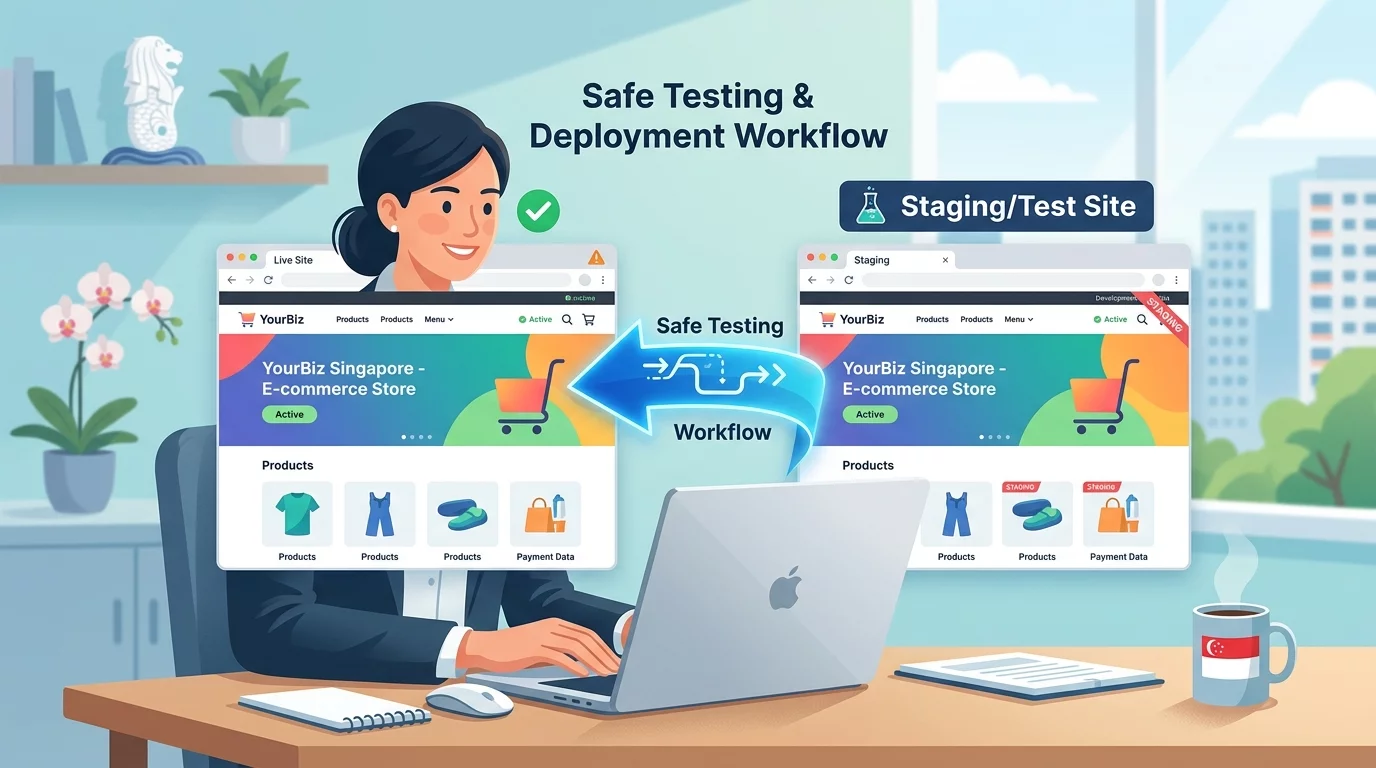
Before making any major changes live, use the preview function to see how your website will look after the update. Most content management systems have a Preview or View Draft button that lets you check the result without affecting the live website.
This is your chance to catch any errors or formatting issues before visitors see them. Take the time to read through everything carefully and perhaps even ask a colleague to review it as well.
Conclusion
Keeping your website content current is one of the most important maintenance tasks for any Singapore business owner. Outdated information confuses customers and makes your business appear neglected. By learning to make updates yourself, you save time and money while ensuring your website always reflects your current business offerings.
Start by making a habit of reviewing your website content monthly. Set a reminder to check for outdated information and make updates as needed. This small investment of time keeps your website working as an effective marketing tool for your business.