How to Use Social Proof to Double Your Website Conversions
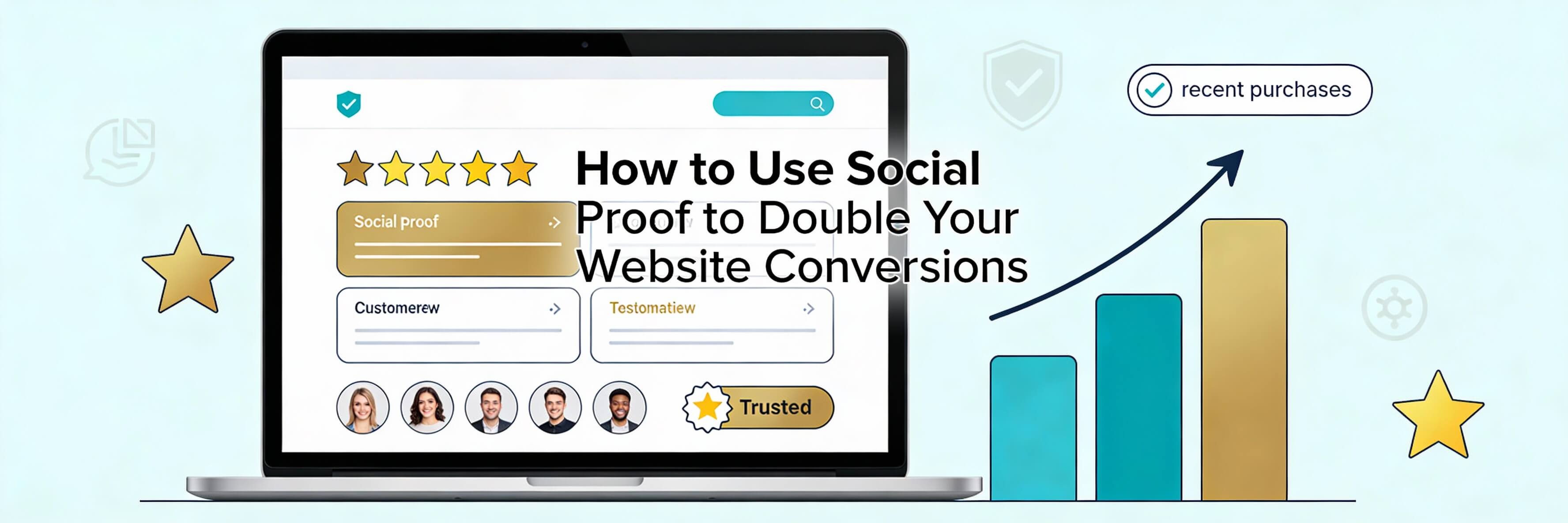
The Science of Trust: Why Social Proof Works
Social proof is a psychological phenomenon where people look to the behavior of others to determine the correct way to act in a given situation. On your website, this translates to a simple truth: visitors are more likely to buy from you if they see that others have already done so successfully. Without trust, even the most beautiful site is just fixing poor seo optimization with no results. This guide explores how to leverage social proof to build massive credibility and double your conversions.
Step 1: The Power of Strategic Testimonials
Not all testimonials are created equal. A generic "Great service!" doesn''t move the needle. You need testimonials that address specific pain points and showcase tangible results.
- The "Before and After" Narrative: Use quotes that explain the problem the customer had and how your service solved it.
- Include Faces and Names: Testimonials with photos and full names are perceived as significantly more trustworthy. This is a key pillar of building brand authority.
- Video Testimonials: As we discussed in our 2026 landing page checklist, video is the gold standard for authenticity.
Step 2: Leveraging Real-Time Activity and Numbers
Showing that your site is "alive" and active creates a sense of belonging and urgency for the visitor.
- Customer Counters: "Join 5,000+ businesses in Singapore using our platform."
- Recent Activity Pop-ups: Small notifications showing recent purchases or sign-ups. Note: Always ensure these are real; fake social proof will eventually lead to spam penalties and loss of trust.
- Star Ratings: Integrate Google or Facebook ratings directly into your product pages. High ratings are essential for local seo for singapore businesses.
Step 3: Showcasing Logos and Trust Badges
Association with known brands or professional bodies transfers their authority to you. This is a "shortcut" to building trust with a new visitor.
- Client Logos: Display the logos of companies you have worked with. If you work with startups in the CBD or SMEs in Jurong, show them!
- Media Mentions: "As seen on The Straits Times" or industry journals.
- Security Badges: Display your SSL and payment security icons. If your site doesn''t have an SSL, it is one of the 5 signs website needs maintenance.
Step 4: Technical Integration and Schema
Social proof isn''t just for humans; it''s for search engines and AI too. Using "Review Schema" allows your star ratings to appear directly in Google search results.
- Aggregate Rating Schema: This tells search engines your average score. This is a vital part of adding schema markup for better seo.
- Mobile Optimization: Ensure your social proof elements don''t clutter the screen on smartphones. See how to fix poor mobile responsiveness.
- Link Health: If your "Case Studies" link leads to a 404, you lose all credibility. Regularly identify and fix broken internal links.
Step 5: Testing and Monitoring Impact
Don''t just add social proof and forget it. Use data to see which types of proof resonate most with your specific audience.
- GA4 Analysis: Monitor your conversion rate before and after adding trust signals. Use our business owner''s guide to GA4 for help.
- Uptime and Speed: Adding heavy third-party review widgets can slow down your site. Always speed up your site after adding new features.
- Weekly Maintenance: Ensure your social proof sections are loading correctly during your weekly website health check.
Social proof is the bridge between a visitor''s curiosity and their confidence to buy. By strategically placing testimonials, trust badges, and real-time data, you humanize your brand and remove the fear of the unknown. If your website is struggling to turn browsers into buyers, WebCare SG can help you design a high-trust experience that converts. Contact us today for a professional conversion and trust audit.
Related WebCare Solutions
Incorrect Time Zone: Why Your WordPress Posts Are Showing the Wrong Date
Set the correct timezone in Settings → General, check server time, and ensure scheduled posts use site timezone.

Local SEO for Singapore: How to Get Your Business on the Map
A practical guide for Singaporean businesses to master local SEO, covering Google Business Profile optimization, local directory listings, and strategies for gathering impactful customer reviews.

WooCommerce GA4 Purchase Tracking Not Working? Full Fix
Experiencing discrepancies with WooCommerce purchase data in GA4? This comprehensive guide dives into common issues like missing conversions, incorrect revenue due to currency mismatches.
Ready to get started?
Focus on your business while we fix your website. Contact WebCareSG today for fast, reliable solutions!
Whatsapp us on