How Important Is Robots.txt for SEO and Indexing?
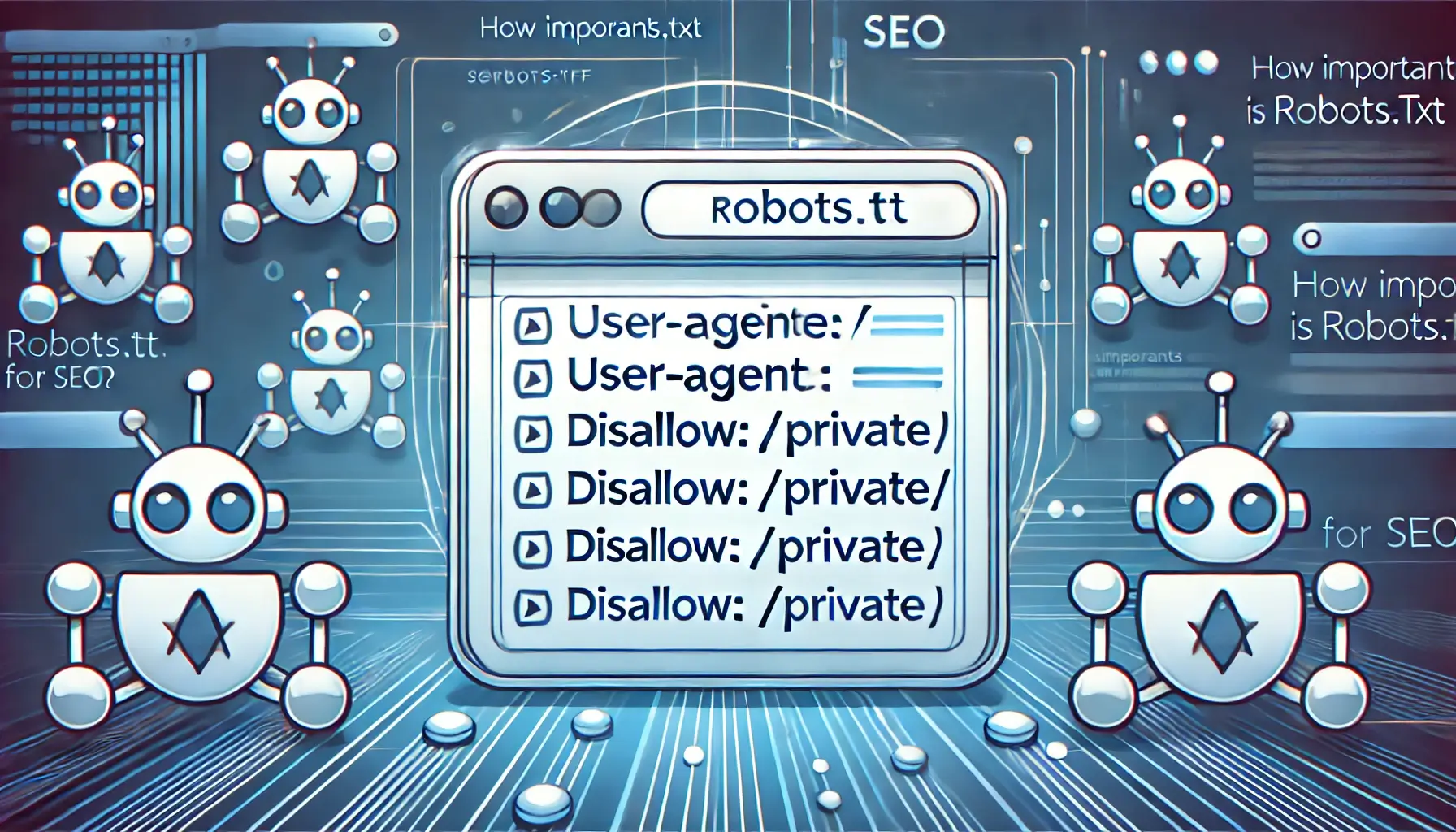
The robots.txt file is a crucial component of SEO and website management. It tells search engine crawlers which pages they can or cannot access. If misconfigured, it can prevent Google from indexing your important pages, leading to a significant drop in organic traffic. This guide will explain why robots.txt matters, how to configure it properly, and provide examples of correct usage.
What Is Robots.txt?
robots.txt is a simple text file located in the root directory of a website. It uses the Robots Exclusion Protocol (REP) to communicate with search engine crawlers about which parts of the website should be crawled or ignored. The file plays a crucial role in controlling indexing behavior and managing server load by restricting bot access to unnecessary pages.
Why Is Robots.txt Important for SEO?
Properly configuring robots.txt ensures that search engines can efficiently crawl and index your website. A poorly set up robots.txt file can lead to major SEO issues, including:
- Blocking Google from indexing important pages, reducing search visibility.
- Allowing unnecessary pages (e.g., admin panels, login pages) to be indexed.
- Wasting crawl budget on duplicate or unimportant pages.
It is critical to ensure that your robots.txt file does not block essential pages from being indexed.
Ensuring Robots.txt Returns HTTP 200
Your robots.txt file must return an HTTP 200 status code when accessed. If it returns a 404 (Not Found) or 500 (Server Error), search engines might assume that they are not restricted from any part of your website, leading to unintended crawling behavior. To check your file’s status, visit:
https://yourwebsite.com/robots.txt
If the page does not load properly, check your server configuration and permissions.
Example Robots.txt Files
Allow All Bots
User-agent: *
Disallow:
This configuration allows all search engine bots to crawl your entire website.
Block All Bots
User-agent: *
Disallow: /
This setup prevents all bots from crawling any part of your website. Use it carefully.
Block Specific Bots
User-agent: BadBot
Disallow: /
This prevents a specific bot (e.g., BadBot) from crawling your site while allowing others.
Block a Specific Folder
User-agent: *
Disallow: /private/
This prevents search engines from crawling the /private/ directory.
Common Mistakes to Avoid
- Blocking all search engines: Accidentally setting
Disallow: /for all bots can make your site disappear from search results. - Blocking CSS and JS files: Some themes and plugins require these files to be accessible for proper rendering.
- Forgetting the sitemap directive: Always include a reference to your XML sitemap to help search engines find your pages efficiently.
Conclusion
The robots.txt file is a powerful tool for managing how search engines interact with your site. A properly configured robots.txt ensures that Google indexes only the most relevant content, improving SEO performance. Regularly check your settings to prevent indexing issues. If you need expert help, contact WebCareSG.
Related WebCare Solutions
Google Ads Conversions Not Tracking? How to Fix (Step-by-Step)
A detailed guide to troubleshooting and fixing Google Ads conversion tracking issues, covering missing conversion codes, Google Tag Manager setup errors, and thank-you page triggers.
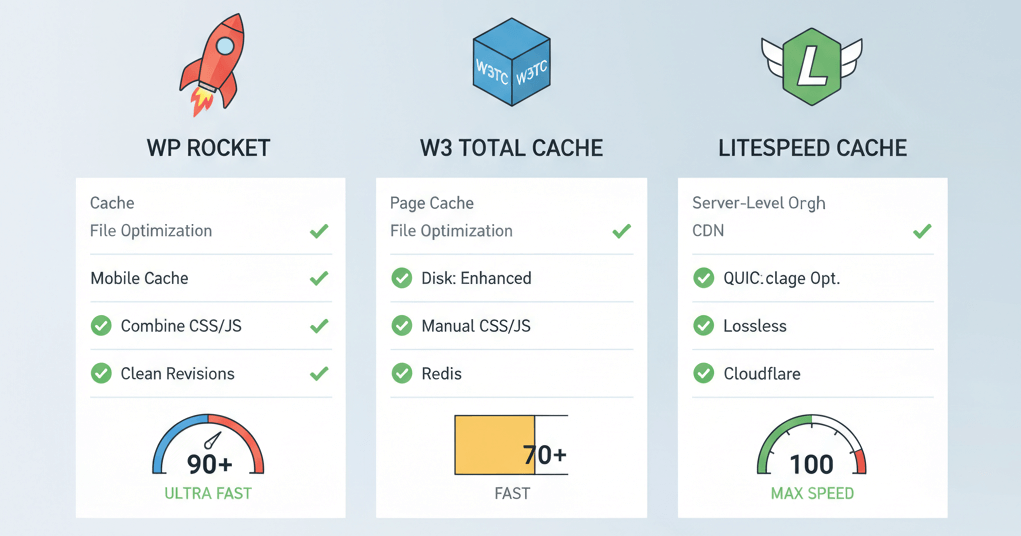
Configure WordPress Caching: Optimal Settings for Speed and SEO
A practical guide comparing popular WordPress caching plugins and providing optimal settings for page, object, and browser caching to drastically improve website speed and user experience.
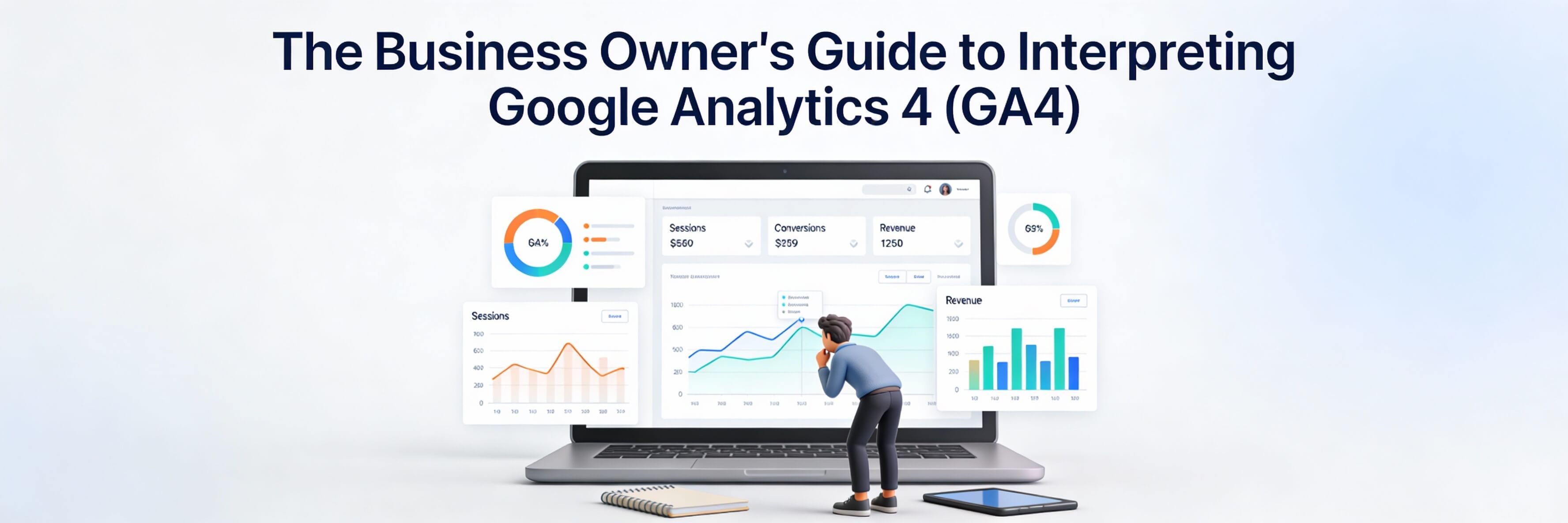
The Business Owner''s Guide to Interpreting Google Analytics 4 (GA4)
A simplified guide to the most important GA4 metrics, helping business owners make data-driven decisions without getting lost in technical jargon.
Ready to get started?
Focus on your business while we fix your website. Contact WebCareSG today for fast, reliable solutions!
Whatsapp us on