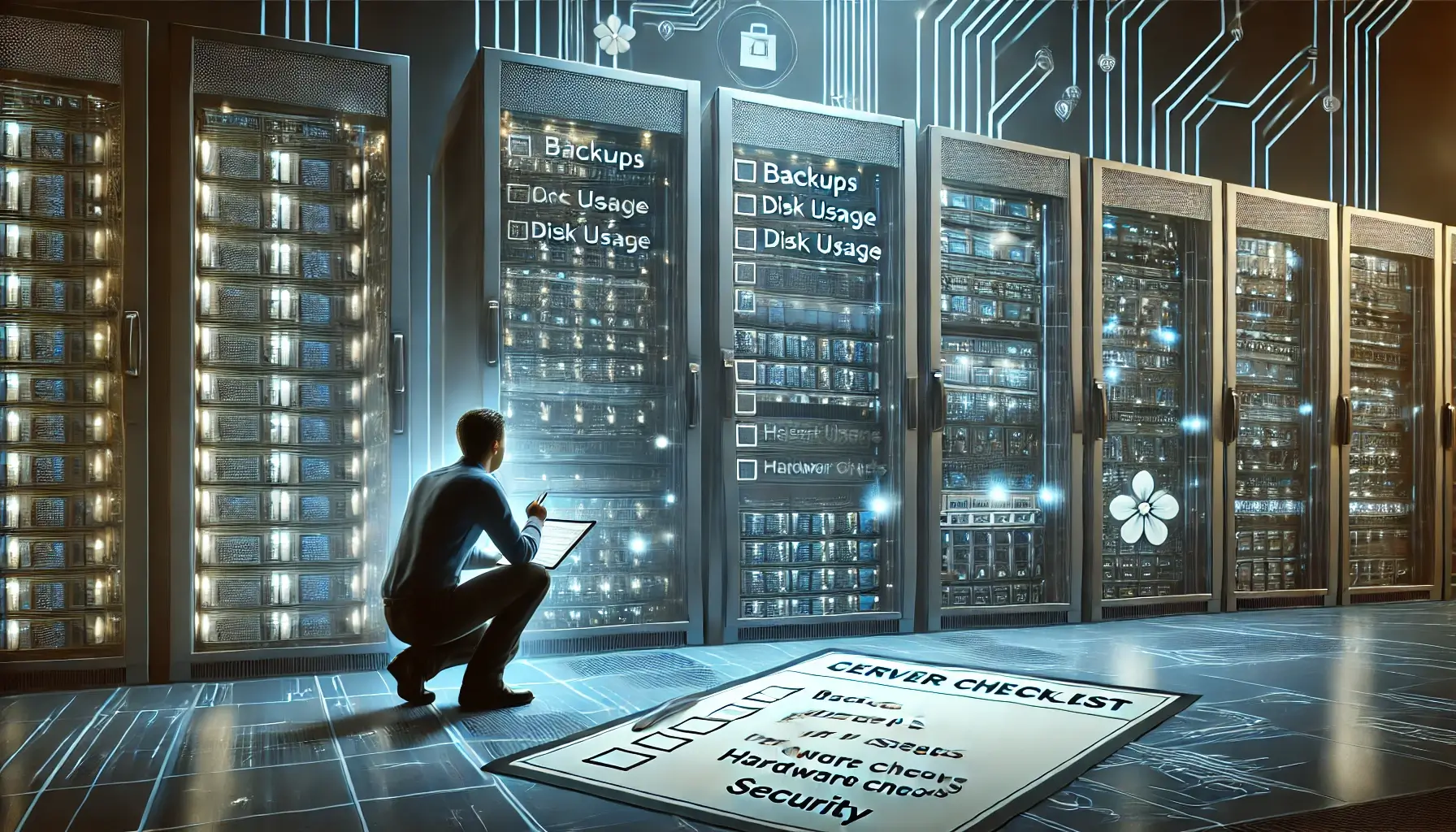
Regular server maintenance is essential to avoid unexpected downtimes and keep systems running smoothly. Here’s a comprehensive checklist to help ensure your server stays secure, efficient, and in peak condition.
1. Backups
Ensuring that backups are up to date and functional is crucial. Regular backups can save critical data in case of unexpected failures. Test your backup systems periodically to confirm that they’re capturing everything, and that restoration processes work as expected.
2. Disk Usage
Keeping an eye on disk usage helps avoid storage overload, which can impact server performance. Routinely delete unneeded files, logs, or temporary files that take up valuable space. This practice helps maintain optimal disk space for server efficiency.
3. Control Panel and Applications
If your server uses a control panel (like cPanel), keep it updated to maintain security and compatibility with the latest server applications. Outdated control panels can leave vulnerabilities or become incompatible with updated applications, risking downtime or inefficiencies.
4. Password Management
Require users to regularly update their passwords to minimize unauthorized access. Use a password policy enforcing strong, unique passwords to secure access to critical server resources.
5. Hardware Error Checks
Routine hardware checks ensure physical server components are functioning. Look out for issues like overheating, failing drives, or other hardware problems that could cause unexpected failures.
6. System Security Audits
Perform regular security audits using a remote auditing tool. This process can detect configuration issues, outdated OS files, or other security risks, helping prevent breaches or malware infections. Frequent audits keep your server's security strong and up-to-date.
7. Hardware Inspections
Regularly check server hardware, including cooling systems and cabling, to prevent overheating or physical damage. A well-maintained physical environment supports server longevity and reduces unexpected downtime risks.
8. User Account Management
Review user accounts frequently, particularly for those with administrative access. Removing unused or outdated accounts and monitoring server access logs for unusual activity can prevent unauthorized access or data leaks.
Conclusion
Implementing these maintenance practices can help prevent server downtime and security issues. For professional server maintenance support, contact WebCareSG. We offer reliable services to keep your systems secure and running smoothly, so you can focus on your business.