The Rise of Zero-Click Searches: How to Survive When Users Don''t Click
The Changing Face of the Search Results Page
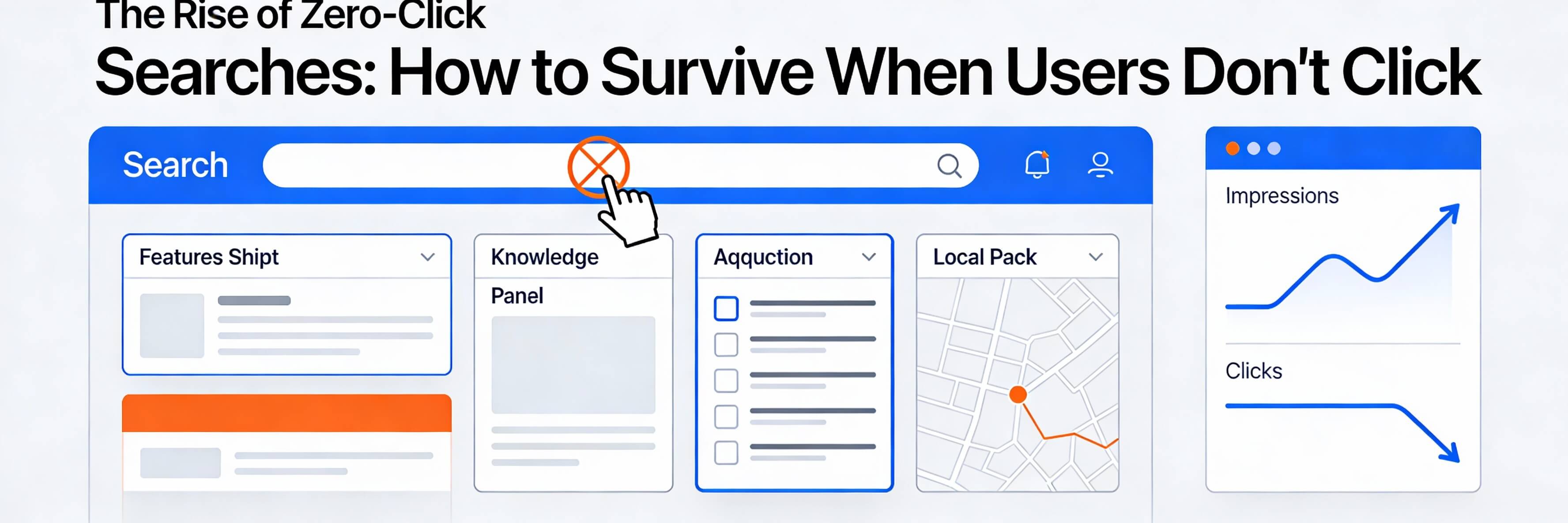
A "Zero-Click Search" occurs when a user''s query is answered directly on the Search Engine Results Page (SERP), such as through a Featured Snippet, a Knowledge Panel, or an AI Overview. In 2026, over 60% of mobile searches end without a click. While this might seem alarming for traffic, it represents a massive opportunity for "On-SERP SEO" and brand impressions. If you only measure success by clicks, you are likely fixing poor seo optimization based on outdated metrics. This guide explains how to win in a world without clicks.
Step 1: Winning the Featured Snippet (Position Zero)
Even if users don''t click, being the source of the answer establishes immediate authority. This is the ultimate goal of decoding google search generative experience sge.
- Definition Paragraphs: Use a clear "What is X?" heading followed by a concise 40-50 word answer.
- Table and List Formatting: Google loves to scrape well-organized data. If your tables are broken, you may need to fix wordpress publishing errors.
- Information Gain: Provide a unique perspective that AI assistants will find more valuable than generic answers.
Step 2: Optimizing for "Brand Impressions"
When your brand name and logo appear as the source for an AI-generated answer, it builds mental availability. This is a core part of building brand authority in the age of ai.
- Logo and Favicon Optimization: Ensure your brand visuals are clear and professional. This is one of the 5 signs website needs maintenance if they are missing or blurry.
- Schema Markup: Use Organization and Brand schema so Google can link the answer to your business correctly. Learn more about adding schema markup for better seo.
- High-Quality Media: Google often pulls images from sites to illustrate zero-click answers. Always optimize website images so they appear crisp on the SERP.
Step 3: Dominating Local Zero-Click Queries
In Singapore, many zero-click searches are local—people looking for an address, phone number, or opening hours. This is the essence of local seo for singapore businesses.
- Google Business Profile (GBP): Keep your hours, menu, and service list updated. If a user finds your hours on Google but they are wrong, you lose trust.
- Click-to-Call Buttons: Make sure your phone number is clickable in your schema markup.
- Review Management: High ratings in the Map Pack are a zero-click signal of quality. Learn how to remove spam to keep your rating high.
Step 4: Using Micro-Copy to Drive the "Deep Click"
While many users get their answer on the SERP, some will click through if you offer a deeper benefit. This is where the power of micro-copy comes in.
- Compelling Meta Descriptions: Instead of just summarizing, use a teaser: "Learn the 3 hidden risks we found..."
- Call to Action (CTA): Invite the user to download a tool or template that is only available on your site.
- Internal Link Context: Ensure that once they click, they find exactly what they were looking for. Regularly identify fix broken internal links to prevent bounces.
Step 5: Monitoring Health and Indexing
To be eligible for zero-click features, your site must be technically flawless. A single server error can disqualify you from the featured snippet.
- Uptime Monitoring: Use your weekly website health check to monitor stability.
- Index Verification: If your pages aren''t being read by Google, you won''t appear on the SERP. Fix page not indexed google search console issues immediately.
- Performance: Fast sites are favored for AI snippets. Follow the steps to speed up your site.
Zero-click searches are not the end of SEO; they are the evolution of brand awareness. By optimizing for the results page itself, you ensure your brand is the first thing users see, even if it is the only thing they see. If you''re noticing a drop in clicks and aren''t sure how to pivot your strategy, WebCare SG can perform a specialized On-SERP audit. Contact us today to start winning the zero-click game.
Related WebCare Solutions
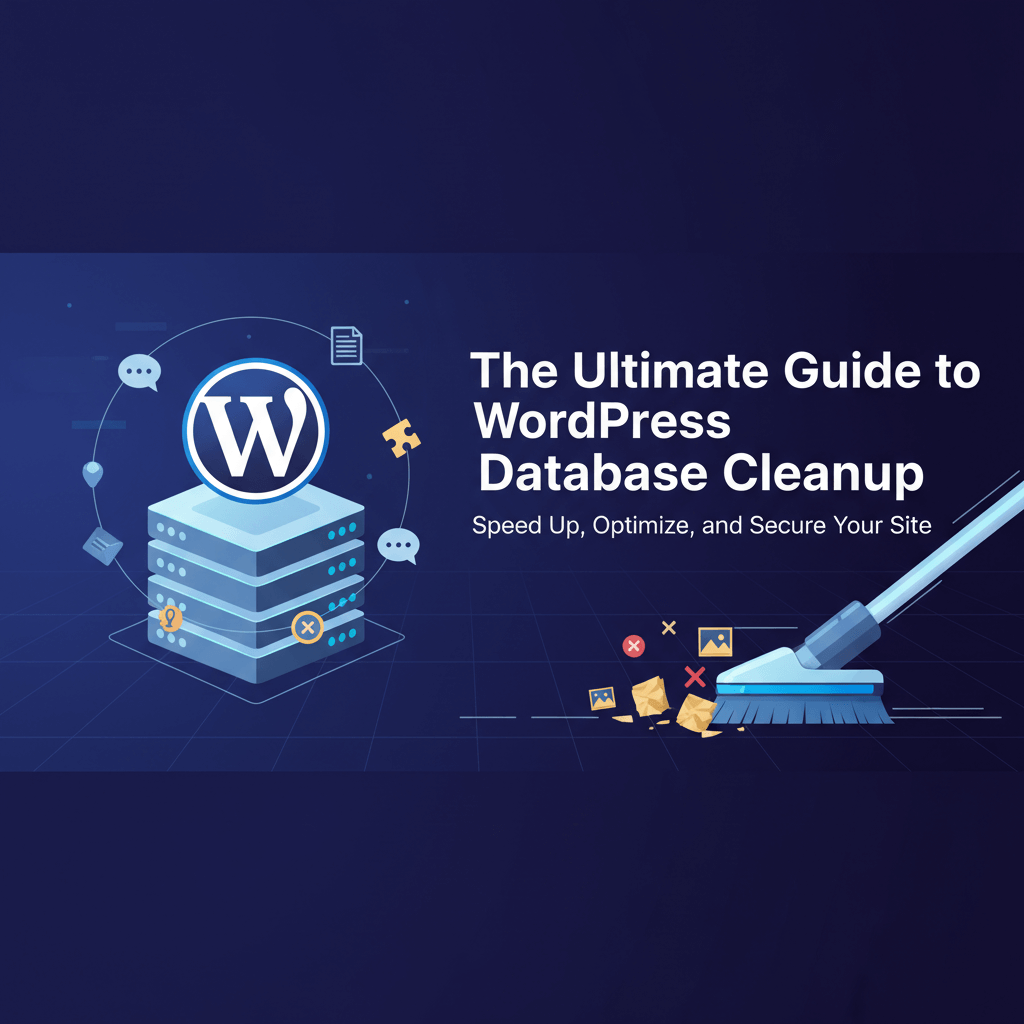
The Ultimate Guide to WordPress Database Cleanup
A deep dive into safely removing transients, old revisions, and orphaned data to improve backend performance and site reliability.
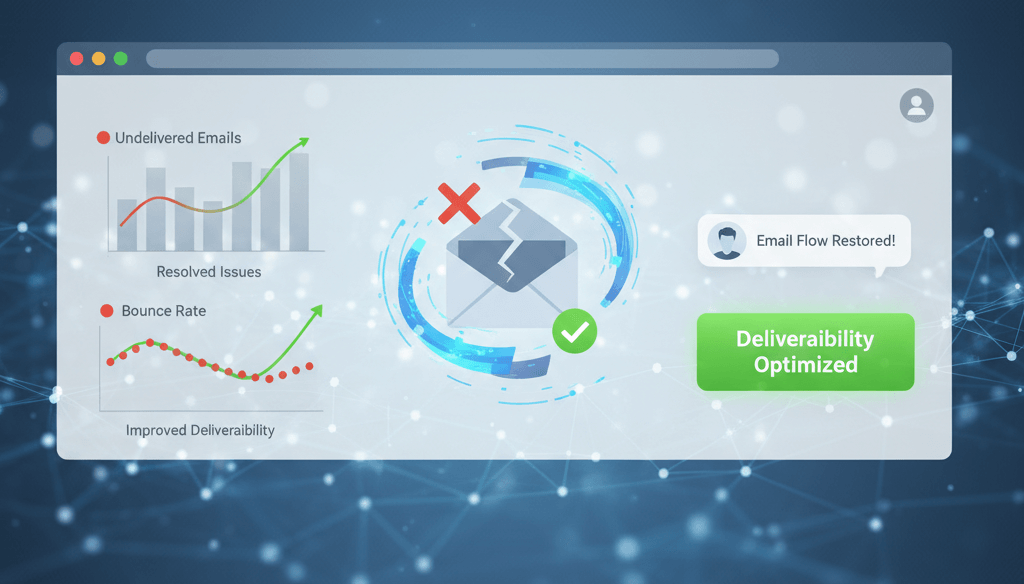
Resolve Email Deliverability from Your Website
Learn how to resolve common email deliverability issues from your website by setting up SPF, DKIM, and DMARC records and configuring proper mailer settings.
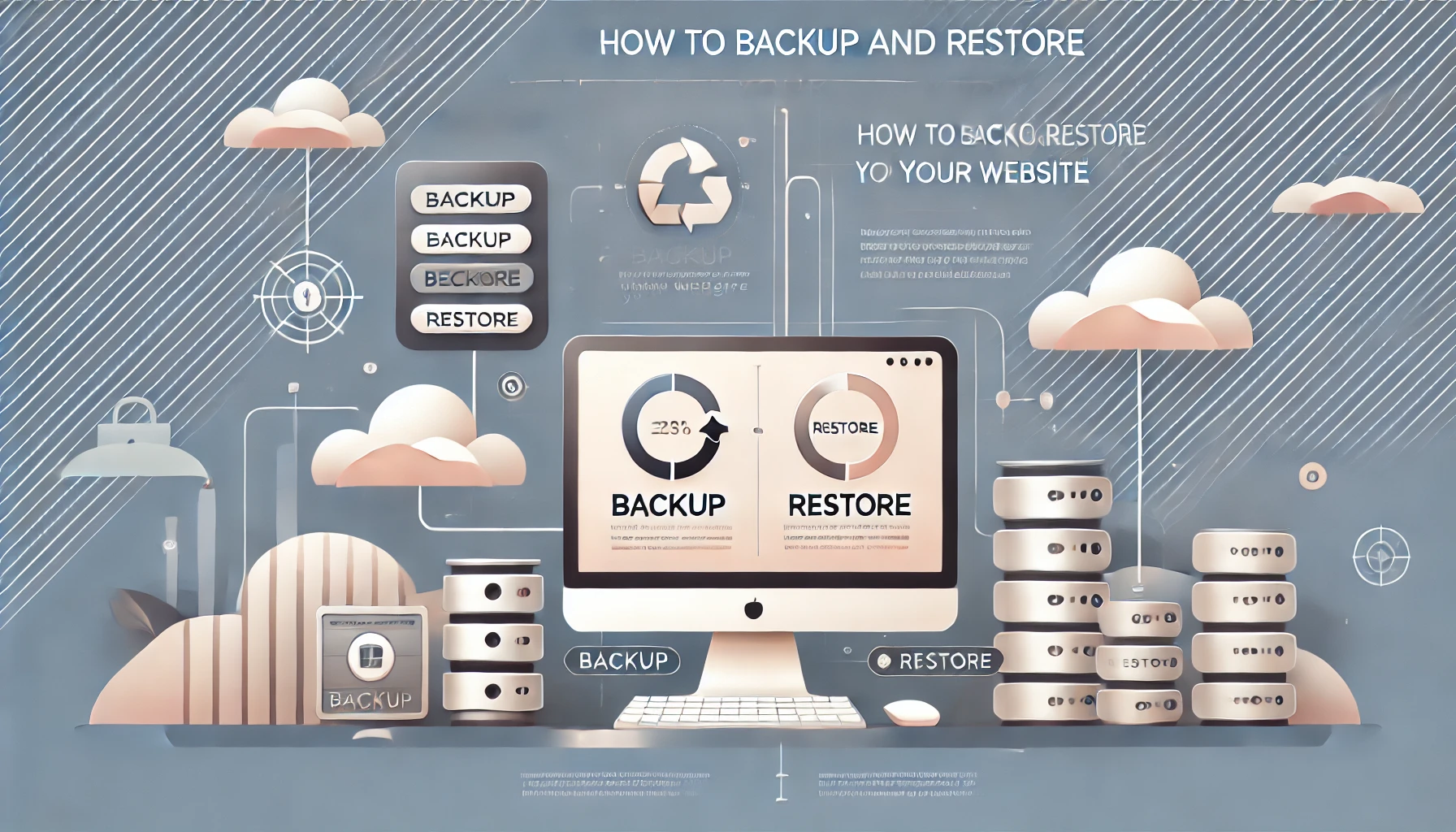
How to Backup and Restore Your Wordpress Website
Learn how to backup and restore your website. Follow these detailed steps to protect your data and quickly recover from any issues.
Ready to get started?
Focus on your business while we fix your website. Contact WebCareSG today for fast, reliable solutions!
Whatsapp us on