Many Singapore business owners face a moment of reckoning when they look at their website and feel something is off. Perhaps your competitor just launched a sleek new site. Maybe your bounce rate has been climbing for months and no one can explain why. Or perhaps a team member finally says what everyone has been thinking: "Our website looks outdated." At that moment, a tempting idea surfaces - throw everything out and start fresh with a complete redesign. But before you sign any contract or spend a single dollar, it is worth taking a step back and asking a more important question: do you actually need a redesign, or would iterative improvements serve you better?
This question matters more than most people realise. A full website redesign is a massive investment of time, money, and energy. It typically costs anywhere from SGD 5,000 to SGD 50,000 or more depending on the complexity of your site, and it can take weeks or even months to complete. During that time, your existing site sits in limbo while development happens in the background. On top of that, a redesign carries real risk - you might end up with something that looks modern but actually performs worse than what you had before. Iterative improvements, on the other hand, let you make targeted upgrades without disrupting your entire online presence. The catch is that iterative improvements require patience and a structured approach. This guide walks you through how to make the right choice for your business and then execute whichever path you choose with confidence.
The first thing you need to do is audit your current website honestly. Grab a notebook or open a spreadsheet and work through each of these areas systematically. Do not rely on your gut feeling alone - gut feelings are shaped by how long you have been looking at the same design, which makes you blind to its actual problems and strengths.
Step 1: Measure Your Current Performance Across the Key Metrics
Before you decide anything, you need to know where you stand numerically. Log in to your Google Analytics account and record these six numbers right now: your overall bounce rate, your average session duration, your conversion rate (whether that is form submissions, phone calls, or purchases), your mobile traffic percentage, your page load time, and your top five most visited pages. Write these down with today's date. These numbers are your baseline. Any changes you make, whether through redesign or iterative improvements, should be measured against these benchmarks. If you do not have Google Analytics set up, that itself is a problem you need to fix first - but we will get to that in a moment.
Step 2: Identify What Is Actually Broken Versus What Is Just Old
There is a critical difference between a website that has problems and a website that simply looks dated. A site that looks old but converts well and loads quickly might just need a visual refresh. A site that has high bounce rates, broken forms, poor mobile usability, and slow load times has fundamental problems that no cosmetic update will fix. Go through every page of your website and test every interaction. Click every button. Submit every form. Check every link. Make a list of everything that does not work as expected. Then make a separate list of everything that looks outdated. The first list represents functional problems. The second list represents aesthetic concerns. Functional problems usually demand more serious intervention. Aesthetic concerns can often be addressed through incremental styling updates.
Step 3: Check Your Mobile Experience Personally
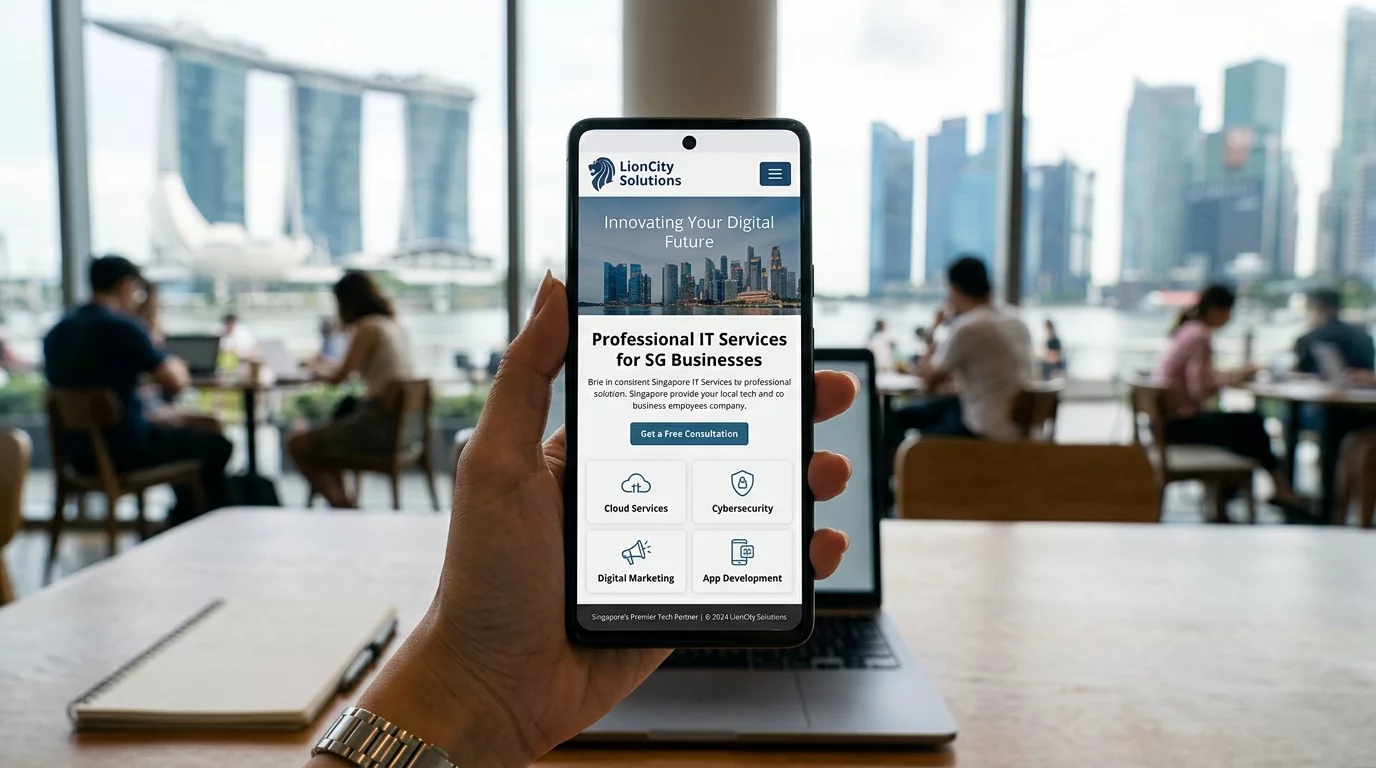
Pick up your phone and visit your website right now. Do not ask someone else to do it - do it yourself. Can you read the text without pinching and zooming? Do all the buttons work when you tap them with your thumb? Does the navigation make sense on a small screen? Are the images sized appropriately? Can you easily find your contact information or make a purchase? If any of these things are frustrating on your own phone, they are costing you customers every single day. Singapore has one of the highest mobile internet usage rates in the world. If your site does not work flawlessly on mobile, you are essentially turning away the majority of potential customers who find you on their phones.
Step 4: Analyse Your SEO Performance
Open Google Search Console and look at which queries are bringing people to your site. Are you ranking for the keywords your potential customers are actually searching for? Are there pages that are indexed and others that are not? Are there crawl errors or coverage issues? If you have been publishing content regularly but your organic traffic has been declining, the problem might not be your design at all - it might be technical SEO issues, thin content, or poor internal linking. A redesign will not automatically fix these problems. In fact, if you migrate to a new site without proper SEO handling, you could actually lose rankings and traffic permanently.
Step 5: Map Out the Decision Framework
Now that you have data in front of you, it is time to decide. Give yourself honest answers to these four questions. First, are the core problems with your site functional or cosmetic? If buttons do not work, forms do not submit, pages do not load, or checkout breaks - these are functional issues that may require a rebuild. If everything works but it looks dated - these are cosmetic issues that can be addressed incrementally. Second, what is your monthly budget for online improvements? If you have SGD 500 to SGD 2,000 per month to invest in ongoing improvements, iterative changes will compound over time and give you better long-term results than a single big redesign. Third, how much traffic are you currently getting? If you are getting meaningful traffic already and your site is functional, a redesign carries the risk of disrupting those numbers during the transition period. If you are getting almost no traffic, the problem is probably not your website design at all - it is your marketing and positioning. Fourth, how urgent is the need? If your site is actively damaging your business reputation right now - perhaps it shows security warnings or displays incorrect pricing - you may need to act faster regardless of which approach you choose.
Step 6: If You Choose Iterative Improvements, Start Here
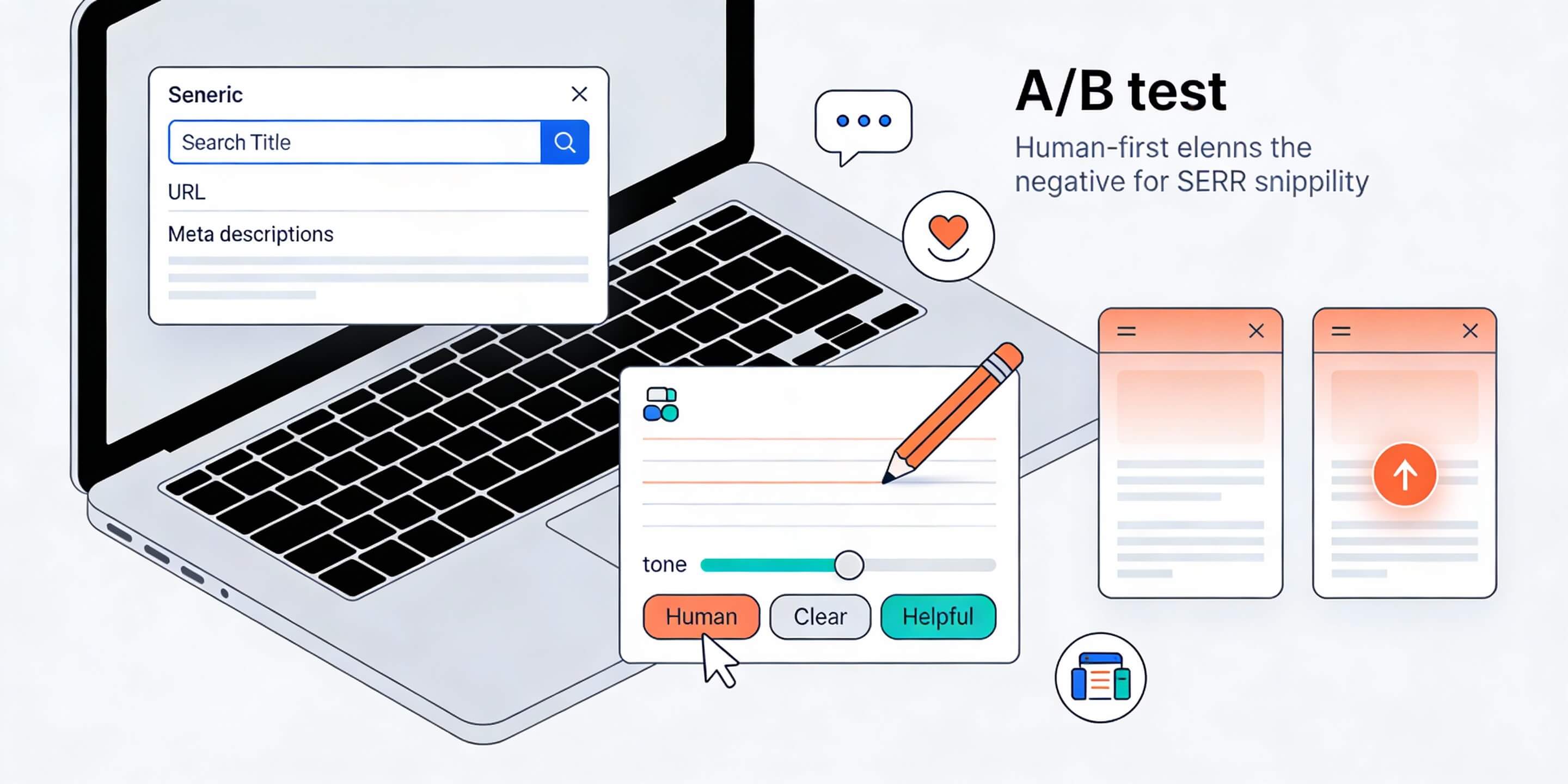
Iterative improvement works best when you tackle things in a specific order based on impact. Start with speed. Use Google PageSpeed Insights or GTmetrix to identify exactly what is slowing your site down. Compress your images. Enable browser caching. Minify your CSS and JavaScript files. Upgrade your hosting if necessary. A one-second improvement in load time can increase conversions by up to seven percent according to research from Portent. Next, fix mobile usability. Go through Google's Mobile-Friendly Test tool and address every issue it flags. After speed and mobile, move on to conversion points. Audit your calls-to-action. Are your buttons clear? Is your value proposition visible above the fold? Can visitors understand what you want them to do within five seconds of landing on any page? Then tackle visual refreshes - update your colour scheme, replace low-quality images, modernise your typography. Finally, layer in SEO improvements - optimise your page titles, improve your meta descriptions, add structured data markup, and fix any broken links or missing alt text.
Step 7: If You Choose a Redesign, Plan It Rigorously
A redesign can be the right choice when your current site has fundamental architectural problems that cannot be fixed incrementally, when you need a completely different information architecture to support a new business direction, or when your brand positioning has shifted significantly and your current site actively conflicts with where you want to be. If any of those apply to you, do not rush into a redesign blindly. Start by creating a detailed brief that documents what is wrong with the current site, what the goals of the redesign are, what success looks like numerically, and who the key users are and what they need. Then get at least three proposals from different vendors or agencies. Ask each one to show you sites they have redesigned where performance actually improved after launch - not just sites that look prettier. Request case studies with before and after data. A reputable agency will have this ready. Be deeply suspicious of anyone who promises results without understanding your current numbers first.
Step 8: Protect Your SEO During Any Transition
Whether you go with iterative improvements or a full redesign, your search engine rankings are fragile. One wrong move during a site migration can wipe out years of SEO work in days. Before any major change, export your full sitemap. Document all your existing URL structures. Note your top performing pages and their current rankings. During development, use a staging environment that is not publicly accessible. When you launch, implement proper 301 redirects from every old URL to every new URL. Do not let a single page return a 404 error if it had an equivalent page before. Submit your new sitemap to Google Search Console and monitor your rankings daily for at least four weeks after launch. If you see drops, act immediately - the longer you wait, the harder it is to recover.
Step 9: Track Your Results Relentlessly
Whatever path you choose, you need to measure the outcome. Set up a simple tracking spreadsheet where you record your baseline metrics from Step 1, then add new data points every two weeks after you start making changes. Compare month two against month one. Compare quarter one against the previous quarter. If iterative improvements are working, you should see gradual but consistent improvement across your key metrics within eight to twelve weeks. If you are three months in and see no measurable improvement, something in your approach is wrong and you need to reassess. If a redesign is not producing better numbers within six months of launch, the redesign did not solve the right problem and you need an honest audit of what actually went wrong.
Making the right choice between redesign and iterative improvement is not about following a trend or copying what your competitor did. It is about honestly assessing what your website actually needs, what resources you have available, and what will deliver the best return on investment for your specific situation. Most Singapore small business owners will find that a disciplined series of iterative improvements, executed in the right order, outperforms a dramatic redesign at a fraction of the cost and risk. But if your site has fundamental functional problems that cannot be resolved any other way, a well-planned redesign executed with proper SEO protection can be transformative. The key is making the decision with data in hand, not just a feeling in your gut.
If you still need help, feel free to contact us at https://webcare.sg/contact for a free website health check.