WebCareSG helps Singapore businesses repair, secure, maintain, and improve their websites. We work with WordPress, Joomla, Drupal, Shopify, Wix, and other CMS platforms, as well as practical hosting and server setups.
If your website is down, slow, hacked, difficult to update, or no longer converting visitors into enquiries, the first step is to identify the real cause. WebCareSG analyses the problem, explains the available options, carries out the agreed work, and provides a clear summary of what was changed.
What does WebCareSG do?
Our work is focused on the technical problems that can interrupt a business website or make it harder for customers to trust and use. That includes one-time repairs, security response, ongoing maintenance, website improvements, and infrastructure support.
1. Website repair and troubleshooting
A website can appear “broken” for many different reasons: a failed update, a plugin conflict, a database error, a DNS problem, a server configuration change, or a layout that works on desktop but fails on mobile. We investigate the underlying issue instead of applying a random change and hoping it works.
Website repair can include:
- blank pages, 404 errors, redirect loops, and 500-series errors;
- slow loading, timeouts, and unstable hosting;
- broken contact forms, email delivery, analytics, and advertising tracking;
- CMS, plugin, theme, extension, and publishing problems;
- mobile layout, navigation, images, and responsive design issues;
- broken links, missing content, and website migrations.
We support existing websites even when WebCareSG did not build them. The first useful information is usually the website URL, what changed, when the problem began, and any error message or screenshot you have.
Learn more about website repair
2. Hacked website recovery and security
A hacked website may show an obvious warning, but many compromises are quieter. Signs can include unexpected redirects, unfamiliar administrator accounts, spam pages, injected scripts, new PHP files, strange search results, or a website that suddenly uses more server resources.
Security work starts with containment and evidence. Depending on the situation, the review may include:
- checking suspicious files, database content, users, plugins, themes, and scheduled tasks;
- reviewing web-server, CMS, hosting, and application logs;
- removing malicious changes and restoring affected functionality;
- updating the CMS, PHP runtime, plugins, themes, and server packages;
- hardening administrator access, file permissions, backups, and server rules;
- checking the website again after cleanup and documenting the next steps.
We also provide practical checks for current web threats, including a PHP2Shell Checker for an authorised, publicly reachable PHP website. An external check is useful for triage, but it does not replace a server-side version review or a full incident investigation.
Explore hacked website recovery
3. Website maintenance for ongoing reliability
Maintenance helps prevent small technical problems from becoming an outage or security incident. A maintenance plan can be matched to the website’s importance, update frequency, traffic, ecommerce activity, and recovery requirements.
Depending on the plan, ongoing support can include:
- CMS, plugin, theme, and extension updates;
- security monitoring, scans, and malware response;
- scheduled backups and recovery planning;
- uptime checks and performance improvements;
- broken-link checks and selected content updates;
- staging support, ecommerce monitoring, and priority assistance for larger websites.
The right maintenance level depends on what the website does for the business. A brochure website, an online store, and a multi-brand platform do not have the same backup, monitoring, or response needs.
View website maintenance plans
4. Website revamp and development
Sometimes repairing the current website is the right answer. Sometimes the site has become too slow, difficult to manage, or disconnected from the business, and a revamp is a better investment.
WebCareSG can help with:
- modernising an outdated design and improving the visitor journey;
- building responsive pages that work across phones, tablets, and desktops;
- improving content structure, calls to action, forms, and conversion paths;
- creating websites with practical CMS editing workflows;
- setting up a faster, SEO-ready foundation with clear technical ownership;
- planning a safer migration, staging process, and launch checklist.
A redesign should not only make a website look newer. It should make the site easier to use, easier to maintain, and more useful to the people who need to contact or buy from the business.
See website revamp services or learn about website development.
5. Server and cloud management
Website problems are not always caused by the website code. Hosting limits, PHP workers, databases, DNS, SSL, storage, caching, deployments, and server permissions can all affect availability and performance.
WebCareSG supports practical infrastructure work across cloud and traditional hosting environments. This can include server setup, configuration review, monitoring, backups, performance tuning, scaling, and security improvements. The exact approach depends on whether the website runs on managed hosting, a virtual server, AWS, Google Cloud, Azure, or another provider.
Learn about server and cloud management
How our website support process works
Step 1: Analyse the problem
We collect the website URL, symptoms, recent changes, access details where needed, and any relevant error messages. We then investigate the likely root cause instead of guessing from the visible symptom.
Step 2: Agree on the repair or improvement
We explain what needs to be changed, what can be tested safely, what risks exist, and what the work is expected to achieve. If a larger rebuild or migration is more appropriate than a quick patch, we explain why.
Step 3: Fix, secure, and test
We implement the agreed work and test the important paths: pages, forms, logins, mobile layouts, checkout or enquiry flows, integrations, and server responses. Security and performance changes are checked for side effects.
Step 4: Report and recommend next steps
After the work, we provide a clear summary of what was fixed and any maintenance or hardening recommendations. The goal is to leave you with a working website and a better understanding of what it needs next.
Which platforms does WebCareSG support?
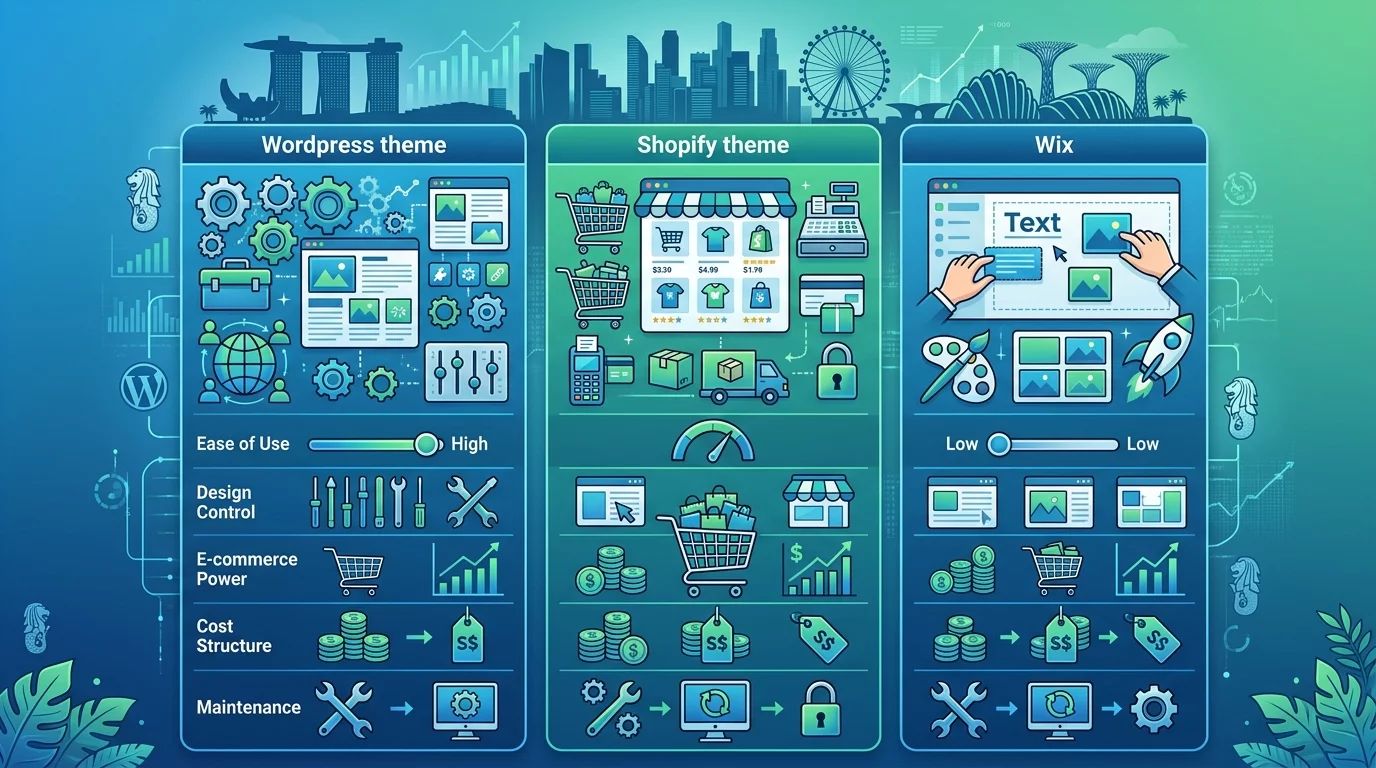
We commonly work with WordPress, Joomla, Drupal, Shopify, Wix, and other CMS platforms. We can also assess custom websites and supporting infrastructure where practical. Support is based on the actual problem and the access available, not only on who originally built the website.
When should you contact WebCareSG?
Contact us early if:
- your website is down or returning errors;
- pages are much slower than usual;
- you suspect a hack, malware, or unauthorised account;
- your contact form or business email is not working;
- your website looks wrong on mobile;
- updates keep breaking the site;
- you need a safer rebuild, migration, or maintenance plan.
Early diagnosis often gives you more options. It can be easier to preserve evidence, restore a clean backup, prevent data loss, and plan a repair before the problem becomes an urgent outage.
Frequently asked questions
Can WebCareSG fix a website your team did not build?
Yes. We can assess existing websites and common CMS platforms where the required access and technical information are available.
Do you only support WordPress?
No. WordPress is one of the platforms we support, alongside Joomla, Drupal, Shopify, Wix, and other CMS and custom website setups.
Can you provide a quote before starting?
Send your website URL, describe the issue or service you need, and include useful screenshots. WebCareSG will review the requirements and provide the next steps and a quote.
Do you offer ongoing support after a repair?
Yes. Ongoing maintenance can help with updates, backups, security monitoring, uptime, performance, and other recurring website needs.
Service availability, scope, turnaround time, and pricing depend on the website, access, urgency, and technical condition. WebCareSG will confirm the proposed work before starting.