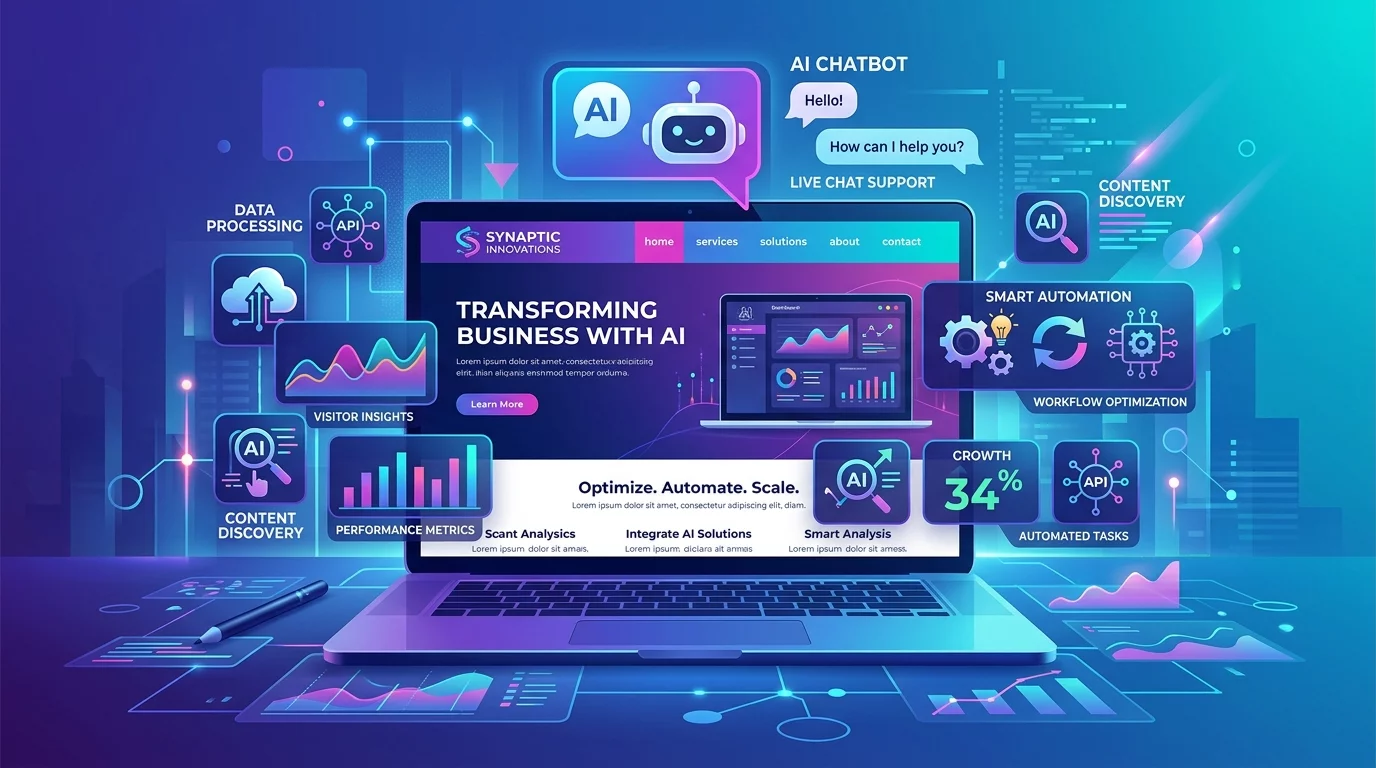
Artificial Intelligence — or AI — sounds like something from a science fiction movie. But in 2026, it is already part of everyday websites in Singapore. AI on a website simply means your website has a "brain" that can think, learn, and respond to your visitors automatically.
Think of it like having a very patient staff member who never sleeps, never takes breaks, and can answer 100 customers at the same time — all in perfect English (or Malay, Tamil, or Mandarin). That is what AI tools can do for your Singapore website right now.
Whether you run a hawker stall online, a physiotherapy clinic, a tuition centre in Bishan, or an e-commerce store in Jurong, AI can help your website work harder for you without you lifting a finger.
Before You Begin
You do not need to be a coder or tech expert to add AI to your website. Most AI tools today work as simple plug-and-play integrations. Here is what you need to get started:
- A website — Most Singapore business websites run on WordPress, Shopify, Wix, or a custom platform. AI tools work with all of these.
- A clear goal — Do you want AI to answer customer questions? Chat with visitors? Auto-generate content? Recommend products? Knowing your goal helps you pick the right tool.
- About 30 minutes — Most AI tool setups take 15 to 30 minutes. Some even have free plans to try first.
Step 1: Set Up an AI Chatbot to Answer Customer Questions 24/7
One of the easiest and most effective ways to use AI on your website is a chatbot. A chatbot is a small window that pops up when visitors land on your site and asks: "Hi, how can I help you today?" The AI behind that chatbot can answer common questions instantly.
Imagine someone browsing your Singapore physiotherapy clinic website at 11 PM on a Tuesday. They have a question about your sciatica treatment. They do not want to wait until 9 AM to call. The chatbot can give them a quick answer, book an appointment, or tell them your pricing — all by itself.
How to set it up:
- Go to a chatbot service like Tidio (tidio.com), Intercom, or Freshdesk. Create a free account.
- Click "Add to Website" and copy the small code snippet they give you.
- Paste that code into your website's footer section. In WordPress, go to Appearance → Theme File Editor → footer.php and paste before the closing
</body>tag. - Go back to the chatbot dashboard and start building your first conversation flow. Most tools have a visual builder where you simply click "If user says X, respond with Y."
- Add your most common questions first: "What are your hours?", "Where are you located?", "How much does it cost?"
Pro tip for Singapore: Set your chatbot to respond in English first, then add Cantonese or Mandarin as a second language if your customers commonly ask in those languages.
Step 2: Use AI to Auto-Generate Product or Service Descriptions
If you have an e-commerce website with 50, 100, or even 500 products, writing descriptions for each one is exhausting. AI can write them for you in seconds.
Say you sell handmade artisan candles from your studio in Telok Blangah. You have 40 different candle scents. Instead of spending 10 hours writing descriptions, AI can generate them in under 5 minutes.
How to do it:
- Go to Shopify's built-in AI (if you use Shopify) and look for "Write product descriptions with AI" in your admin panel. Or use a tool like Copy.ai or Jasper.
- Upload your product list — either as a spreadsheet or product by product.
- Tell the AI your brand tone. For example: "Write in a warm, cozy, Singapore homestyle voice. Mention that our candles are hand-poured in Singapore."
- Review the generated descriptions. Edit any that sound off. AI is a helper, not a replacement for your voice.
- Bulk-upload back into your store. In Shopify, use the "Import" feature to bulk-update descriptions at once.
This alone can save you 8 to 15 hours of work every month.
Step 3: Add AI-Powered Search That Actually Understands What Visitors Want
Standard website search boxes only find exact words. If someone types "red bag for CNY" on a Singapore gift shop website, a normal search only finds items with "red" AND "bag" AND "CNY" in the description. AI search understands intent. It knows "CNY" means Chinese New Year and recommends red gift sets accordingly.
How to upgrade your search:
- Check if your platform has an AI search app. Shopify stores can add EStye or Searchan. WordPress sites can use SearchWP or Relevanssi.
- Install the app and connect it to your product catalog.
- Most AI search tools will "learn" from visitor behaviour over time. Enable that setting. It means the more people search on your site, the smarter it gets.
- Test it yourself. Type a question like "What gift should I get my boss for Chinese New Year?" and see if results feel relevant.
Singapore-specific tip: Train your AI search with local terms. Add synonyms like "CNY" = "Lunar New Year", "Mook" = "ang pao", "kek" = "cookies".
Step 4: Install Smart Form Fillers to Reduce Abandonment
Have you ever filled out a form on a website and given up halfway because it was too long? You are not alone. Form abandonment is one of the top reasons Singapore websites lose potential customers.
AI form fillers can auto-fill fields as users type. For example, when they type their address, the AI fills in the postal code automatically using Singapore Post data. When they type their name, it remembers their details for next time.
How to set up AI form filling:
- Use a plugin like WPForms (WordPress) or JotForm which has AI auto-fill built in.
- Look for the "Smart Forms" or "AI Fill" setting in your form builder.
- Keep your forms SHORT. AI can fill fields, but only if you keep the form to 3 to 5 essential fields. Ask for only what you truly need.
- Enable SMS or WhatsApp verification for phone numbers. Singapore visitors are used to this — it reduces fake entries and increases genuine leads.
Step 5: Use AI Analytics to Know Exactly What Visitors Are Doing
Google Analytics is powerful, but it gives you raw numbers. AI analytics tools like Hotjar, Microsoft Clarity, or Plerdy show you heatmaps — coloured visual maps of where visitors click, scroll, and pause on your website.
This is incredibly useful for Singapore small business websites. A heatmap might show you that 70% of visitors click on your phone number at the top of the page — but you buried your WhatsApp booking button at the bottom. Moving it up could double your bookings.
How to install AI analytics:
- Go to Microsoft Clarity (free) or Hotjar and sign up.
- Copy the tracking code provided.
- In WordPress, go to Plugins → Add New → search "Header Footer Code Manager" and install it. Use it to paste your tracking code into every page.
- Wait 24 to 48 hours for data to start collecting.
- Look at the heatmap. Green areas mean high engagement. Red areas mean people are leaving. Focus on making red areas clearer or more compelling.
Frequently Asked Questions
Q: Is AI expensive to add to my Singapore website? A: Not necessarily. Many AI tools have free tiers. Microsoft Clarity is completely free. Tidio chatbot has a free plan for up to 100 conversations per month. Start free, then upgrade only when you see value.
Q: Do I need a developer to install AI tools? A: No. Most AI plugins and apps are designed for non-technical users. If you can install a WordPress plugin or a Shopify app, you can set up AI. It usually takes 15 to 30 minutes.
Q: Will AI replace my website content or make it sound robotic? A: AI assists, it does not replace. Always review AI-generated content before it goes live. Your brand voice, your Singapore customer story, your personality — AI cannot replicate that. Use AI to save time on drafts and descriptions, then add your human touch.
Q: Is my customer data safe when using AI tools? A: Use reputable tools with clear privacy policies. Check that the tool complies with Singapore's PDPA (Personal Data Protection Act). Avoid tools that sell your data to third parties. When in doubt, ask the tool provider directly.
If you tried these steps and still feel unsure which AI tools are right for your specific website, WebCareSG offers free consultations for Singapore business owners. We can assess your website, recommend the right AI tools, and even set them up for you — no technical knowledge required on your end.