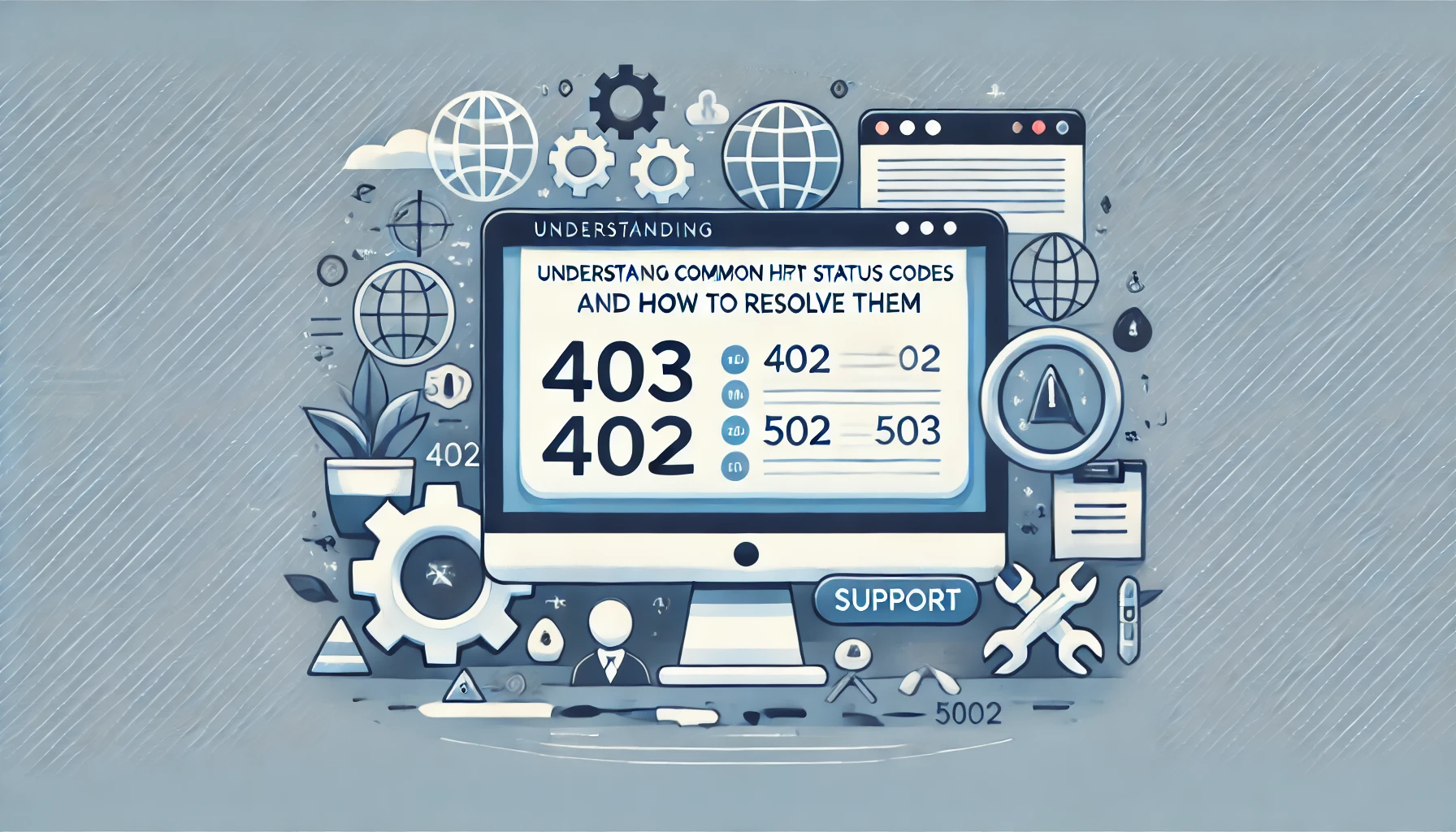
HTTP status codes indicate the result of a client’s request to a server. While some are informational, others signify errors that need attention. In this guide, we cover common HTTP status codes, their meanings, and practical solutions to resolve them.
1. HTTP 403 Forbidden
The 403 error occurs when the server denies access to the requested resource.
- Reason: Missing or incorrect permissions for the requested file or directory.
- Solution:
- Check file and directory permissions. Ensure they’re set correctly (e.g.,
chmod 644 filenamefor files andchmod 755 directorynamefor directories). - Verify the
.htaccessfile does not restrict access unnecessarily. - Ensure the server’s IP whitelist includes your client’s IP address if applicable.
- Check file and directory permissions. Ensure they’re set correctly (e.g.,
2. HTTP 404 Not Found
The 404 error indicates the server couldn’t find the requested resource.
- Reason: The URL is incorrect or the resource has been moved or deleted.
- Solution:
- Check for typos in the URL.
- Update broken internal links using tools like Dead Link Checker.
- Restore the missing resource if it was deleted accidentally.
3. HTTP 502 Bad Gateway
The 502 error occurs when the server acting as a gateway or proxy receives an invalid response from an upstream server.
- Reason: Temporary server overload or communication issues between servers.
- Solution:
- Restart the web server. For example, use
sudo service nginx restartorsudo systemctl restart apache2. - Verify server-to-server communication by checking error logs (e.g.,
/var/log/nginx/error.log). - Ensure the upstream server is operational.
- Restart the web server. For example, use
4. HTTP 503 Service Unavailable
The 503 error indicates the server is temporarily unavailable to handle requests.
- Reason: Server overload, maintenance, or a misconfigured load balancer.
- Solution:
- Check server load and optimize resource usage using commands like
toporhtop. - Update maintenance configurations to return an appropriate response.
- Restart services if necessary:
sudo systemctl restart nginxorapache2.
- Check server load and optimize resource usage using commands like
5. HTTP 401 Unauthorized
The 401 error occurs when authentication credentials are missing or incorrect.
- Reason: Invalid credentials or expired tokens.
- Solution:
- Verify login credentials and ensure they are entered correctly.
- Check and update API keys or tokens if accessing APIs.
- If using Basic Authentication, verify the
.htpasswdfile contains the correct credentials.
Conclusion
Understanding and resolving HTTP status codes is essential for maintaining a healthy website. Regularly monitor logs and use analytics tools to identify and fix errors promptly. For expert assistance, contact WebCareSG. We provide comprehensive support to ensure your website remains functional and user-friendly.