The 2026 Guide to Core Web Vitals: Mastering INP
The New Standard for Web Responsiveness
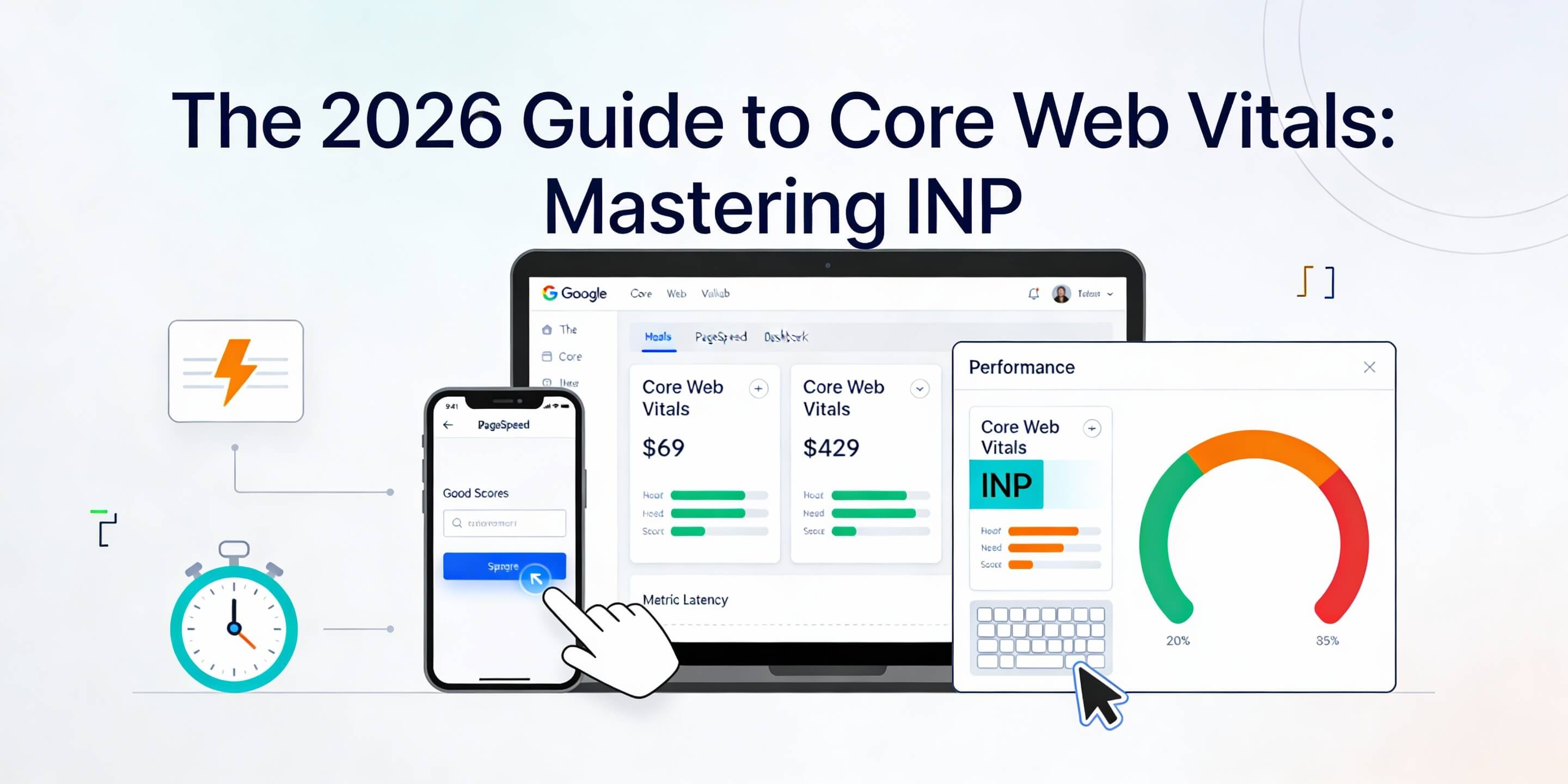
In 2026, user patience is at an all-time low. While previous metrics like First Input Delay (FID) only measured the very first interaction, Google’s latest Core Web Vital—Interaction to Next Paint (INP)—tracks the latency of every single interaction a user has with your page. If a user clicks a menu and it takes a split second too long to open, your INP score suffers. High INP isn’t just a technical glitch; it is one of the clearest 5 signs website needs maintenance. This guide explores how to make your site feel instantaneous.
1. What Exactly is INP?
INP measures the time it takes from a user interaction (like a click, tap, or key press) to the moment the browser actually paints the next frame on the screen. A "Good" INP score is 200 milliseconds or less.
- Input Delay: The time the browser spends waiting for background tasks to finish.
- Processing Time: The time it takes to run your JavaScript code.
- Presentation Delay: The time it takes for the browser to recalculate the layout and paint the result.
2. Identifying the "Heavy" JavaScript Culprits
The most common cause of poor INP is long-running JavaScript that "blocks" the main thread. If your browser is busy running a heavy script, it can’t respond to a user’s tap. This is a common bottleneck when speeding up your site.
- Third-Party Scripts: Chat widgets, analytics, and social media embeds are notorious for high INP.
- Complex Animations: JavaScript-driven animations can hog the main thread. Use CSS animations where possible to support sustainable web design.
- Bloated Plugins: If you use WordPress, outdated or poorly coded plugins can cripple responsiveness. Follow best practices for updating wordpress to stay lean.
3. Technical Fixes for Better Responsiveness
To improve INP, you must give the browser "breathing room" to respond to the user. This often involves breaking up large tasks into smaller ones.
- Yield to the Main Thread: Use functions like
setTimeout()orrequestIdleCallback()to allow the browser to handle user input between script executions. - Optimize Event Listeners: Ensure your click handlers are efficient. Heavy logic should be deferred or handled by a Web Worker.
- Database Efficiency: If an interaction triggers a server request, a slow database can delay the visual response. Regularly perform an ultimate guide wordpress database cleanup.
4. Impact on Mobile-First Indexing
INP is particularly critical for mobile users, as mobile processors are less powerful than desktop ones. A script that feels fast on a laptop might cause massive lag on a smartphone in Singapore’s heat. This is a pillar of the guide to mobile-first indexing.
- Test on Real Devices: Don’t just rely on desktop emulators; test on actual mobile hardware.
- Avoid Layout Shifts: High INP often correlates with layout shifts. Ensure your mobile responsiveness is technically sound.
- Visual Feedback: Even if a process takes time, provide instant visual feedback (like a loading spinner) to make the presentation delay feel shorter.
5. Monitoring and Maintenance
Core Web Vitals are dynamic. A new plugin or a change in ad scripts can ruin your scores overnight. Monitoring is essential for building brand authority through a reliable UX.
- Search Console: Check the "Core Web Vitals" report weekly. If pages are failing, you may need to fix indexing issues or performance bugs.
- PageSpeed Insights: Use the "Lab Data" to identify specific long tasks that are hurting your INP.
- Weekly Health Check: Include a quick manual interaction test (clicking menus/buttons) in your weekly website health check.
In 2026, your website’s "feel" is just as important as its "look." By mastering INP, you ensure that every interaction a customer has with your brand is smooth, professional, and fast. If your site feels laggy or you’re struggling to pass the Core Web Vitals assessment, WebCare SG offers specialized performance optimization and technical maintenance. Contact us today to make your website snappier than ever.
Related WebCare Solutions

Why is My Website Not Showing Up on Google: A Detailed Guide
A comprehensive guide exploring the various reasons why your website might not be visible in Google search results and how to address them.
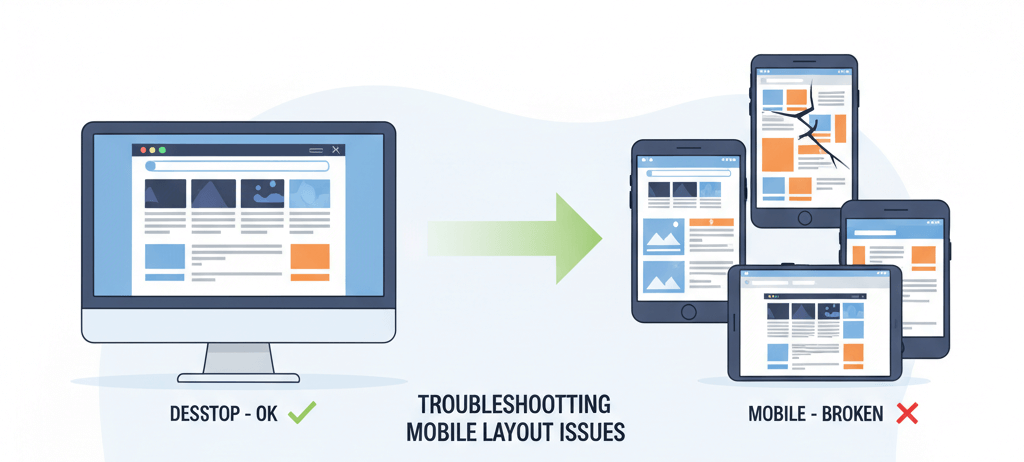
Mobile Layout Looks Wrong but Desktop is Fine: A Responsive Design Troubleshooting Guide
Inspect responsive breakpoints, viewport meta tag, mobile-specific CSS, and plugin/theme mobile settings causing layout shifts.
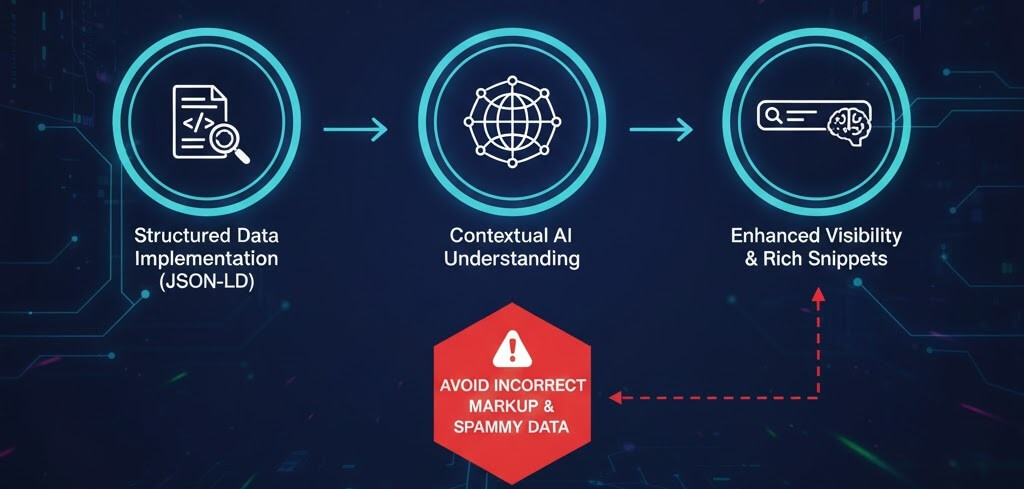
Adding Schema Markup for Better SEO in the AI Era
A beginner-friendly guide to using schema markup to help AI search engines and LLMs understand your content, leading to better rich results and citations.
Ready to get started?
Focus on your business while we fix your website. Contact WebCareSG today for fast, reliable solutions!
Whatsapp us on