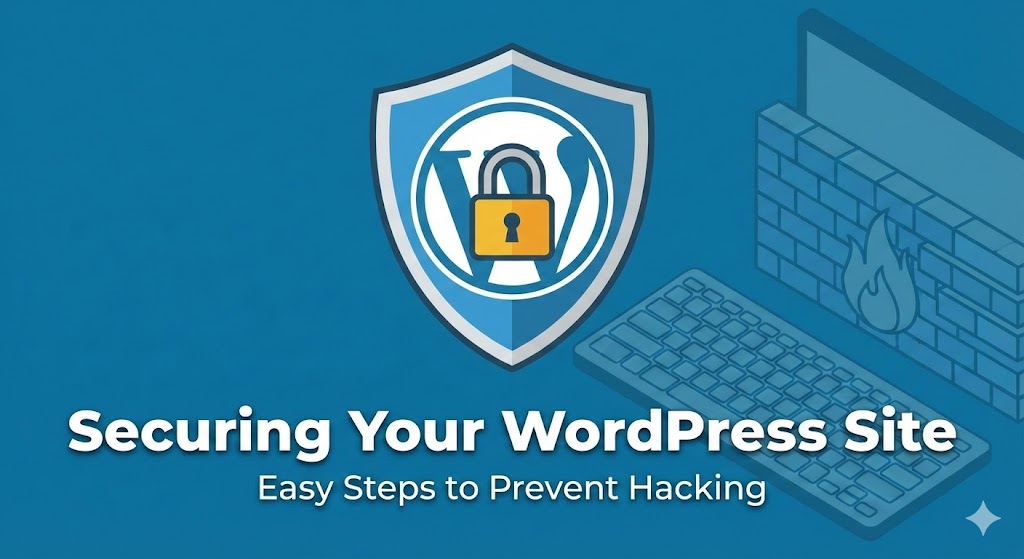
WordPress is the most popular content management system in the world, which unfortunately makes it the number one target for hackers. A compromised website can lead to the theft of sensitive customer data, the injection of malicious code, and a total collapse of your SEO rankings. If your site has already been hit, you may need immediate WordPress malware removal to clean your files. However, the best defense is a proactive one. This guide provides a detailed, step-by-step roadmap to securing your site.
Step 1: Establishing a Comprehensive Update Protocol
Outdated software is the primary entry point for 90% of WordPress hacks. Vulnerabilities in the core code, themes, or plugins are often published openly, giving hackers a blueprint for entry. You must prioritize the importance of regularly updating plugins and themes to close these doors.
- Enable Automatic Minor Updates: Allow WordPress to update minor security patches (e.g., from 6.1 to 6.1.1) automatically.
- Audit Your Plugin List: Every plugin is a potential vulnerability. Delete any that are deactivated or unnecessary.
- Follow Version Control: Before a major update, read the changelogs to ensure compatibility. Following best practices for updating WordPress and plugins prevents your site from breaking during the security hardening process.
- Remove Default Themes: Hackers often hide malicious scripts in default themes like Twenty Twenty-One. If you aren't using them, delete them entirely.
Step 2: Hardening the Login Environment
Brute-force attacks involve bots trying millions of password combinations. To stop them, you must move beyond the basics of how to secure your website against basic threats.
- Change the Default 'Admin' Username: Never use 'admin'. Create a unique, non-obvious username for your administrator account and delete the old one.
- Enforce Complex Passwords: Require all users (Editors, Authors, Subscribers) to use passwords that are at least 16 characters long, including symbols and numbers.
- Implement Two-Factor Authentication (2FA): Require a secondary code from an app like Google Authenticator. This is the single most effective way to prevent unauthorized login.
- Limit Login Attempts: Use a security plugin to block any IP address that fails to log in after 3 or 5 attempts.
- Hide the Login Page: Move your login URL from
/wp-adminto a custom secret slug to hide it from automated bots.
Step 3: Deploying Advanced Security Firewalls
A Web Application Firewall (WAF) acts as a filter for all incoming traffic, blocking malicious requests before they even touch your WordPress installation. This is a key part of any website security audit.
- Endpoint Firewalls: Use plugins like Wordfence to scan for malicious patterns and block them at the site level.
- Cloud Firewalls: Consider services like Cloudflare to block DDoS attacks and bad bots before they even reach your server.
- Scan for File Integrity: Regularly check if your core WordPress files have been modified. If they have, it is a sign of a breach. This helps you protect against hacks and recover from breaches quickly.
- Monitor Outbound Traffic: If your site starts sending thousands of emails or connecting to strange external servers, it is likely infected with a spam bot.
Step 4: Securing the Database and Server
Your database contains every piece of information on your site. If a hacker gets access to it, your business is compromised. Following a server maintenance checklist is essential for back-end safety.
- Change the Database Prefix: The default prefix is
wp_. Changing this to something random (e.g.,zxy7_) prevents SQL injection attacks that target default table names. - Set Proper File Permissions: Folders should be 755 and files should be 644. Never set anything to 777.
- Disable Directory Browsing: Prevent users from seeing the list of files in your folders via the browser.
- Disable the Built-in File Editor: Block the ability to edit theme and plugin code directly from the WordPress dashboard to prevent a hacker from injecting code if they gain access.
Step 5: SSL and Data Encryption
Encryption ensures that the data sent between your user and your server cannot be intercepted. Understanding SSL certificates and choosing the right one is vital for e-commerce and lead-generation sites.
- Install an SSL Certificate: Ensure your site loads over HTTPS.
- Enable HSTS: Force browsers to only interact with your site via secure connections.
- Fix Mixed Content Errors: Ensure that all images and scripts are also loading over HTTPS to maintain the green lock icon.
Step 6: Developing a Foolproof Backup Strategy
If all else fails, a backup is your only way out. The importance of backups for your website becomes clear the moment your site is deleted or held for ransom.
- Automated Daily Backups: Schedule backups so you never have to remember to do them manually.
- Off-Site Storage: Store backups on a separate cloud (AWS, Google Drive) so they aren't wiped if the server is hacked.
- Practice Restorations: Knowing how to backup and restore your WordPress website is useless if you don't test the restore process regularly.
Step 7: Recovery and Post-Hack Actions
If you suspect a breach, you must act fast to minimize the damage. You may need to recover a website from a hacked defacement or look into how to troubleshoot and fix website downtime if the hacker took your site offline.
- Scan the Database: Check for malicious admin users and strange scripts in the options table.
- Reset All Credentials: Change every password for the database, FTP, and WordPress users.
- Submit a Re-indexing Request: Once clean, tell Google to re-scan your site to remove any "Not Secure" or "Malware" warnings.
Conclusion
WordPress security is not a one-time project; it is an ongoing commitment. By following these steps, you build a fortress around your digital assets. If you are overwhelmed or your site is currently under attack, don't panic. WebCare SG specializes in deep security hardening and emergency repairs. Contact us today for professional assistance.