Running a business website in Singapore means you are trusting your digital storefront to stay safe, fast, and functional every single day. But what happens when the plugins and themes you install contain hidden malware, backdoors, or code that puts your entire business at risk? This is exactly what happens when Singapore business owners use nulled or pirated plugins and themes on their WordPress websites.
Nulled plugins and themes are premium WordPress extensions that have been cracked and made available for free on unofficial websites. They look tempting because they give you access to expensive plugins without paying. However, the hidden costs of using nulled software can destroy your website, steal your customer data, and even get your business into serious legal trouble. In this guide, you will learn exactly why nulled software is dangerous, how hackers use it to attack your site, and what steps you can take right now to protect your WordPress website from these hidden threats.
Why Singapore Business Owners Are Targeted for Nulled Plugin Attacks
Singapore has one of the highest internet penetration rates in Asia, and most local small and medium enterprises rely on WordPress for their business websites. Hackers know that many Singapore business owners try to save money by using pirated plugins and themes instead of purchasing legitimate licenses. This makes WordPress sites in Singapore a favorite target for automated attacks that exploit vulnerabilities hidden inside nulled software.
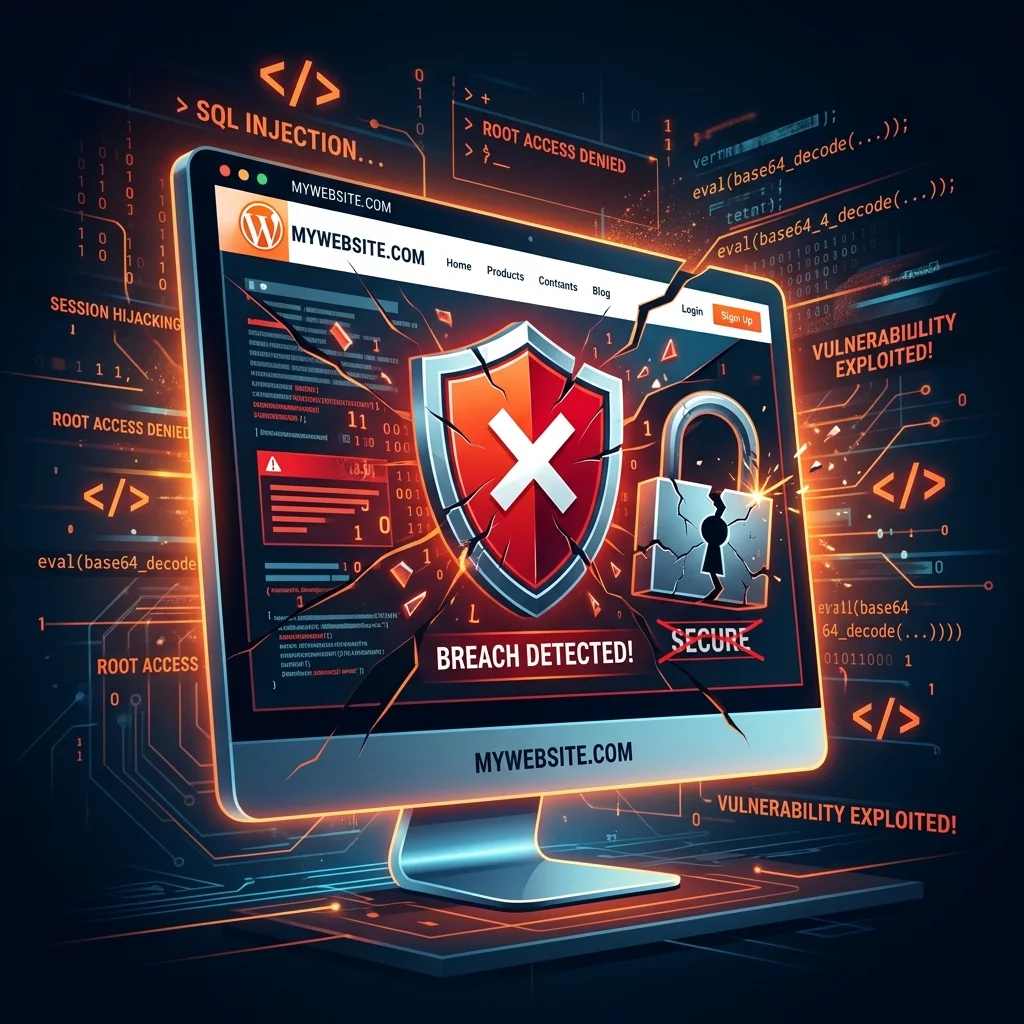
When you install a nulled plugin or theme, you are not just installing the visible features. You are also installing whatever hidden code the crackers added to make the software "work" without a license. This hidden code often includes backdoors that give hackers remote access to your server, data harvesting scripts that steal customer information, and malicious redirects that send your visitors to phishing websites. Singapore businesses that use nulled software are essentially handing over the keys to their digital business to criminals.
The Step-by-Step Process Hackers Use to Attack Your Website Through Nulled Software
Understanding how these attacks work will help you see exactly why nulled software is so dangerous. Here is the typical process hackers use when they distribute nulled plugins and themes.
Step 1: Cracking and Backdoor Injection
Attackers obtain legitimate premium plugins and themes, then crack them by removing license checks. During this process, they inject malicious code into the files. This code can be anything from a simple PHP backdoor that allows remote code execution, to a complex script that sends your database credentials to an external server. The injected code is designed to be hidden deep within the plugin files where normal users would never notice it during installation.
Step 2: Distribution Through Unofficial Channels
The cracked nulled plugins are uploaded to websites that look like legitimate software repositories. These sites often mimic the design of official plugin directories and use similar domain names to trick users into thinking they are downloading from a safe source. In Singapore, these websites are often found through search results when business owners search for free versions of popular premium plugins.
Step 3: Installation and Silent Activation
When you download and install a nulled plugin on your WordPress site, the malicious code activates silently. Unlike obvious malware that causes visible problems, backdoors in nulled software are designed to remain hidden while they operate. The hacker gains access to your server without you knowing anything is wrong. Your website appears to work normally from the outside, but the backdoor is actively transmitting data or allowing remote control.
Step 4: Data Exfiltration or Site Control
Once the backdoor is activated, hackers can do almost anything with your website. They can extract your customer database including names, email addresses, phone numbers, and in some cases payment information. They can inject spam links into your pages to boost their search engine rankings. They can use your server to send phishing emails or launch attacks on other websites. They can also encrypt your files and demand ransom to restore access.
Real Examples of Damage Caused by Nulled Plugins in Singapore Businesses
Many Singapore business owners have learned the hard way that nulled plugins cause real, lasting damage to their businesses. Here are the most common types of damage you can expect if you use nulled software on your WordPress site.
Customer Data Breaches
When hackers access your server through a nulled plugin backdoor, they can steal every piece of data stored on your website. This includes customer names, email addresses, phone numbers, home addresses, and any other information customers have shared with you. Under Singapore's Personal Data Protection Act (PDPA), you are legally required to protect customer data. A data breach caused by nulled software could result in fines of up to one million Singapore dollars for severe violations.
Website Defacement and Reputation Damage
Hackers frequently use compromised websites to display spam content, redirect visitors to malicious websites, or replace your pages with hacker propaganda. When customers visit your website and see hacker messages or get redirected to strange websites, they immediately lose trust in your business. Rebuilding a damaged reputation after a hacking incident can take months and cost thousands of dollars in marketing and public relations work.
Search Engine Blacklisting
Google actively scans websites for malware and hacking indicators. When Google detects that your site has been compromised through a nulled plugin, they add your domain to their blacklist and display warning messages to anyone trying to visit. This means potential customers searching for your business will see a red warning page instead of your website. Recovering from a Google blacklist can take weeks or months, during which time you lose all organic search traffic.
Server Resource Hijacking
Many hackers use compromised websites to mine cryptocurrency or launch automated attacks on other servers. Your hosting account becomes a tool for criminal activities, and you may receive complaints from your hosting provider or even have your account terminated. In serious cases, you could face legal consequences for unknowingly participating in cyberattacks.
How to Check If Your Website Has Been Compromised Through Nulled Software
Before you can fix a compromised website, you need to know whether your site has been hacked. Here are the warning signs that indicate your WordPress site may have been compromised through nulled plugins or themes.
Step 1: Look for Unexpected Files or Code
Log into your hosting control panel and navigate to your WordPress file manager. Look for recently modified PHP files that you do not recognize. Check your plugins directory for any plugins you did not install or that have strange names. Hackers often create new PHP files with random names like "wp-cache.php" or "settings.php" that contain malicious code.
Step 2: Monitor Your Website for Unusual Activity
Check your Google Search Console account for any security warnings or manual actions. Look at your server access logs for unusual patterns such as requests to unfamiliar PHP files or repeated login attempts from unknown IP addresses. If your hosting account shows unexpected spikes in bandwidth usage, your site may have been compromised.
Step 3: Scan Your Website With Security Plugins
Install a reputable security plugin like Wordfence or Sucuri and run a full scan of your website. These tools can detect many common backdoors and malicious files that hackers install through nulled plugins. The security scan will generate a report showing any suspicious files, unexpected changes to your core WordPress files, and known malware signatures.
Step 4: Check for Unwanted Admin Users
Log into your WordPress dashboard and go to the Users section. Look for any admin accounts you did not create, especially accounts with strange usernames or email addresses from free email services. Hackers often create hidden admin accounts to maintain access even after you clean up the obvious infections.
How to Remove Nulled Software and Clean Your Hacked Website
If you discovered that your website has been compromised through nulled plugins or themes, follow these steps to clean your site and restore it to a secure state.
Step 1: Take Your Website Offline Immediately
The first thing you must do is prevent further damage by taking your website offline. Contact your hosting provider and ask them to temporarily disable your website or add a maintenance page. This stops hackers from continuing to access your site and prevents additional data theft while you work on cleanup.
Step 2: Identify and Remove All Nulled Components
Go through every plugin and theme installed on your WordPress site. Check each one against the official WordPress plugin repository to verify it is legitimate and properly licensed. Delete any plugins or themes that you downloaded from unofficial sources or that show signs of being cracked versions. Only keep plugins that you can confirm were downloaded directly from the official developer or a verified marketplace.
Step 3: Clean Malware From Your Server Files
Use your hosting control panel file manager or an FTP client to access your server files directly. Look for PHP files that contain suspicious code patterns such as "eval(base64_decode" or "gzinflate" which are commonly used to hide malicious code. Delete any files that were not part of the original WordPress installation or that were added without your knowledge.
Step 4: Reset All Passwords
Change the password for your WordPress admin account, your hosting account, your database, and any FTP or SFTP accounts associated with your website. Use strong passwords that are at least 16 characters long and contain a mix of uppercase letters, lowercase letters, numbers, and special characters. Do not reuse passwords across different accounts.
Step 5: Update Everything to Latest Versions
Reinstall a fresh copy of WordPress from the official distribution. Update all remaining plugins and themes to their latest versions from official sources only. Enable automatic updates for all your plugins and themes so you receive security patches as soon as they are released.
Protecting Your Singapore Business Website From Nulled Software Forever
The best way to protect your business from nulled plugin attacks is to never use pirated software in the first place. Here is what you need to do to keep your WordPress site secure going forward.
Step 1: Only Download Plugins From Official Sources
Always get your WordPress plugins and themes from the official WordPress plugin directory, the developer's own website, or established marketplaces like ThemeForest or Elegant Themes. Before installing any plugin, verify that the download source is legitimate by checking the developer URL and reading reviews from other users.
Step 2: Budget for Essential Premium Plugins
Include the cost of legitimate premium plugins in your annual website maintenance budget. Premium plugins like Yoast SEO, WPForms, and Elementor are worth their licensing fees because you receive regular updates, security patches, and technical support. The cost of dealing with a hacking incident far exceeds what you would have paid for legitimate software licenses.
Step 3: Set Up Continuous Security Monitoring
Install a reputable security plugin on your WordPress site and enable real-time threat monitoring. Security plugins like Wordfence can detect attempts to exploit vulnerabilities, block malicious login attempts, and alert you to suspicious activity on your server. Enable email alerts so you receive immediate notification when security issues are detected.
Step 4: Maintain Regular Backups
Set up automated daily backups of your entire WordPress installation including your database and all files. Store backups in a secure offsite location so you can restore your website quickly if you ever get hacked again. Test your backup restoration process periodically to make sure your backups are actually working.
Step 5: Work With a Professional WordPress Maintenance Service
If you do not have the technical skills to maintain your WordPress security on your own, hire a professional website maintenance service in Singapore. A reliable maintenance service will handle all plugin updates, security monitoring, backups, and emergency cleanup if your site gets hacked. The monthly cost of professional maintenance is a worthwhile investment compared to the potential losses from a security breach.
If you still need help, feel free to contact us at https://webcare.sg/contact for a free website health check.