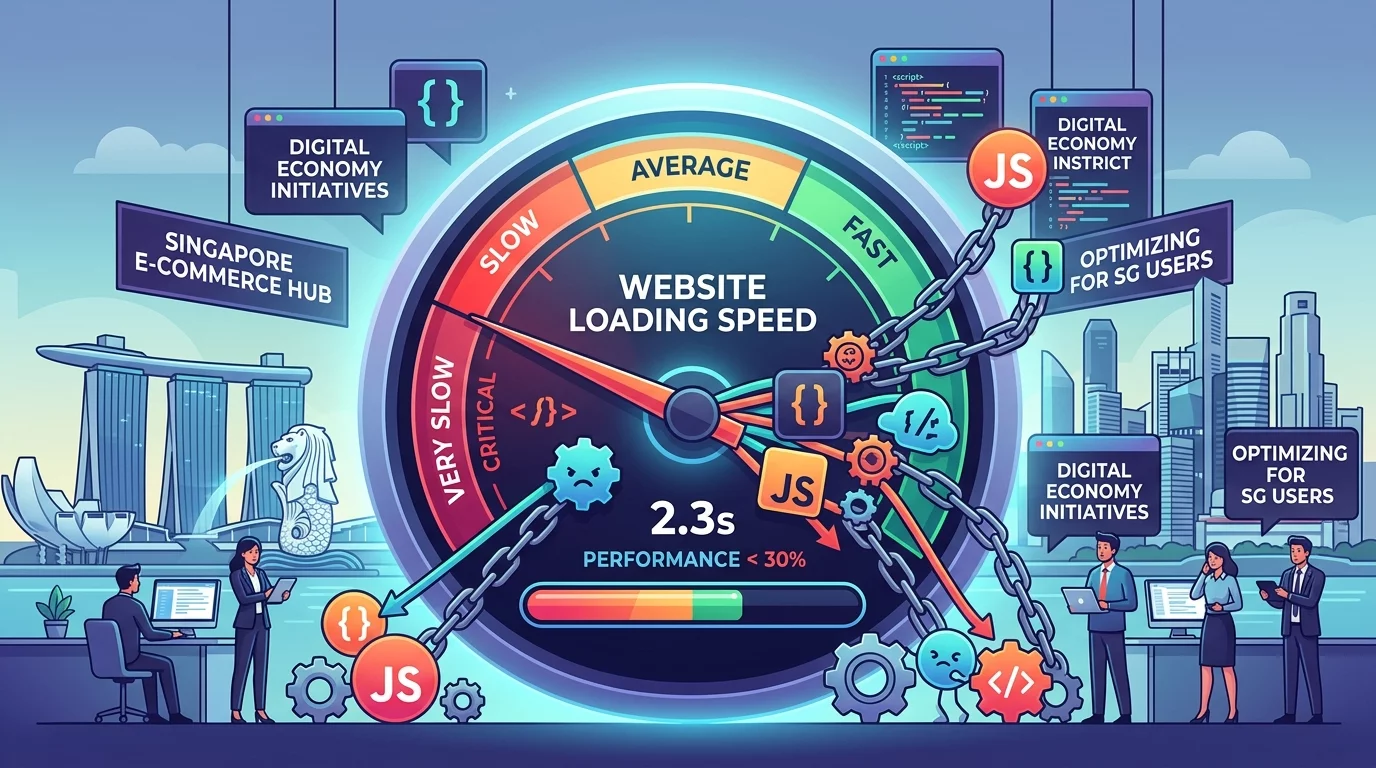
Every second counts when someone visits your website. Imagine a potential customer in Singapore clicking on your Google ad or finding your business through a social media post. They are interested, they are ready to buy, and then they wait. And wait. And wait some more. Three seconds pass, five seconds, maybe ten. They give up and click on your competitor instead. This frustrating scenario happens far too often for Singapore businesses, and the culprit might surprise you: it is not your web host, not your website design, and not your internet connection. It is the hidden third-party scripts running on your website that you probably do not even know exist.
Third-party scripts are pieces of code added to your website by external services. These include tools like Google Analytics to track visitor behavior, Facebook Pixel to manage your ads and retarget customers, live chat widgets so visitors can ask questions, heatmap tools to see where people click, chatbot services to automate customer support, social media sharing buttons, video players, font loaders, and countless other integrations that modern websites rely on. Each of these scripts makes a request to an external server, downloads code, and often runs continuous processes in the background of your website. Individually, each script seems small and harmless. Together, they can bring even a well-designed website to its knees.
For Singapore business owners, this is not just a technical inconvenience. It is a direct threat to your bottom line. Research consistently shows that visitors abandon sites that take more than three seconds to load. Every second of delay reduces conversions by approximately seven percent. If your website receives one thousand visitors per month and takes five seconds to load instead of two, you could be losing hundreds of potential customers to slow loading times. For an e-commerce store or a service-based business relying on online leads, this represents thousands of dollars in lost revenue every month. The scripts causing this problem do not announce themselves. They hide in your website code, often added by marketing teams, agencies, or website developers without proper testing for performance impact.
The challenge for most Singapore business owners is that you cannot see these scripts working. Your website looks normal. Your web developer may not have tested all the marketing tools loaded on the page. Your marketing agency adds tracking pixels without checking if they slow down the checkout process. Each tool serves a valid business purpose individually, but together they create a performance disaster that you may never discover until you specifically look for it. This guide will walk you through exactly how to identify, analyze, and fix third-party script issues on your Singapore business website, even if you have no technical background.
Step 1: Understand What Third-Party Scripts Are Running on Your Website
Before you can fix a problem, you need to know it exists. Most Singapore business owners do not realize how many third-party scripts are loading on their website until they actively check. The first step is to audit what is currently running on your site.
Open your website in Google Chrome browser. Right-click anywhere on the page and select "Inspect" from the menu that appears. This opens the browser developer tools panel. Click on the "Network" tab at the top of this panel. Check the "Disable cache" checkbox at the top right of the Network panel if it is not already checked. Then reload your website by pressing the F5 key or the refresh button in your browser.
As your website reloads, you will see a list of every file that loads. Look at the "Domain" column in this list. You will see requests to your main domain, but also requests to many other domains like google-analytics.com, doubleclick.net, facebook.com, hotjar.com, intercom.io, and dozens of others. Each of these represents a third-party script running on your site. Scroll through the list and count how many different external domains are loading content onto your website. If you see more than ten different external domains, you likely have a performance problem caused by third-party scripts.
Alternatively, use a free tool called PageSpeed Insights provided by Google. Visit pagespeed.web.dev and enter your website URL. Click "Analyze" and wait for the results. Scroll down to the "Diagnostics" section and look for "Reduce the impact of third-party code" or similar messages. This will show you which third-party scripts have the biggest impact on your loading time. This tool is excellent because it runs the test from Google's servers and gives you consistent, reliable measurements without requiring any technical setup.
Step 2: Identify Which Scripts Are Actually Hurting Your Performance
Not all third-party scripts are equally problematic. Some are essential for your business operations, while others add minimal value but still consume resources. You need to distinguish between them to make smart decisions about what to keep and what to remove.
Install the Chrome extension called "WebPageTest" or use the Waterfall feature in your browser's Network tab. A waterfall chart shows you exactly how long each script takes to load and when it loads relative to other elements on your page. When you see a script that takes longer than 500 milliseconds to load, or a script that blocks other content from displaying until it finishes, that script is a significant performance problem.
Make a list of every third-party script on your website and categorize each one. For each script, ask yourself these questions: Does this tool directly help me make money or serve my customers? Would I notice if this tool disappeared tomorrow? Does my marketing team actually use the data this script collects? Have I reviewed the settings to make sure it is not loading more than necessary? If a script does not directly contribute to revenue or customer service and you are not actively using its data, it is a candidate for removal or replacement with a lighter alternative.
Common culprits that usually have outsized performance impact include Facebook Pixel (especially if you have multiple conversion events configured), live chat widgets that load real-time support agents, heatmap and session recording tools like Hotjar or FullStory, marketing automation platforms that load heavy tracking scripts, social media feed embeds that pull content from Instagram or Twitter, and chatbot services with extensive JavaScript libraries. Each of these can add one to three seconds or more to your page load time. For comparison, Google recommends that your entire page load in under three seconds on mobile networks. If just your third-party scripts take longer than that, you have already failed the performance test before your main website content even loads.
Step 3: Check if Your Tag Manager Is Loading Too Many Scripts
Many Singapore businesses use Google Tag Manager or similar tag management systems to make adding scripts easier. While tag managers are useful for organizing your scripts, they can also become a convenient place to accumulate scripts without proper oversight. Over time, marketing agencies, internal teams, and various consultants add tags to your container without removing old ones that are no longer needed. This accumulation causes tag managers themselves to become a performance problem.
Log in to your Google Tag Manager account and click on your container. Click on the "Tags" section on the left sidebar. Look at how many tags are listed. If you see more than twenty tags, you likely have accumulated scripts that are no longer needed. Click on each tag and check when it was last fired. Tags that have not fired in months and are not scheduled for future use should be removed. Look for tags with names like "Backup," "Test," "Old," or anything referencing campaigns that have ended. These are dead weight that should be cleaned up.
For each remaining tag, check the trigger conditions. Many tags are set to load on every single page of your website when they only need to load on specific pages. A Facebook Pixel that tracks purchases only needs to fire on your thank-you page, not on every page view. A heatmap tool only needs to run on pages where you want to analyze user behavior, not on your contact form or checkout pages. Restricting tags to only the pages where they are needed can dramatically reduce their performance impact while maintaining all the functionality you actually use.
Step 4: Implement Script Loading Best Practices
Once you have identified which scripts to keep, the next step is to optimize how they load. Even necessary scripts can be configured to minimize their impact on your page load time. There are several techniques that work well for Singapore business websites.
The first and most important technique is called async loading. Scripts that load synchronously stop everything else on your page while they download and execute. This means your website visitors see a blank screen or a half-loaded page while waiting for these scripts to complete. Ask your web developer to add the async attribute to all your third-party script tags. This allows the scripts to download in the background without blocking your main content from displaying. For most modern scripts from reputable providers, this is as simple as adding async or defer to the script tag. Google Analytics, Facebook Pixel, and most major marketing tools support async loading without any functionality loss.
The second technique is to load scripts after your main content has finished loading. This is called lazy loading scripts, and it ensures your visitors see your website content quickly while third-party scripts load in the background. Your web developer can implement this by placing script tags after your main content or using JavaScript to dynamically load scripts only after the page content is visible. Many tag management systems support trigger conditions based on page load completion, which makes this easier to implement without touching your core website code.
The third technique is to use script snippets provided by the service providers themselves rather than full tag manager implementations. Some marketing tools offer lightweight alternative embed codes that have minimal performance impact. For example, Google's newer GA4 implementation has a much smaller footprint than the older Universal Analytics code. Check with each of your third-party service providers to see if they have a performance-optimized version of their tracking code.
Step 5: Test and Monitor Your Changes
After making changes to your third-party scripts, you must verify that the changes work correctly and do not break any business-critical functionality. This testing step is essential because removing or modifying tracking scripts can affect your marketing campaigns, conversion tracking, and customer data collection.
Use Google Chrome in incognito or private browsing mode to test your website. This ensures your browser has no cached data that might mask real performance issues. Visit your website and verify that all the features you need are working. Try submitting a contact form, adding an item to your shopping cart, and clicking through several pages. Check that any live chat or chatbot features still function. Visit your Google Analytics account and verify that traffic is still being tracked. Check your Facebook Events Manager to confirm that conversion events are firing correctly. If everything works as expected, your changes were successful.
Measure your website performance before and after making changes using the same tools from Step 1. Compare the loading times and the number of requests made to external domains. Aim to reduce your page load time to under three seconds on mobile connections, which is Google's recommended threshold for good user experience. If you have made significant improvements but still exceed three seconds, review your third-party scripts list again to identify any remaining candidates for optimization or removal.
Set up regular monitoring to catch future script accumulation. Schedule a quarterly review of your tag manager and website scripts. Every time a marketing agency, consultant, or team member asks to add a new script to your website, ask them to specify which existing script can be removed to compensate. This prevents the gradual accumulation that leads to performance problems over time. Consider using a monitoring service that alerts you when your website performance degrades, so you can address issues before they impact your business.
Step 6: Consider Alternatives to Heavy Third-Party Scripts
Sometimes the best solution to third-party script performance problems is to replace heavyweight tools with lighter alternatives or native website features. Singapore business owners often use multiple tools that overlap in functionality, when a single lighter tool would serve better.
If you use both Google Analytics and a separate heatmap tool, consider whether you really need both or whether you can use one comprehensive tool. If you use multiple chat or chatbot services, consolidate to one. If you have social media feed embeds that pull content from multiple platforms, consider removing them and replacing with simple text links or buttons instead. Research shows that most visitors to Singapore websites do not interact with embedded social media feeds, so these often provide minimal business value while consuming significant performance resources.
Some website platforms and hosting providers offer built-in alternatives to third-party scripts. For example, many WordPress themes now include built-in analytics dashboards that eliminate the need for Google Analytics scripts. E-commerce platforms like Shopify have built-in conversion tracking that replaces the need for manually added Facebook Pixels. Check if your website platform has native features that can replace third-party tools you are currently using. Native integrations are typically much faster because they are optimized by the platform developers specifically for that environment.
If you need a specific feature that requires a third-party script, look for providers that prioritize performance. Read reviews and check if other users complain about slow loading times. Ask the service provider directly about their script weight and what impact users typically see. Some tracking and marketing tools are built with performance as a core feature, while others are built with feature richness as the priority and performance as an afterthought. For your website loading speed, choose providers that take performance seriously.
Third-party scripts are invisible to most business owners, but their impact on your website performance is very real. Every marketing pixel, analytics tool, chat widget, and social media embed adds to your loading time and drives away potential customers who will not wait for a slow website. By following these steps to audit, optimize, and monitor your third-party scripts, you can significantly improve your website speed without sacrificing the marketing and customer service tools your business needs. Your customers in Singapore expect fast, responsive websites. Give them what they expect and watch your online conversions improve.
If you still need help, feel free to contact us at https://webcare.sg/contact for a free website health check.