Using Free AI Tools to Generate Website Content and Images
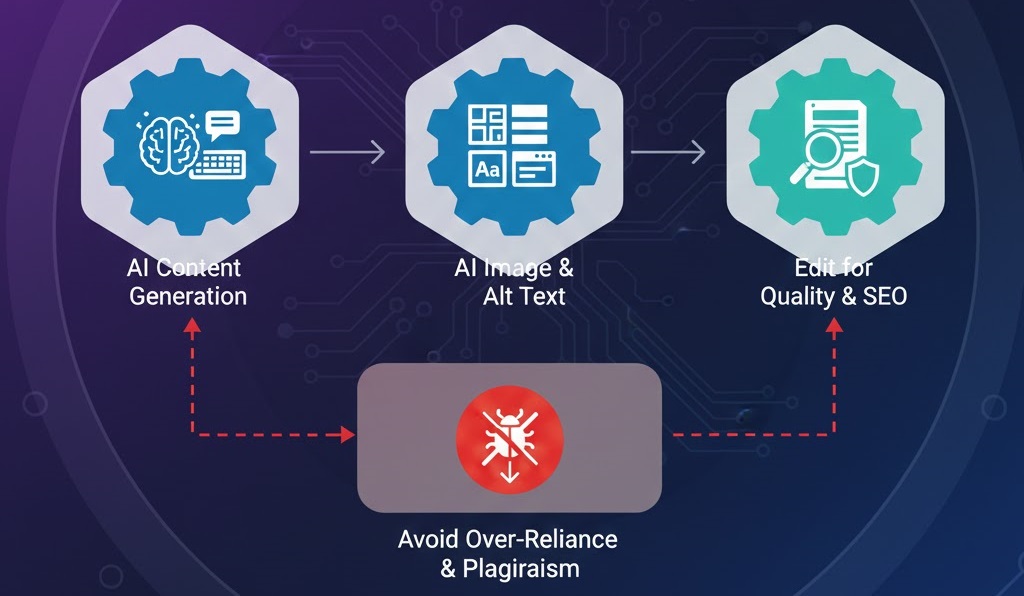
Revolutionizing Content Creation with Free AI
Artificial Intelligence has transformed from a futuristic concept into an essential toolkit for website owners. Whether you are struggling with writer's block for your blog or need professional images on a budget, free AI tools like ChatGPT, Grok, and various WordPress plugins can bridge the gap. However, using AI effectively requires a balance between automation and human oversight. Over-reliance can lead to generic content that fails to engage users or, worse, harms your SEO. [cite_start]Before you begin a massive content overhaul, ensure your site is stable by following importance regular website maintenance protocols[cite: 3].
Step 1: Generating Text Content with ChatGPT and Grok
Free versions of AI models are incredibly capable of generating various types of website copy. The key is in the "prompting"—the instructions you give the AI.
- Blog Posts and Articles: Use AI to outline and draft long-form content. Always provide a specific tone (e.g., "professional yet accessible").
- Product Descriptions: Feed the AI technical specs, and ask it to write benefit-driven copy that sells.
- Meta Descriptions and Alt Text: AI is perfect for these repetitive tasks. [cite_start]Providing descriptive alt text is a core part of fixing poor seo optimization[cite: 3].
- Editing for Quality: AI can hallucinate facts. Always fact-check and add your own unique insights to avoid being flagged as "low-effort" by search engines. [cite_start]If your AI-generated pages aren't showing up, check fix page not indexed google search console[cite: 3].
Step 2: Creating Visuals with Free AI Image Generators
Visual content is vital for engagement, but stock photos can look generic. Free tools like Microsoft Designer (DALL-E 3) or specialized WordPress plugins can generate custom images for your site.
- Custom Illustrations: Generate icons or illustrations that match your brand colors perfectly.
- Hero Images: Create unique backgrounds for your homepage. [cite_start]Ensure these are optimized; learn how to optimize website images without sacrificing quality [cite: 3] to prevent slow loading times.
- Image Sizing: AI often generates large files. [cite_start]Large images are a common cause for needing to how to fix slow website performance [cite: 3][cite_start].
Step 3: Integrated WordPress AI Assistants
Several free plugins now bring AI directly into your WordPress dashboard, making the workflow seamless.
- Jetpack AI Assistant: Helps with grammar, tone, and even translating your content into multiple languages.
- Yoast SEO / Rank Math: These use AI to suggest better titles and help you improve website crawlability indexing[cite: 3].
- Elementor AI: If you use this builder, the free trial layers allow you to generate text and CSS code snippets directly within the editor.
Step 4: Avoiding the Pitfalls of AI Content
While AI is powerful, it can lead to technical and SEO issues if used blindly.
- The "Uncanny Valley" of SEO: Google rewards E-E-A-T (Experience, Expertise, Authoritativeness, and Trustworthiness). Pure AI content often lacks the "Experience" factor.
- Broken Internal Links: AI-generated text might not include natural links to your other pages. [cite_start]Manually identify fix broken internal links [cite: 3] to keep your site structure strong.
- Security Risks: Never paste sensitive server info or your
wp-config.phpdetails into a public AI. [cite_start]Learn how to secure your website against basic threats [cite: 3] to keep your data safe.
Step 5: Maintaining a Human-Centric Website
Your users want to connect with a brand, not a bot. [cite_start]Use AI as your assistant, not your replacement.
- Personalize: Add real-world case studies or customer testimonials that an AI couldn't know.
- Monitor UX: If AI-heavy pages lead to users leaving quickly, you may need to reduce bounce rate by improving website speed [cite: 3] or rewrite for better engagement.
- Stay Updated: AI tools change weekly. [cite_start]Follow best practices for updating WordPress and plugins [cite: 3] to ensure your AI tools remain functional and secure.
If you have integrated AI tools and find your site is becoming slow, or if you've accidentally broken your layout while pasting AI-generated code, don't worry! WebCare SG can help you audit your site for performance and security. Contact us today for expert WordPress support.
Related WebCare Solutions

What Are Keywords and How Do I Find Them?
A beginner-friendly guide to understanding keywords and mastering basic keyword research. Learn about search intent and leverage free Google tools like search suggestions and "People also ask" to uncover what your customers are truly searching for.
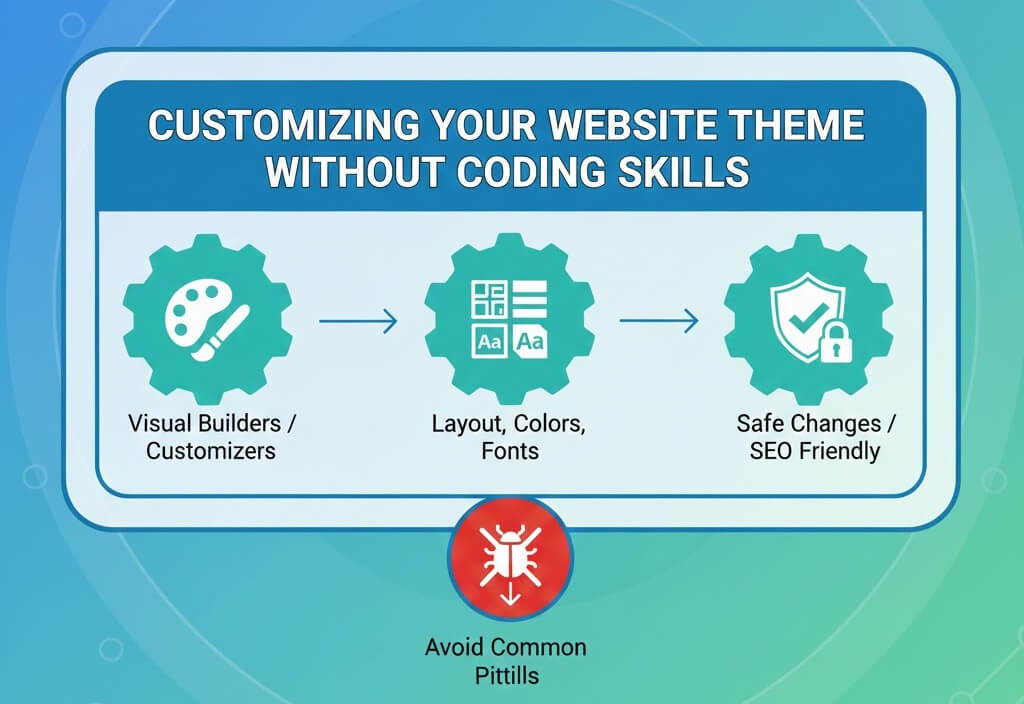
Customizing Your Website Theme Without Coding Skills
A step-by-step guide to safe website customization using visual builders and theme customizers while maintaining SEO and performance.
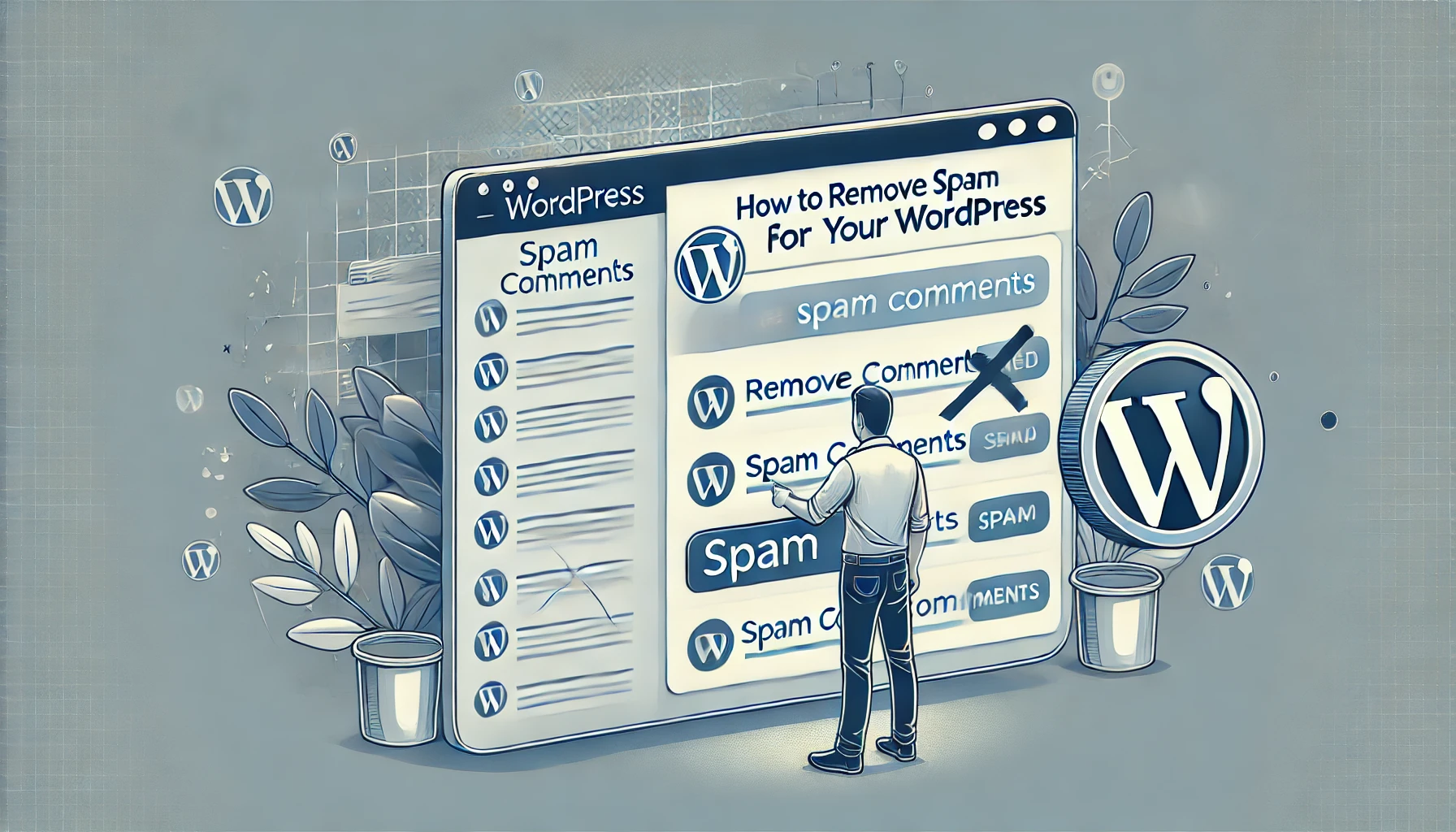
How to Remove Spam Comments from Your WordPress
Learn how to effectively remove spam comments from your WordPress site to maintain a clean and professional appearance."
Ready to get started?
Focus on your business while we fix your website. Contact WebCareSG today for fast, reliable solutions!
Whatsapp us on