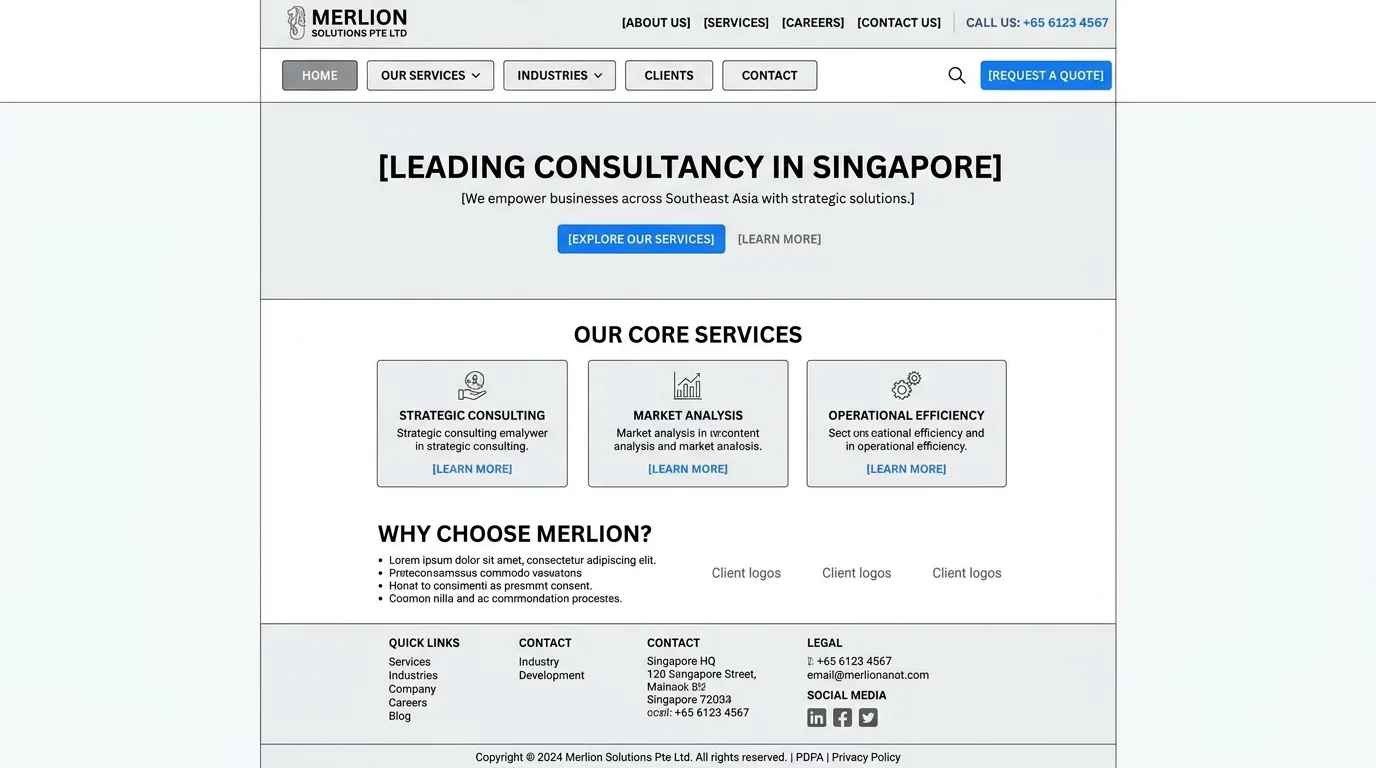
If your website visitors can't find what they're looking for, they'll leave. A confusing navigation structure is one of the most common reasons for high bounce rates. For Singapore business owners, making sure your website's navigation works properly is essential for keeping customers engaged.
What Is Website Navigation?
Website navigation refers to the menu items, buttons, and links that help visitors move around your site. Think of it like the signposts in a shopping mall — without clear directions, people get lost and leave.
Common Navigation Problems
1. Menu Items Don't Work
If clicking a menu item does nothing or leads to a 404 error, visitors immediately lose trust. This usually happens when a page was deleted or renamed without updating the menu.
2. Dropdown Menus Won't Open
Dropdown menus that don't expand can trap visitors, especially on mobile devices. This is often caused by JavaScript errors or incorrect CSS.
3. Hidden Navigation on Mobile
Some websites show a full menu on desktop but hide everything behind a hamburger icon on mobile without proper labels.
How to Check Your Navigation
Follow these steps to verify your navigation works:
- Click every menu item from your homepage — confirm each one goes to the right page
- Test on both desktop and mobile — all links should be clickable
- Check if dropdown menus expand properly on hover and tap
- Look for any broken links using your browser's developer tools
Quick Fixes You Can Try
Step 1: Update Your Menu
Go to your website's admin panel and review each menu item. Remove any links to deleted pages and replace them with working URLs.
Step 2: Fix Broken Links
If you find broken links, either restore the missing page or redirect that menu item to a related page that exists.
Step 3: Test on Multiple Devices
Open your website on your phone and tablet. Make sure the menu is visible, readable, and all buttons work.
When to Get Help
If you've tried these steps and navigation still isn't working, it may be a deeper coding issue. Professional help can quickly identify and fix structural navigation problems.
What Is A 404 Page And How To Fix It
How To Fix Poor Mobile Responsiveness And Keep Users Engaged
Seo Basics On Page Checklist Improve Rankings
How Webcaresg Fixes Websites Faster
A well-structured website keeps visitors longer, improves your Google rankings, and makes it easier for customers to contact you or make a purchase. Start by checking your navigation today.