The 10-Minute Weekly Website Health Check
Consistency is Better Than Intensity
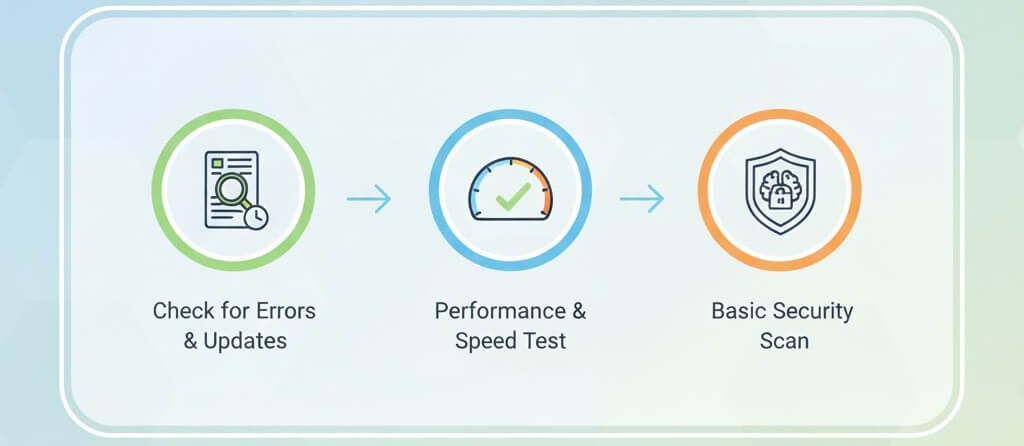
Most website disasters don''t happen overnight; they are the result of small issues—like a failed plugin update or a broken link—going unnoticed for weeks. For a busy business owner, you don''t need to be a developer to keep your site in top shape. By spending just 10 minutes every Monday performing a structured health check, you can prevent major crashes and ensure you aren''t fixing poor seo optimization after your traffic has already dropped. This guide breaks down the essential weekly routine.
Minutes 1-3: Performance and Speed Verification
Website speed fluctuates based on server load and new content. A quick check ensures your users (and AI bots) aren''t being slowed down.
- Run a Quick Load Test: Use Google PageSpeed Insights or GTmetrix to check your homepage. If scores have dipped, you may need to speed up your site.
- Check Mobile Responsiveness: Open your site on your phone. Is the menu working? Are images loading? If not, see how to fix poor mobile responsiveness.
- Image Check: Ensure any new images uploaded last week were compressed. Learn how to optimize website images to keep pages lightweight.
Minutes 4-6: Security and Update Audit
Security is a moving target. In the age of automated attacks, your defense must be current.
- Scan for Malware: Run a quick scan using your security plugin. This is the first step in how to secure your website against basic threats.
- Review Pending Updates: Check for WordPress core, theme, and plugin updates. Follow best practices for updating wordpress to avoid breaking your site.
- Check Admin Users: Ensure no new, unrecognized accounts have been added. If you find one, you must protect against hacks and recover from breaches immediately.
Minutes 7-8: Link and Form Integrity
Nothing kills a conversion faster than a broken "Contact Us" button or a 404 error page.
- Test Your Primary Lead Form: Fill out your own contact form to ensure the email actually arrives in your inbox. If it fails, you might have a publishing or server-side error.
- Scan for Broken Links: Use a free tool to identify fix broken internal links. Broken links signal to AI search engines that your site is unmaintained.
- Verify Navigation: Click your main menu links to ensure they all point to the correct live pages.
Minutes 9-10: SEO and Uptime Review
Finish your session by looking at how the world (and Google) sees your site.
- Check Search Console: Look for any new "Indexing Errors." If pages are missing, you must fix page not indexed google search console.
- Verify Backups: Ensure your scheduled backup ran successfully. Never underestimate the importance of backups for your website.
- Server Uptime: Check your uptime monitor. if you see frequent blips, consult your server maintenance checklist or learn how to fix website downtime.
What to Do if You Find a Problem
If your 10-minute check reveals a major issue, don''t panic. Most problems are solvable if caught early. However, if you see 5 signs website needs maintenance beyond your skill level, it is time to call in the experts. Regular maintenance keeps your site fast, secure, and ready to convert visitors into customers.
Staying on top of your website health is the best investment you can make for your digital presence. If your weekly check consistently reveals errors you can''t fix, or if your site feels like it is falling behind the competition, WebCare SG is here to take the technical burden off your shoulders. Contact us today for a professional maintenance plan that lets you focus on your business.
Related WebCare Solutions
Securing Your WordPress Site: Easy Steps to Prevent Hacking
A massive step-by-step guide to hardening WordPress. Learn how to prevent hacks, manage security plugins, and protect your data.
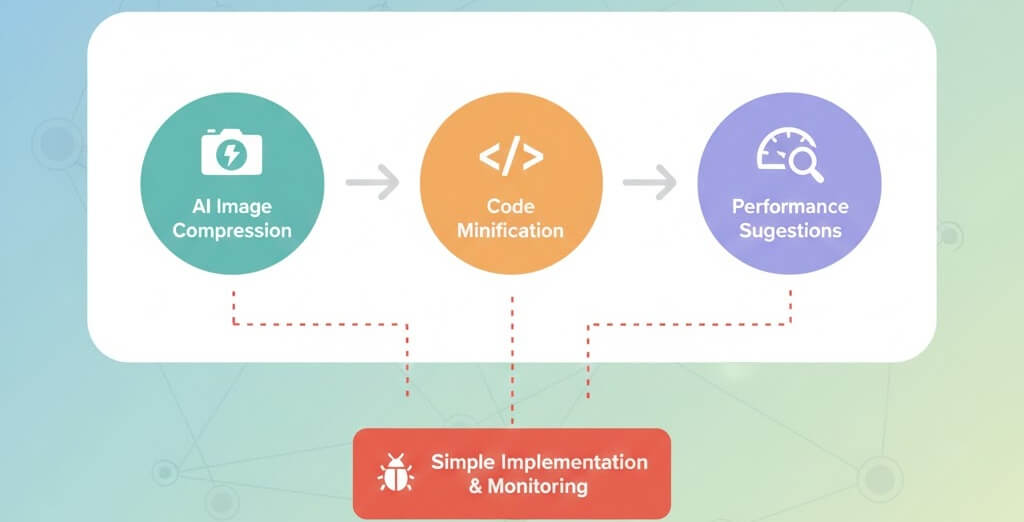
Speeding Up Your Site with AI Optimization Tools
Explore how AI-powered tools can automatically compress images, minify code, and provide smart performance suggestions to boost your website loading speed.

Understanding SSL Certificates: How to Choose the Right One for Your Website
Learn about SSL certificates, their importance for website security and SEO, and how to choose the right type for your website needs.
Ready to get started?
Focus on your business while we fix your website. Contact WebCareSG today for fast, reliable solutions!
Whatsapp us on