Security in the Age of Intelligent Threats
In 2026, cybersecurity is no longer just an "IT issue"; it is a fundamental business risk. With the rise of AI, hackers can now launch sophisticated, automated attacks that look incredibly convincing. For small businesses in Singapore, a single breach can result in heavy PDPA fines and a total loss of customer trust. If you think your site is too small to be targeted, you are already at risk. Security is just as important as fixing poor seo optimization for your long-term survival. This guide breaks down the essential protections every business owner needs.
Step 1: Implementing a "Zero Trust" Mindset
The old way of securing a business was building a "wall" around your office. Today, because we work from everywhere, we must adopt Zero Trust—meaning we verify every login attempt, every time.
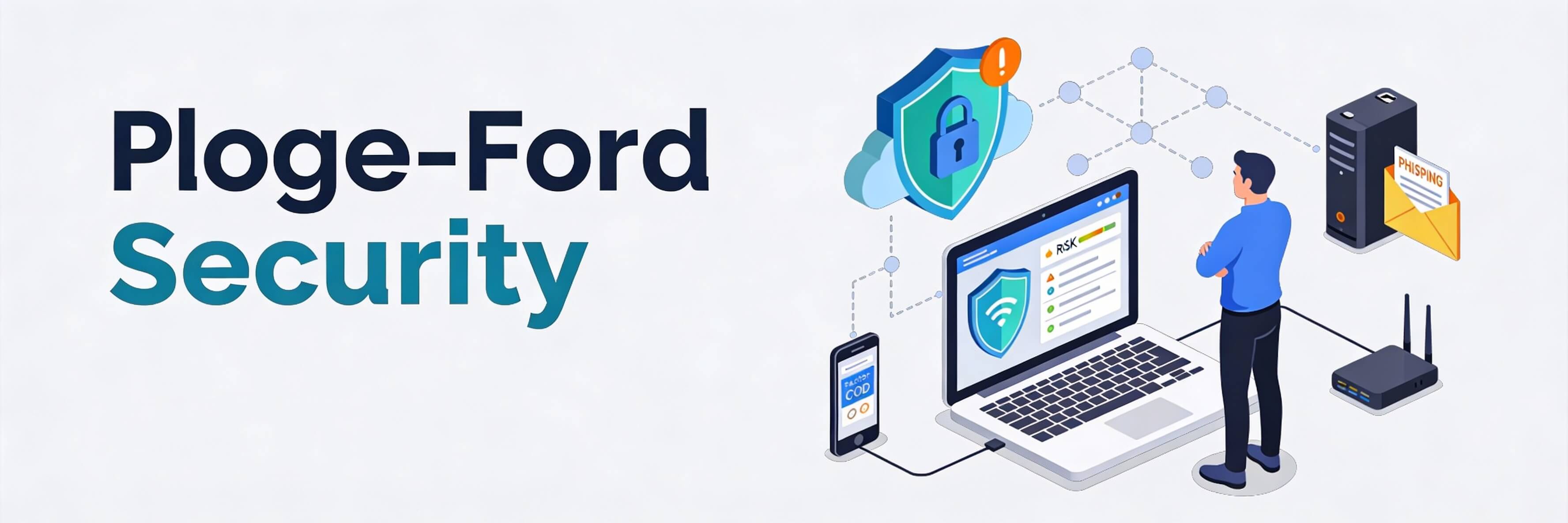
- Mandatory 2FA/MFA: Two-Factor Authentication is your strongest defense. Even if a hacker steals your password, they cannot enter without the second code.
- Strong Password Policies: Use a password manager to ensure every staff member uses unique, complex passwords.
- Limit Admin Access: Not every employee needs full access to your website backend. Follow best practices for managing users to keep permissions tight.
Step 2: Spotting AI-Driven Phishing Scams
Phishing is no longer just about emails with bad grammar. AI can now generate perfect replicas of bank emails or even mimic your voice in "vishing" (voice phishing) attacks.
- Verify the Source: Always check the actual email address, not just the display name.
- The "Urgency" Red Flag: Scammers use fear to make you act fast. If an email says your account will be deleted in 1 hour, it is likely a scam.
- Secure Your Site: Hackers often use compromised websites to host phishing pages. Learn how to secure your website against basic threats to prevent your brand from being used in a scam.
Step 3: Protecting Customer Data (PDPA Compliance)
As a Singapore business, you are legally required to protect personal data. A leak of customer emails or phone numbers can be devastating.
- Data Minimization: Don''t collect data you don''t need. If you don''t store it, hackers can''t steal it.
- Encryption: Ensure your website uses an SSL certificate (HTTPS). A site without SSL is one of the 5 signs website needs maintenance.
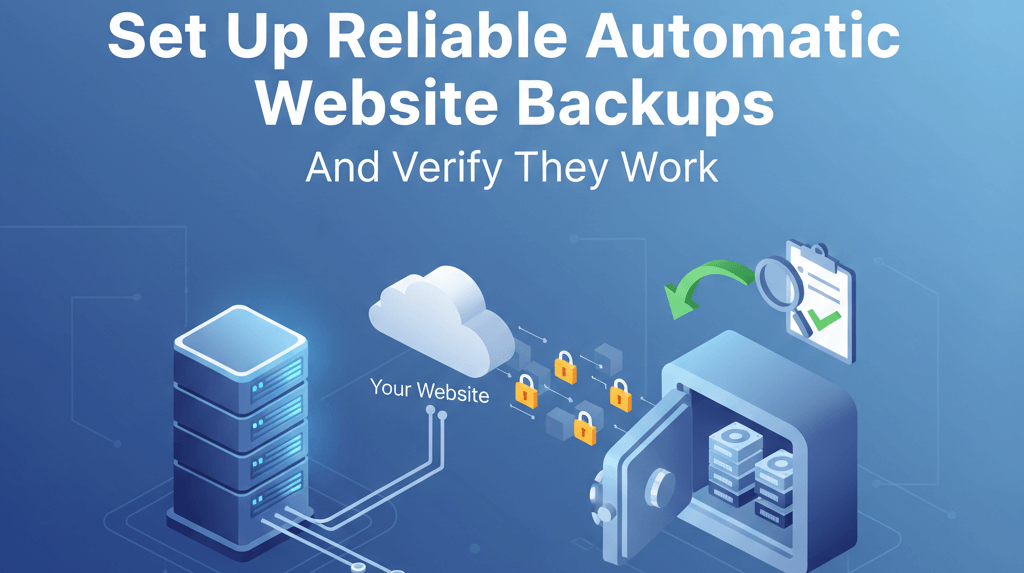
- Regular Backups: In a ransomware attack, your backup is your only lifeline. Never forget the importance of backups for your website.
Step 4: Technical Hardening of Your Website
Your website is your digital storefront. If it is vulnerable, it becomes an entry point for your entire business network.
- Automatic Security Scans: Use tools that look for file changes daily. If you find a breach, you must protect against hacks and recover from breaches instantly.
- Update Everything: Outdated plugins are the #1 way hackers get into WordPress. This should be part of your server maintenance checklist.
- Uptime Recovery: Some attacks (DDoS) are designed to crash your site. Know how to fix website downtime to get back online quickly.
Step 5: The Human Firewall (Training)
Your employees are either your greatest vulnerability or your strongest defense. Regular training is the only way to keep them prepared.
- Weekly Health Checks: Encourage your team to perform a 10-minute weekly website health check to spot anomalies.
- Report Culture: Ensure employees feel safe reporting a mistake, like clicking a suspicious link, so you can act before damage spreads.
- Internal Audits: Periodically conduct a website audit to ensure all security protocols are being followed.
Cybersecurity in 2026 is an ongoing process of vigilance and technical care. By implementing 2FA, training your team, and keeping your website hardened, you can focus on growing your business without the constant fear of a breach. If you are worried about your current security setup or if you have recently noticed suspicious activity on your site, WebCare SG provides comprehensive security audits and emergency recovery services. Contact us today to shield your business.