Security as a Competitive Advantage
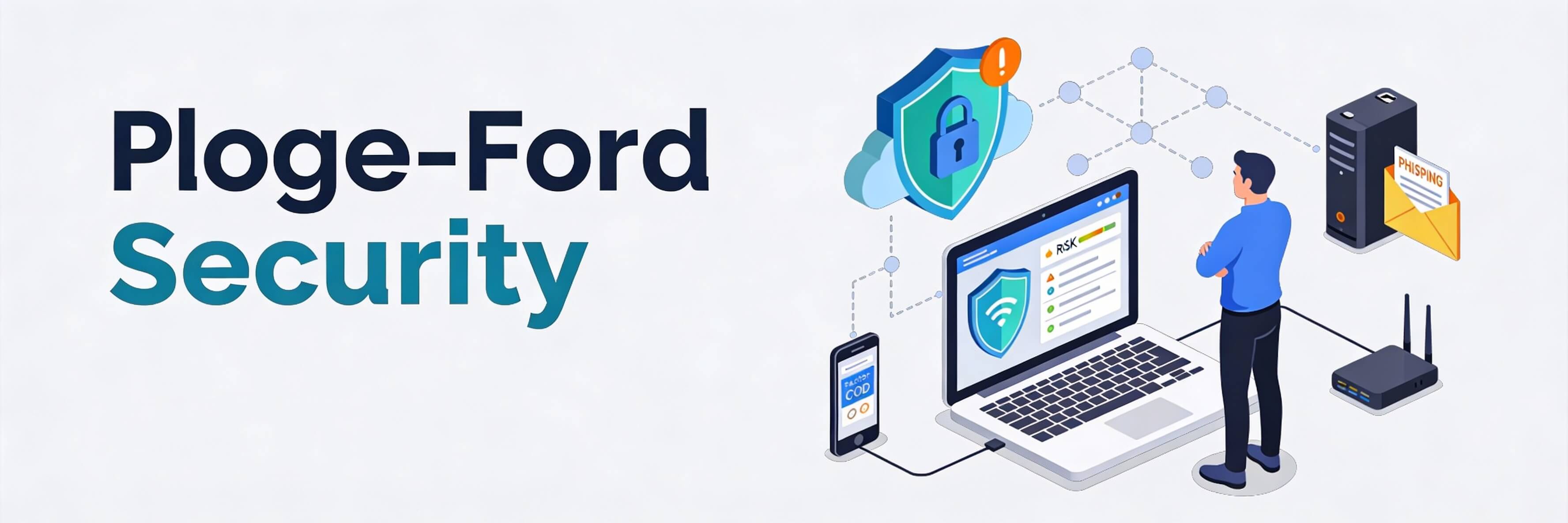
In 2026, cybersecurity is no longer just a defensive measure; it is a critical component of your brand’s reputation. With data breaches becoming more sophisticated through AI-driven attacks, customers are increasingly cautious about where they share their information. A secure website is now a prerequisite for building brand authority. If your site lacks basic protection, you are doing more than just risking data; you are signaling to your customers that their privacy isn''t a priority. This is as vital to your survival as fixing poor seo optimization.
1. Hardening Your WordPress Foundation
WordPress powers a huge portion of the web, making it a primary target for automated bots. Securing it doesn’t require a degree in computer science, just consistent habits.
- Two-Factor Authentication (2FA): This is the single most effective way to prevent unauthorized access. Even if a hacker guesses your password, they can''t get in without your physical device.
- Limit Login Attempts: Prevent "brute force" attacks by locking out users after too many failed tries.
- Update Discipline: Vulnerabilities often exist in old versions of themes and plugins. Follow best practices for updating wordpress to close these gaps.
2. PDPA Compliance and Data Privacy
For businesses in Singapore, the Personal Data Protection Act (PDPA) is a legal mandate. Failure to comply can result in massive fines and irreparable damage to your reputation.
- Data Minimization: Only collect the data you absolutely need. If you don''t store sensitive info, it can''t be stolen.
- Consent Logs: Ensure your forms explicitly ask for consent and that you keep records of it. This is a key part of ethical personalization.
- Privacy Policy Clarity: Your privacy policy should be easy to find and written in plain English, not just legalese.
3. The Psychology of Trust Signals
Visible security features act as "social proof" for safety. When a customer sees that you’ve taken steps to protect them, their conversion probability increases.
- SSL Certificates (HTTPS): A browser warning saying your site is "Not Secure" is the ultimate conversion killer. This is one of the 5 signs your website needs maintenance.
- Trust Badges: Displaying badges from security providers or payment processors like Stripe/PayPal reassures users during the checkout process, which is essential for high-converting landing pages.
- Verified Identity: Use professional email addresses that match your domain to prevent phishing confusion for your newsletter subscribers.
4. Preparing for the "When," Not the "If"
No system is 100% unhackable. Resilience is defined by how quickly you can recover. A solid recovery plan is a core part of your server maintenance checklist.
- Automated Backups: Ensure you have daily off-site backups. If your site is compromised, you can restore it to a clean version in minutes. Learn the importance of backups here.
- Downtime Alerts: Use tools to notify you immediately if your site goes offline. If it does, you need to know how to fix website downtime instantly.
- Broken Link Audits: Sometimes hacks manifest as subtle redirects to malicious sites. Regularly identify and fix broken internal links to ensure user safety.
5. Ongoing Security Monitoring
Cybersecurity is a marathon, not a sprint. Regular audits ensure that new vulnerabilities aren''t introduced as your site grows.
- Scan for Malware: Use server-side scanners to look for suspicious code injections. This should be part of your regular website audit.
- Database Health: A clean database is not only faster but also less prone to SQL injection attacks. Follow our database cleanup guide.
- Weekly Health Check: Spend time on a 10-minute weekly website health check to review user logs and security alerts.
Protecting your website in 2026 is about protecting your promise to your customers. By implementing these security fundamentals, you create a safe environment that fosters trust and long-term loyalty. If you are concerned about your site''s current security posture or need help recovering from a breach, WebCare SG provides specialized security hardening and maintenance services tailored for Singapore SMEs. Contact us today for a comprehensive security audit.