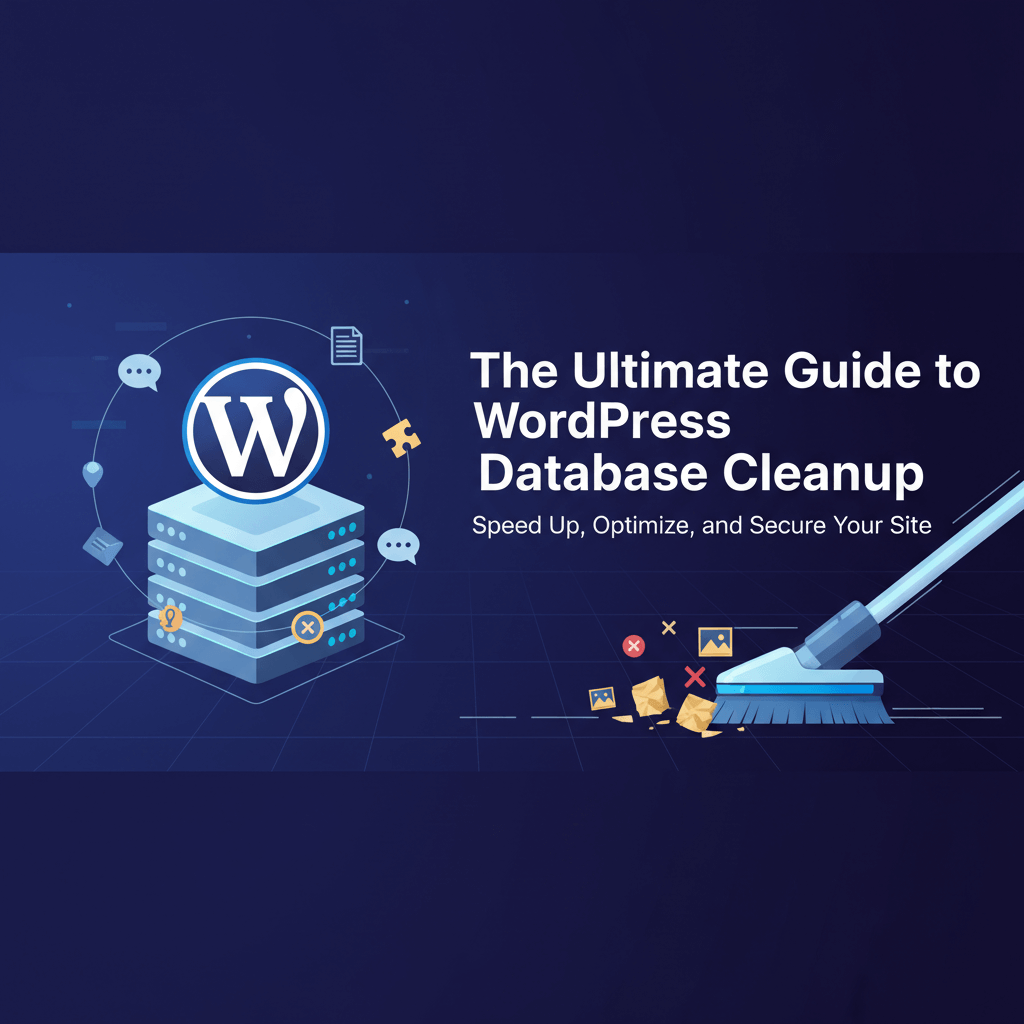
The Ultimate Guide to WordPress Database Cleanup
Why Your Database Needs a Spring Cleaning
Every time you save a draft, install a plugin, or receive a comment, your WordPress database grows. Over time, this database becomes cluttered with "bloat"—unnecessary data like thousands of old post revisions, expired transients, and orphaned settings from deleted plugins. A bloated database slows down your server response time and makes your site feel sluggish for both users and admins. Learning to clean it is a core part of how to fix slow website performance.
Step 1: The Safety First Rule – Back Up Your Data
Database cleanup involves deleting data permanently. If something goes wrong during the optimization process, you could lose your entire site. Before you run any cleanup scripts or plugins, you must ensure you have a fresh, working backup. Never underestimate the importance of backups for your website. If you aren''t sure how to do this, follow our guide on how to backup restore wordpress website.
Step 2: Removing Post Revisions and Auto-Drafts
By default, WordPress saves a copy of every edit you make to a post. While helpful for undoing mistakes, keeping 50 versions of a single article is unnecessary and fills up your wp_posts table.
- Bulk Delete Revisions: Use a plugin like WP-Optimize or Advanced Database Cleaner to remove all but the last 3-5 revisions.
- Limit Future Revisions: Add a line to your
wp-config.phpfile to limit revisions automatically. If you''re uncomfortable editing files, check best practices for updating wordpress. - Clear Auto-Drafts: Delete empty drafts that were never published to keep your content list clean.
Step 3: Cleaning Up Transients and Orphaned Metadata
Transients are temporary options stored in the database for a set period. Sometimes they expire but stay in the database, causing unnecessary bloat. Orphaned metadata occurs when you delete a plugin but its settings remain behind.
- Clear Expired Transients: This is a safe way to reclaim space without affecting site functionality.
- Remove Orphaned Postmeta: Deleting data associated with posts that no longer exist helps speed up your site significantly.
- Clean Up Comment Meta: If you deal with lots of spam, your metadata table might be full of junk. Learn how to remove spam comments from wordpress to prevent this in the future.
Step 4: Optimizing Database Tables
Even after deleting data, your database files may still occupy the same amount of space on the disk. This is known as "overhead." You need to "optimize" the tables to defragment them and reclaim that physical space.
- Using phpMyAdmin: Select all tables and choose "Optimize table" from the dropdown menu.
- Plugin-Based Optimization: Most cleanup plugins have a one-click button to optimize tables.
- Check for Connection Errors: If your database is too large, you might see a "Error Establishing a Database Connection." If so, see how to fix database connection errors.
Step 5: Scheduling Regular Maintenance
A one-time cleanup is great, but a monthly schedule is better. Automated maintenance ensures your site stays fast year-round. This should be a permanent item on your server maintenance checklist.
- Automate via Plugins: Set your cleanup tool to run once a week at a low-traffic time (e.g., Sunday at 3 AM).
- Monitor Performance: If your site still feels slow after a cleanup, you may need to conduct a website audit to look for other bottlenecks.
- Watch for Errors: If a cleanup causes your site to go down, follow the steps in how to fix website downtime to restore your backup.
A lean database is the foundation of a high-performance website. By following these steps, you reduce server strain and provide a faster experience for your visitors. If you are nervous about touching your database or if your site is showing signs of serious lag, WebCare SG can perform a professional database optimization for you. Contact us today to get your site running like new again.
Related WebCare Solutions

Why Website Backups Matter: How to Create and Test Them
Learn why website backups are essential and how to create and test them effectively to safeguard your data. Avoid data loss with this comprehensive guide.
Step-by-Step Guide to Fixing Broken Links for Better SEO
Learn how to identify and fix broken links on your website to improve SEO, user experience, and site performance.

Why is My Website Not Showing Up on Google: A Detailed Guide
A comprehensive guide exploring the various reasons why your website might not be visible in Google search results and how to address them.
Ready to get started?
Focus on your business while we fix your website. Contact WebCareSG today for fast, reliable solutions!
Whatsapp us on